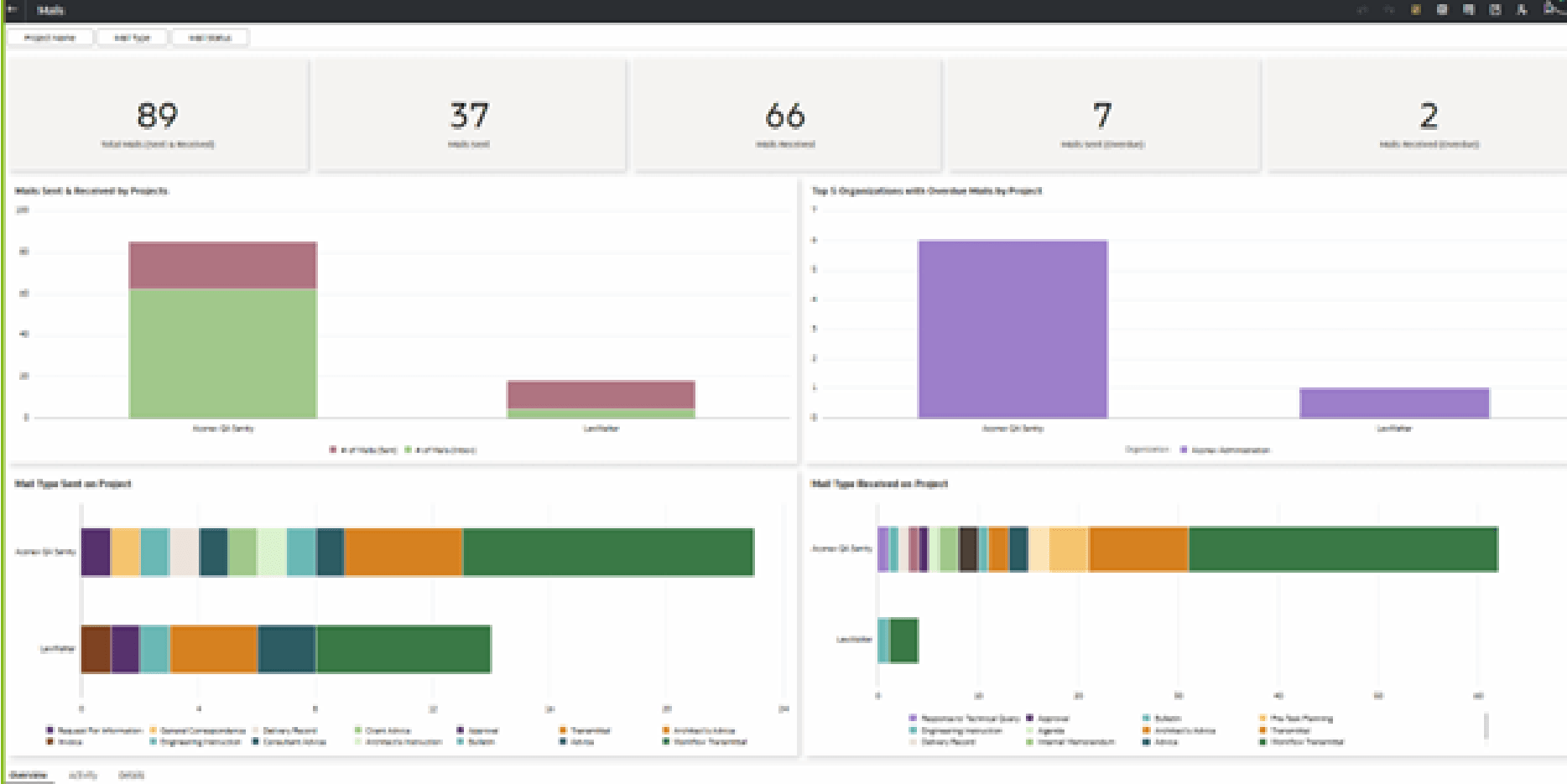
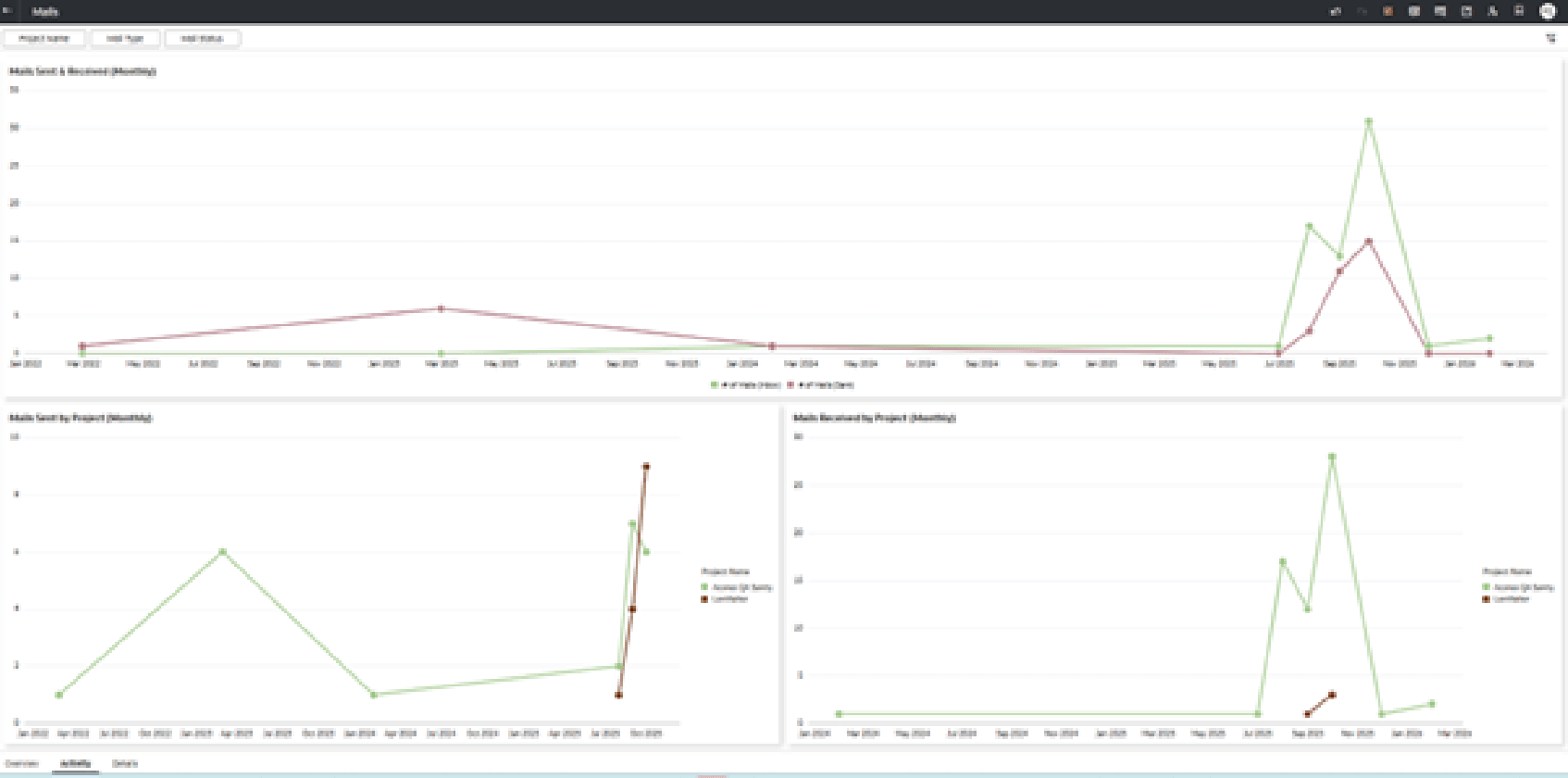
Mails Sample Dashboard
Description: The data displayed in the Aconex - Mails dashboard, and in any out-of-the-box or custom dashboard is based on the projects that you have access in Aconex.
Use the Aconex - Mails dashboard to discover information such as (but not limited to):
- Identify existing red flags on your projects like delayed correspondences.
- Identify the most/least active organizations based on mail correspondences/responses.
- Compare and analyze mail activity across the project portfolio.
- Track KPIs, view mail details, etc.
You can also create your own data sets and/or data flows to:
- Implement custom logic to get deeper insights like Avg. RFI turnaround time, Mails overdue >N days, etc.
- Achieve custom dashboard requirements using Mail Project Fields.
- Create use cases that need linking other subject areas with Mails, etc.
Number of Canvases: 4
Default Canvas: Activity
Canvas/Dashboard Name: Mails Sample Dashboard
Data Source(s): Aconex
Subject Area: not applicable
Dataset: Mail DS 1-11-23
Dashboard