Creating a Project or Shell Cash Flow Curve Manually
To create a project/shell cash flow curve manually:
Note:
The red asterisk next to a field box indicates that the field is a required field. You will not be able to save your changes without entering a value in that field.- Go to the shell tab, and switch to User mode.
- In the left Navigator, select Cost Manager, and then select Cash Flow to open the Cash Flow log.
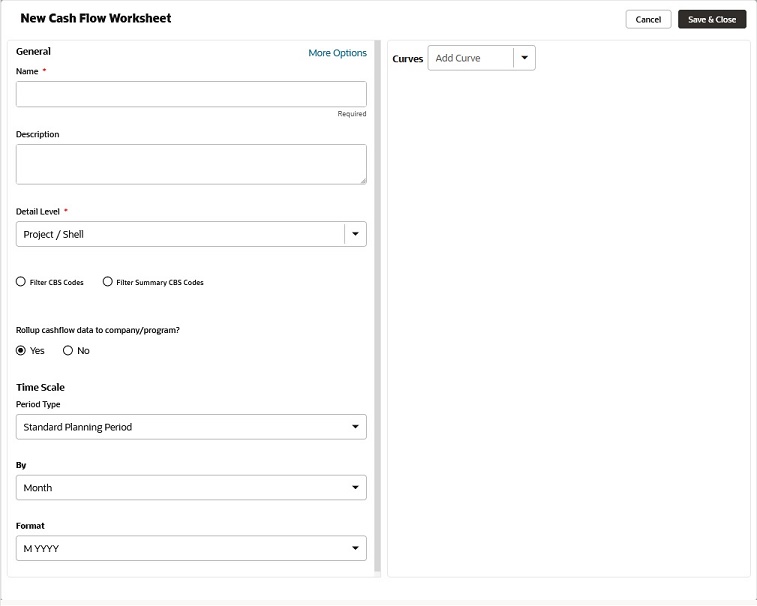
- From the toolbar, select Create drop-down list and select Manual to open the New Cash Flow Worksheet window, as shown below.
- Enter values in the fields, as explained in the following sections.
- To save your changes and create a new cash flow, select Save & Close. To discard your changes, or close the window, select Cancel.