Customer Service Interface Feature Overview
The Customer Service Interface includes tools and information for supporting the Oracle Utilities Opower program. A list of the key features is described below. See the product overview for more detailed information about the features, requirements, and limitations of the product.
Welcome and Home Page
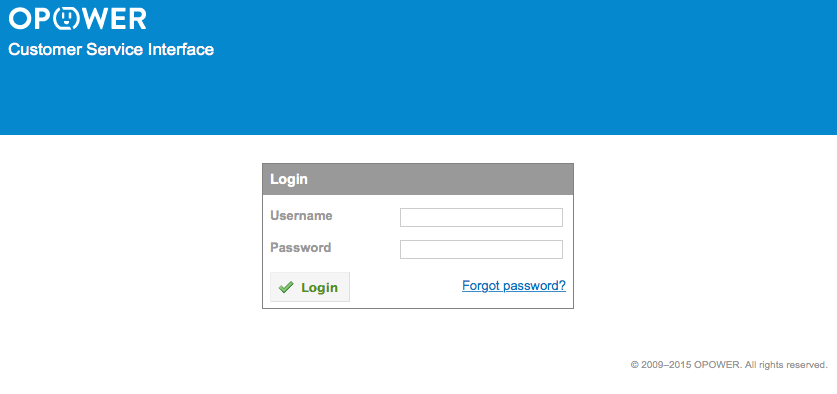
The Welcome page includes standard fields for authentication and password reset. The Home page includes a search engine and global links that are visible on all pages. See Signing in to the CSI.
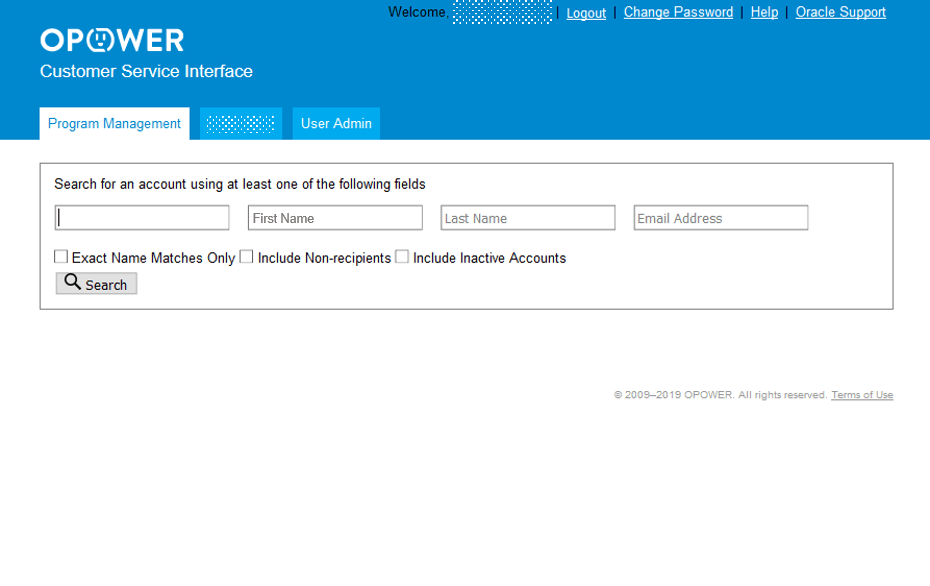
Program Management Tab
The Program Management tab includes features for searching customer profiles, managing customer preferences, and accessing a customer's web account to assist with troubleshooting. See Signing in to the CSI.
Bill Advisor Tab
The Bill Advisor tab includes features for searching for customer accounts, viewing billing insights, and offering suggestions on how to lower energy use. See Bill Advisor User Guide.
Note:
Not all utilities have the Bill Advisor. If you are unsure whether your utility has this feature, ask your supervisor.User Admin Tab
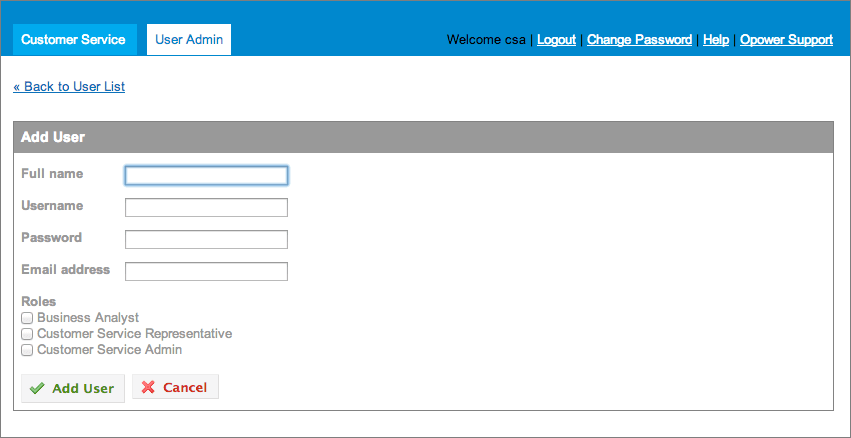
The User Admin tab includes features for adding and managing users of the Customer Service Interface. See CSI Admin Guide.
Roles and Permissions
Each user’s level of access to the CSI depends on their assigned role. A user can be assigned a single role or multiple roles.
| Role | Description |
|---|---|
| Customer Service Representative (CSR) | All functionality in the Program Management tab |
| Customer Service Administrator (CSA) | All functionality in the Program Management and User Admin tabs |
| Bill Advisor (if applicable, sold separately from other CSI functionality) | All functionality in the Bill Advisor tab |