3 Configure Account Services
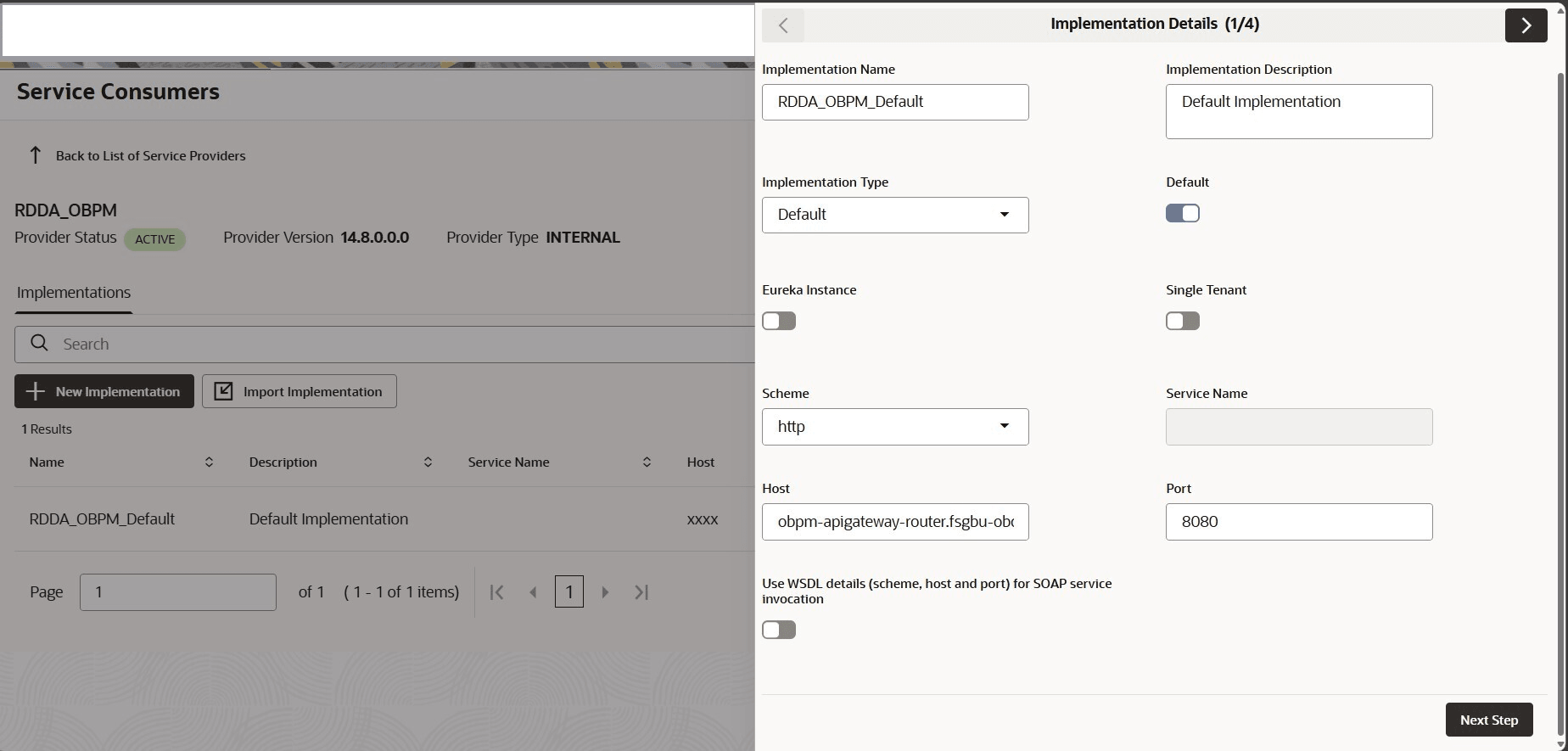
User can maintain the routing configuration of the Oracle Banking Routing Hub in the common core for Retail Accounts transitions of the Oracle Banking Retail Lending Cloud Services to create, update, and query the host system.
The user should construct the host name according to the template below:
obpm-apigateway-router.fsgbu-obcbcs-<environment>—obfc-<account name> Port: 8080
The values for environment and account name are available in the app-shell URL as provisioned: https://<account name>.obcs.ocs.oc-test.com/<environment>/app-shell/
The environment value mapping from URL to OBRH Integration configuration is as follows:
Table 3-1 Environment Value Mapping
| Environment | URL Value | OBRH Configuration Value |
|---|---|---|
| Premium Non Production | non-prod | nonprod |
| Premium Pre-Production | pre-prod | preprod |
| Premium Production | prod | prod |
| Partner | partner | partner |
| Standard Non Production | non-prod-std | nonprod-std |
| Standard Pre-Production | pre-prod-std | preprod-std |
| Standard Production | prod-std | prod-std |
For example:
Table 3-2 Example - Integration Configuration
| Account Name | Environment Provisioned | OBRH Integration Host Name |
|---|---|---|
| demobank1 | Standard - Non Production | obpm-apigateway-router.fsgbu-obcbcs-nonprod-std—obfcdemobank1 |
| demobank1 | Standard - Production | obpm-apigateway-router.fsgbu-obcbcs-prod-std—obfcdemobank1 |
| demopartner | Partner | obpm-apigateway-router.fsgbu-obcbcs-partner—obfcdemopartner |
Note:
Port will be 8080, that is common for all the environment.Follow the steps below, to edit implementation details:
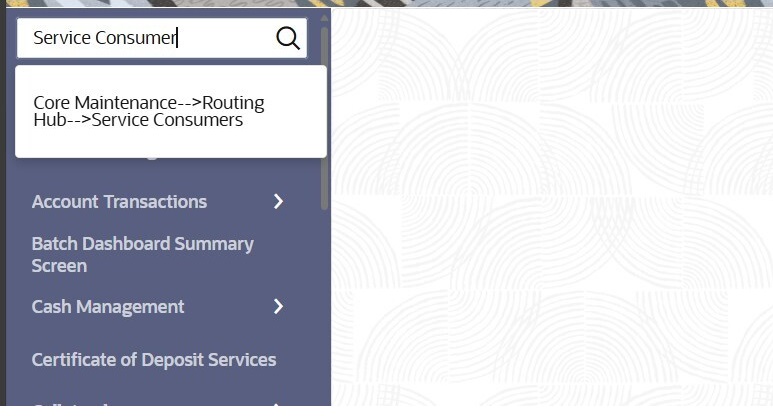
- From the menu, under Core Maintenance, search
Service Consumers.The Service Customers screen is displayed.
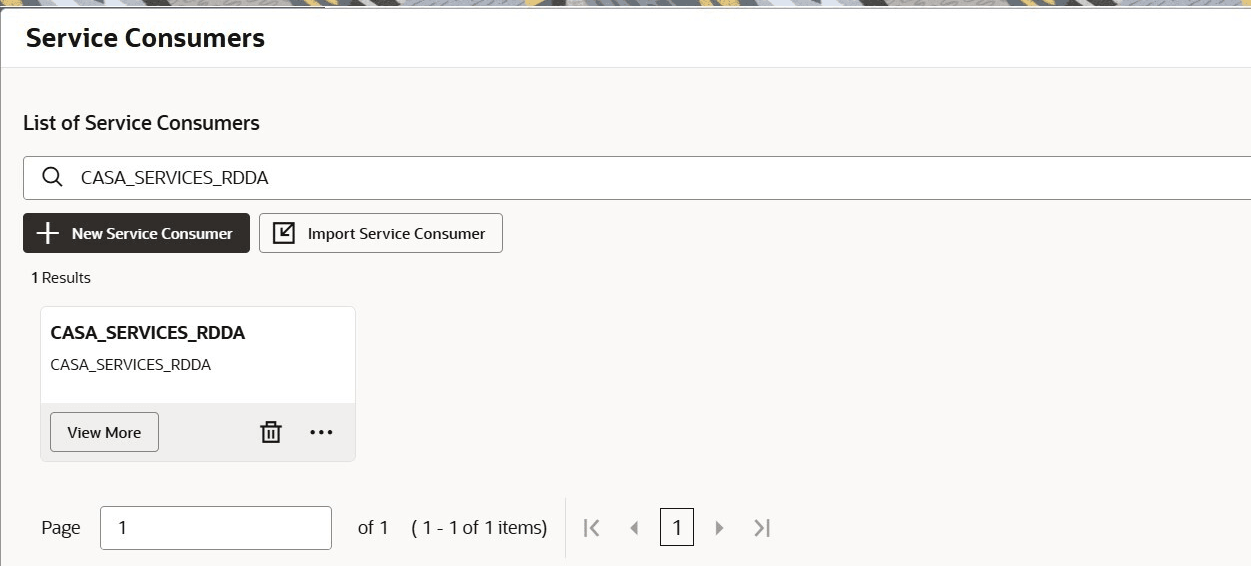
- From the List of Service Consumers field, search
CASA_SERVICES_RDDA and click View
More.The search result is displayed.
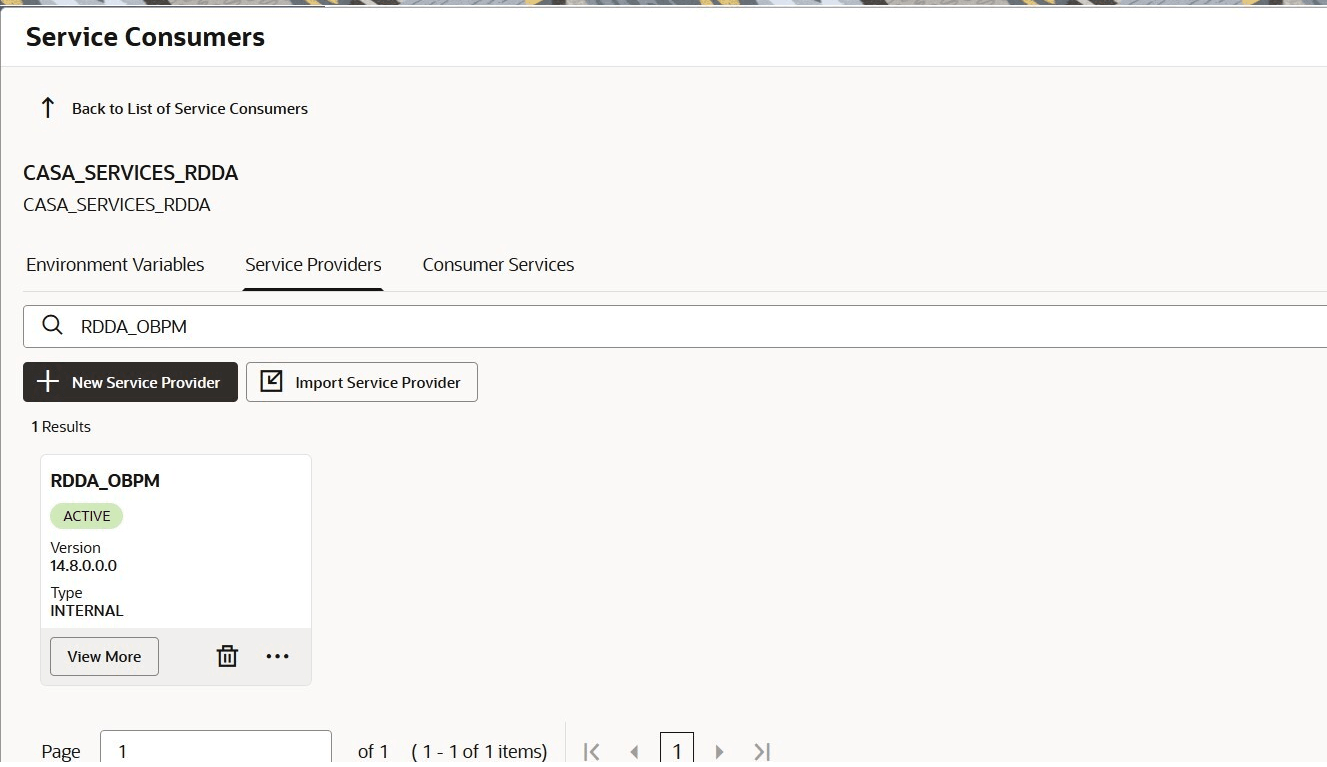
- Navigate to the Service Provides tab, search for
RDDA_OBPM, and click View
More.The details are displayed.
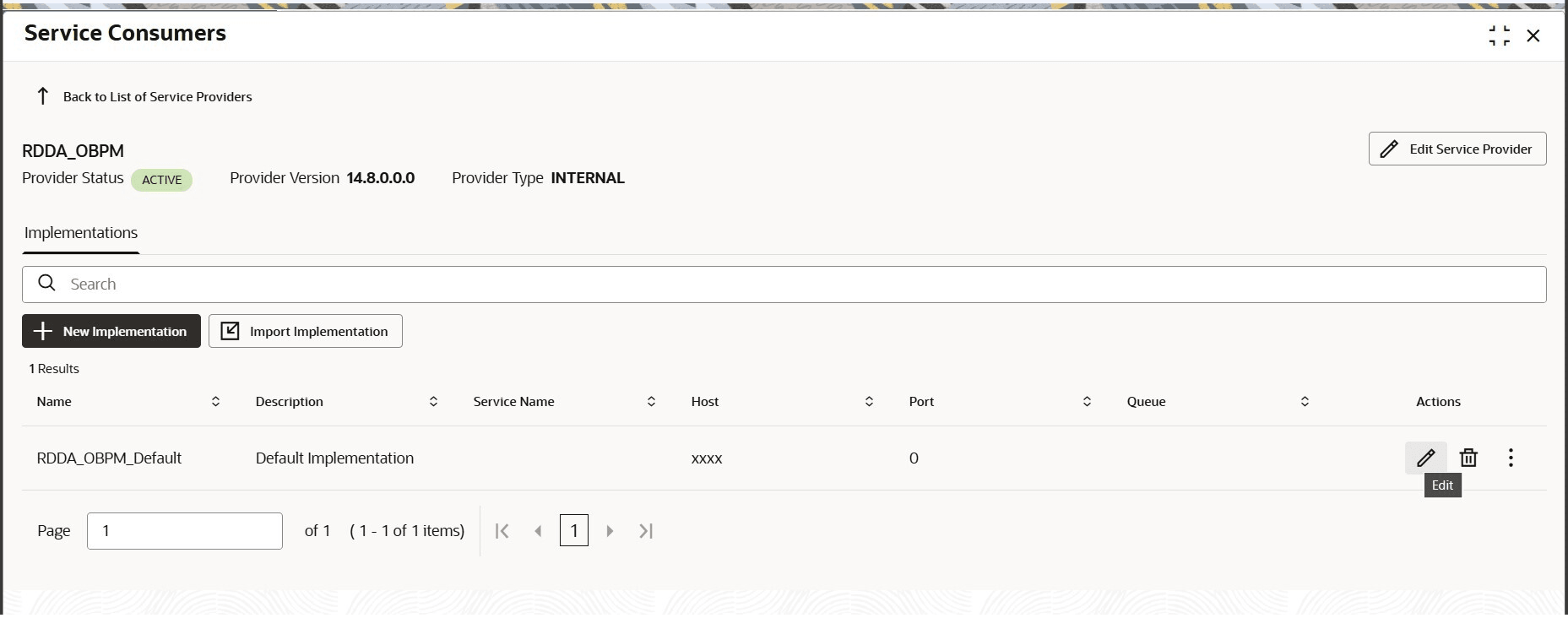
- From the Actions field, click the
Edit icon.
- Add host and port for OBPM service as per the template shared by OBPM
team.
Note:
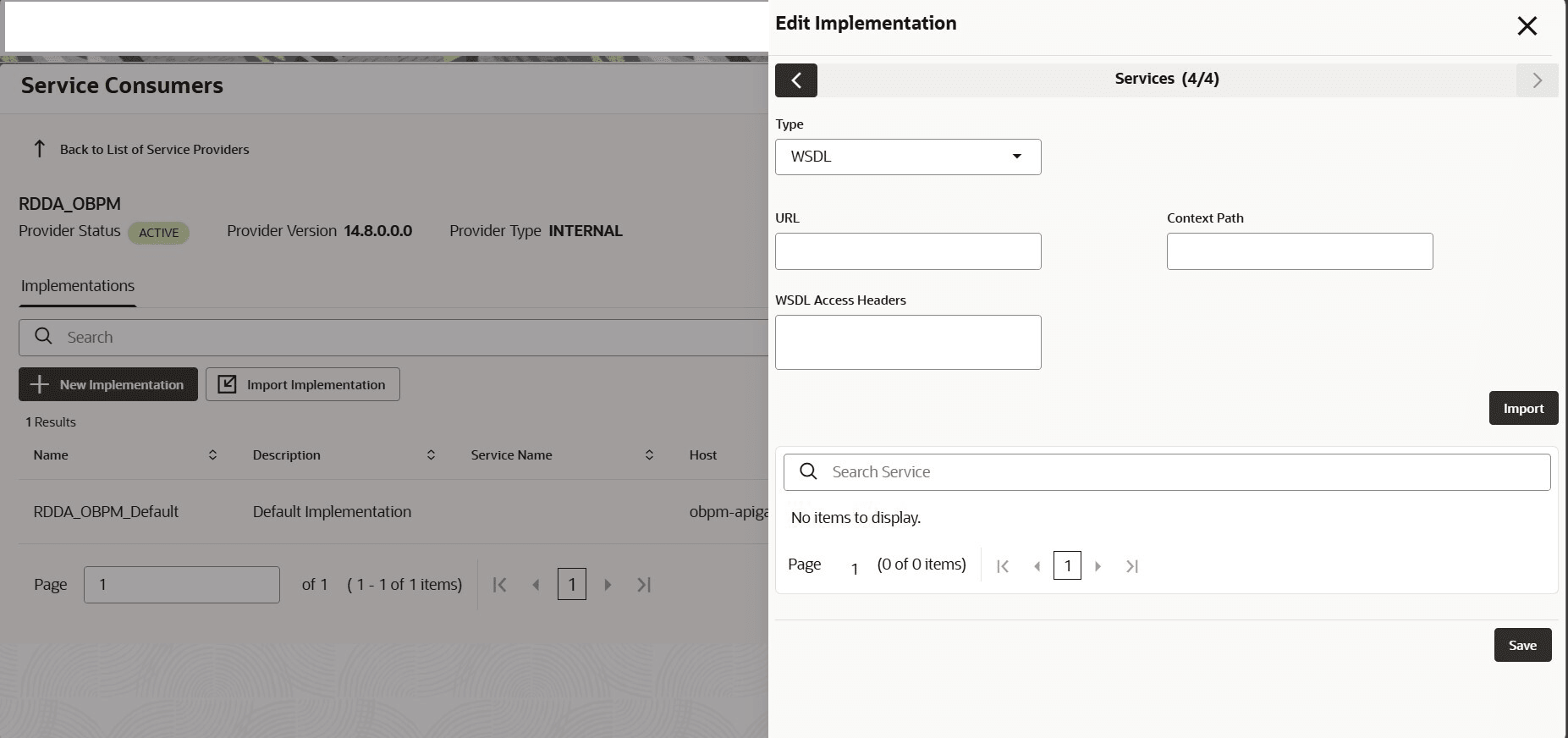
Template: obpm-apigateway-router.fsgbu-obcbcs-<environment>—obfc-<account name> Port: 8080 - Click Next Step, until the Save button is displayed.