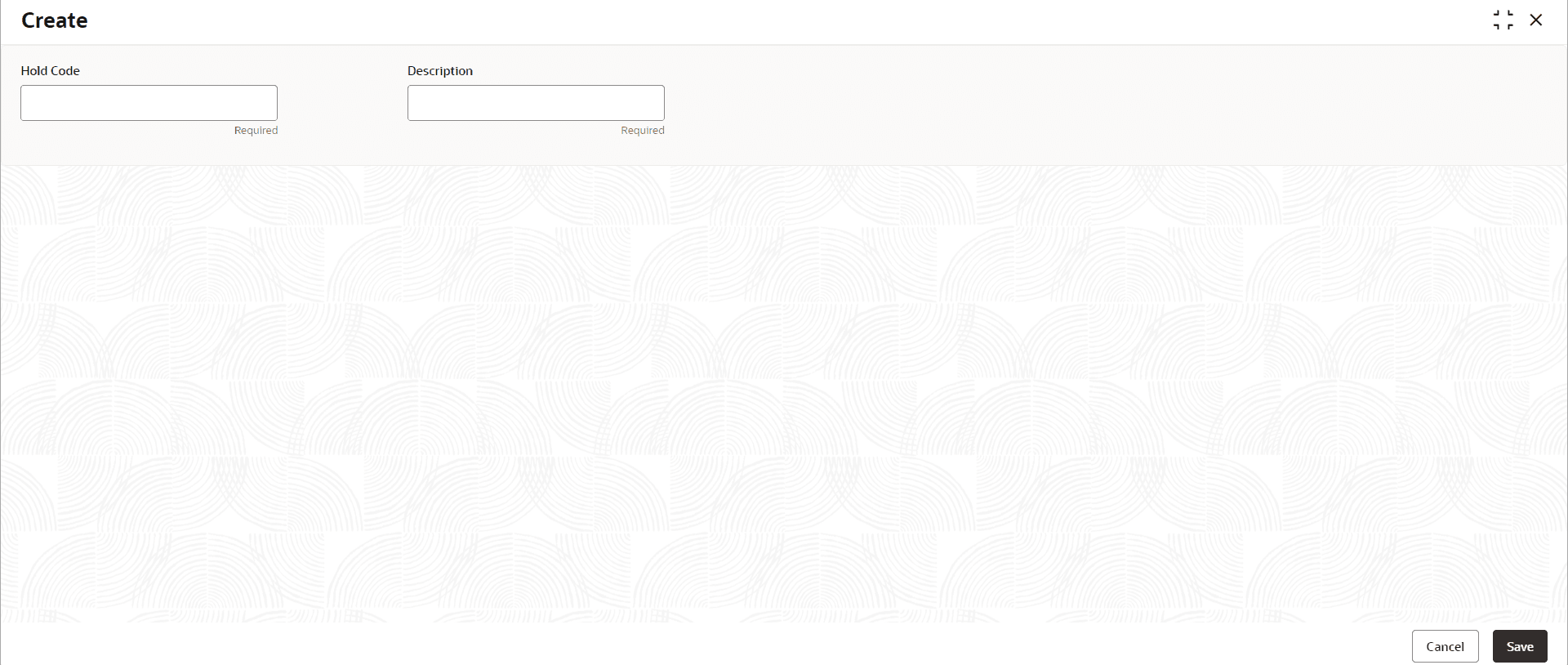
Note: The field is mandatory and takes alphanumeric characters.
Description
Specify a description of the Hold Code. Provide details like the reason for the hold.
Category
Specify the category for the Hold code. This helps Bank to identify the purpose for which the hold code is created.
Click Save to complete the steps or click
Cancel to exit without saving.
The Hold Code is created.
Note:
At this point, the status of the Hold Code is Unauthorized. A user with a supervisor role has to approve the Hold Code. After approval, the status changes to Authorized and the Hold Code is available for use by another process.