1.3.2 View Notice Configuration
This topic explains the systematic instructions to view the list of state group mapping configuration.
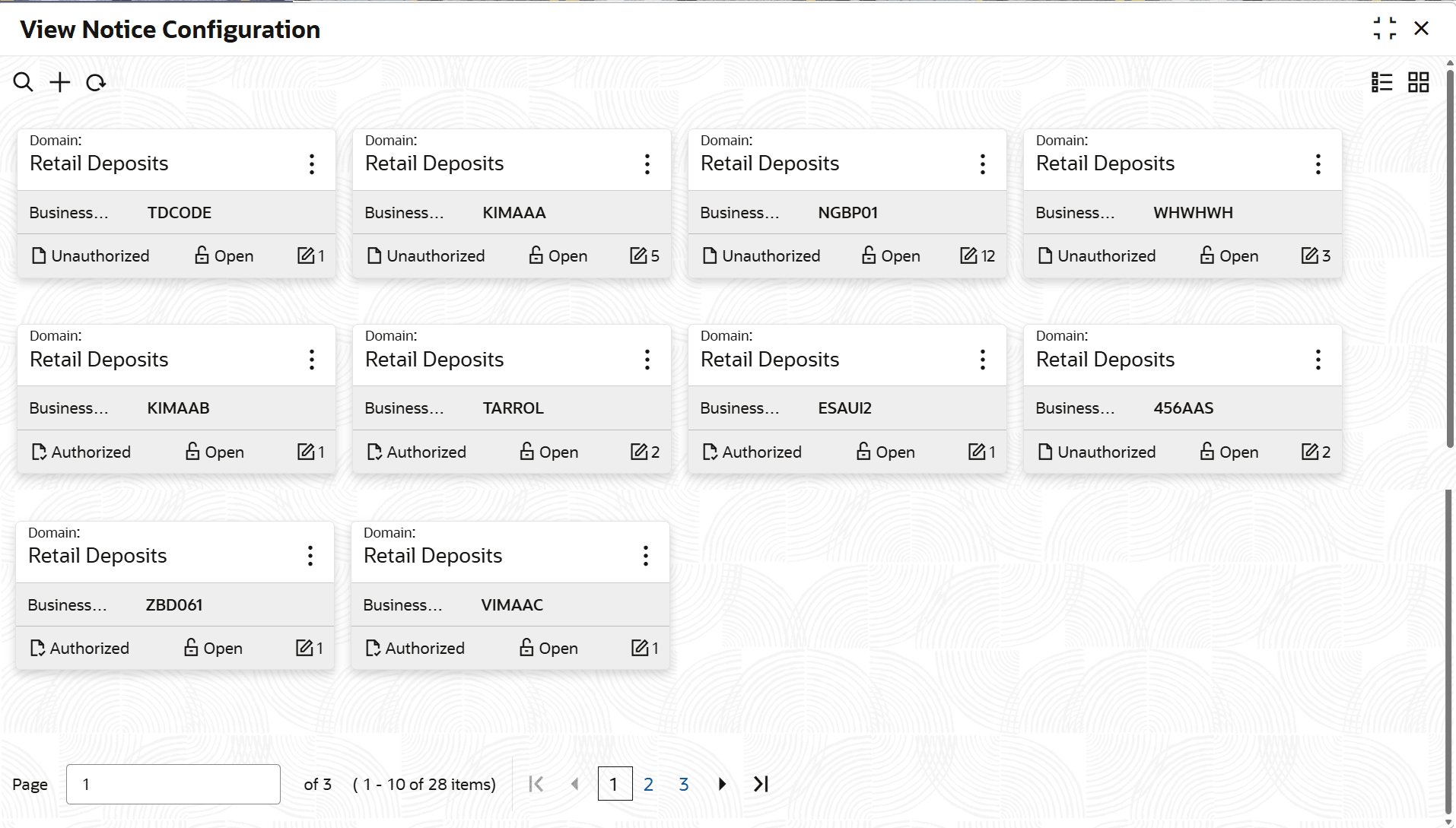
- Under Configurations, click Notice Configuration. Under Notice Configuration, click View Notice Configuration.The View Notice Configuration screen displays.
Table 1-14 View Notice Configuration - Field Description
Field Description Domain Displays the domain as Retail Deposits. Business Product Displays the business product. Maintenance Details Displays the Notice Name Displays the notice name. Pre/Post Displays the pre/post configuration. Notice Number Displays the notice number. Notice Days Displays the notice days. Enabled Displays the enabled configuration.
Parent topic: Notice Configuration