1.12.2 View ESA Parameters
This topic explains the systematic instructions to view the list of configured ESA parameters.
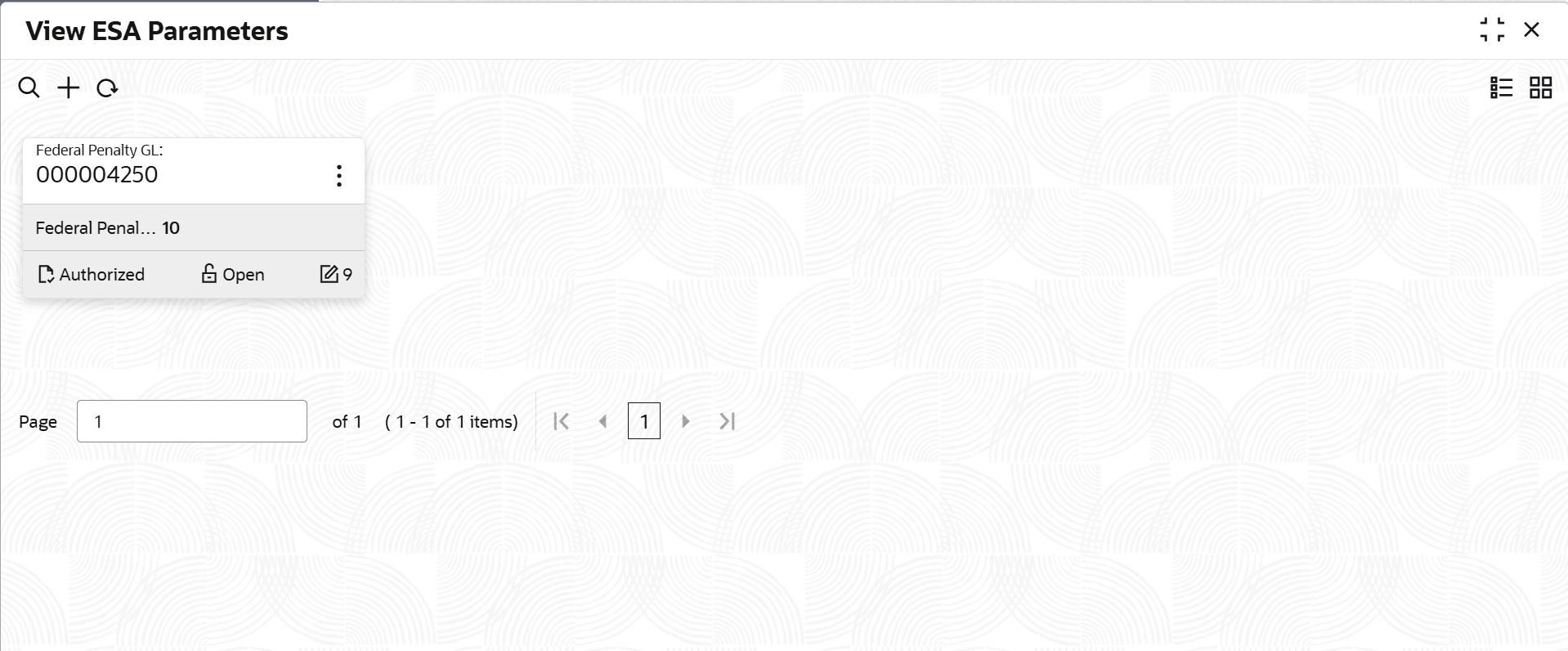
- Under ESA Parameters Configuration, click View ESA Parameters.The View ESA Parameters screen displays.
For more information on fields, refer to the field description table below.
Table 1-52 View ESA Parameters - Field Description
Field Description Federal Penalty GL Displays the federal penalty GL. Federal Penalty Rate Displays the federal penalty rate. Authorization Status Displays the authorization status of the record. The available options are: - Authorized
- Rejected
- Unauthorized
Record Status Displays the status of the record. The available options are: - Open
- In Progress
- Closed
Modification Number Displays the number of modifications performed on the record.
Parent topic: ESA Parameters Configuration