1.3.2 View External Parameter Configuration
This topic explains the systematic instructions to view external parameter configuration.
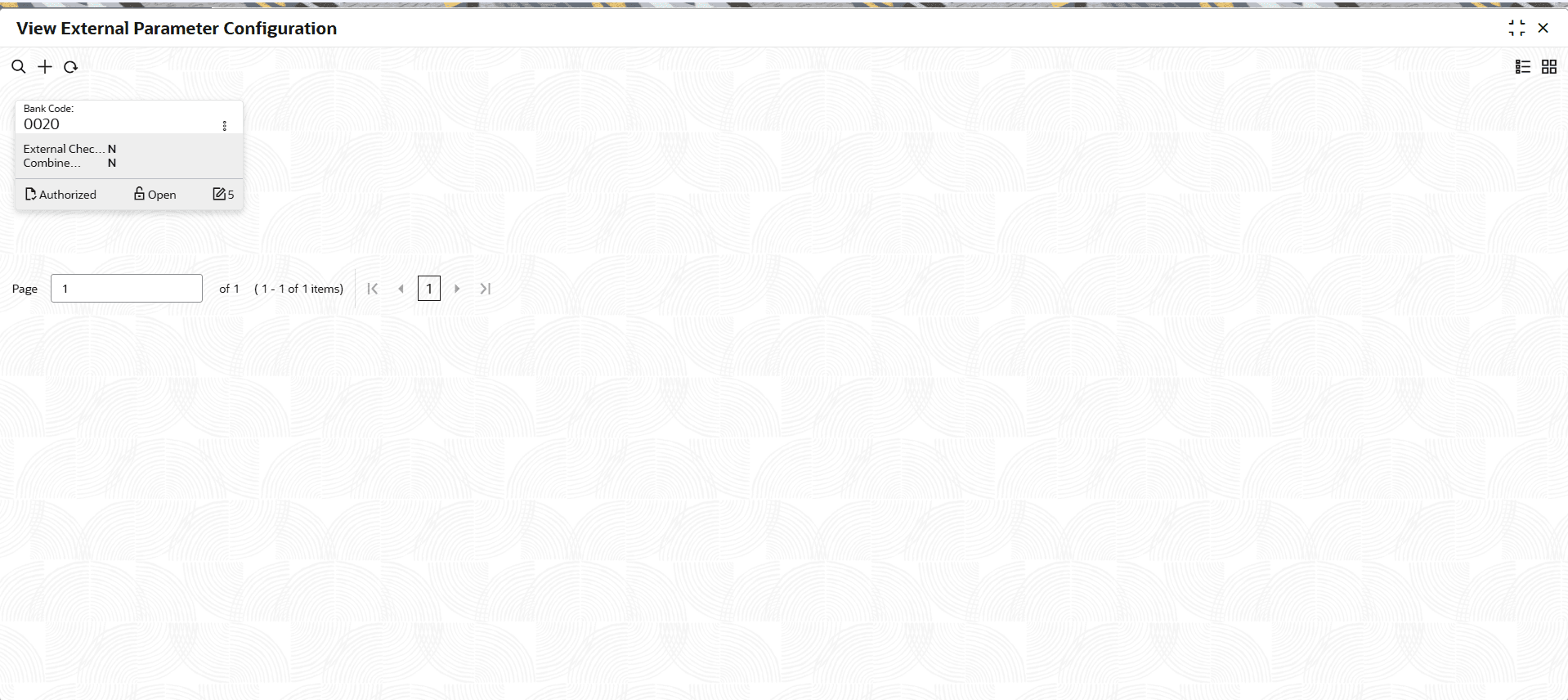
- Under Configurations, click External Parameter Configuration. Under External Parameter Configuration, click View External Parameter Configuration.The View External Parameter Configuration screen displays.
Figure 1-15 View External Parameter Configuration
For more information on fields, refer to the field description table below.
Table 1-15 View External Parameter Configuration - Field Description
Field Description Branch Code Displays the branch code. Redemption Interest Payout GL Displays the Redemption Interest Payout GL. Suspense GL for Failed Transaction Displays the Suspense GL for Failed Transaction. Payment Mode Displays the Payment Mode. Settlement Mode Displays the Settlement Mode. System Code Displays the System Code. Settlement General Ledger Displays the Settlement General Ledger. Integration Mode Displays the Integration Mode. Directory Key Displays the Directory Key.
Parent topic: External Parameter Configuration