3.2 Configure Source Code
You need to perform the source code configuration in the Oracle Banking Accounts for the source system (OBTLR).
To configure source code:
Log in to Oracle Banking Accounts Home screen. For information on how to log in, refer to the Getting Started User Guide in the Oracle Banking Accounts documentation Library.
- Under Account Configurations, click Source Code, and then select Configure.The Configure screen is displayed.
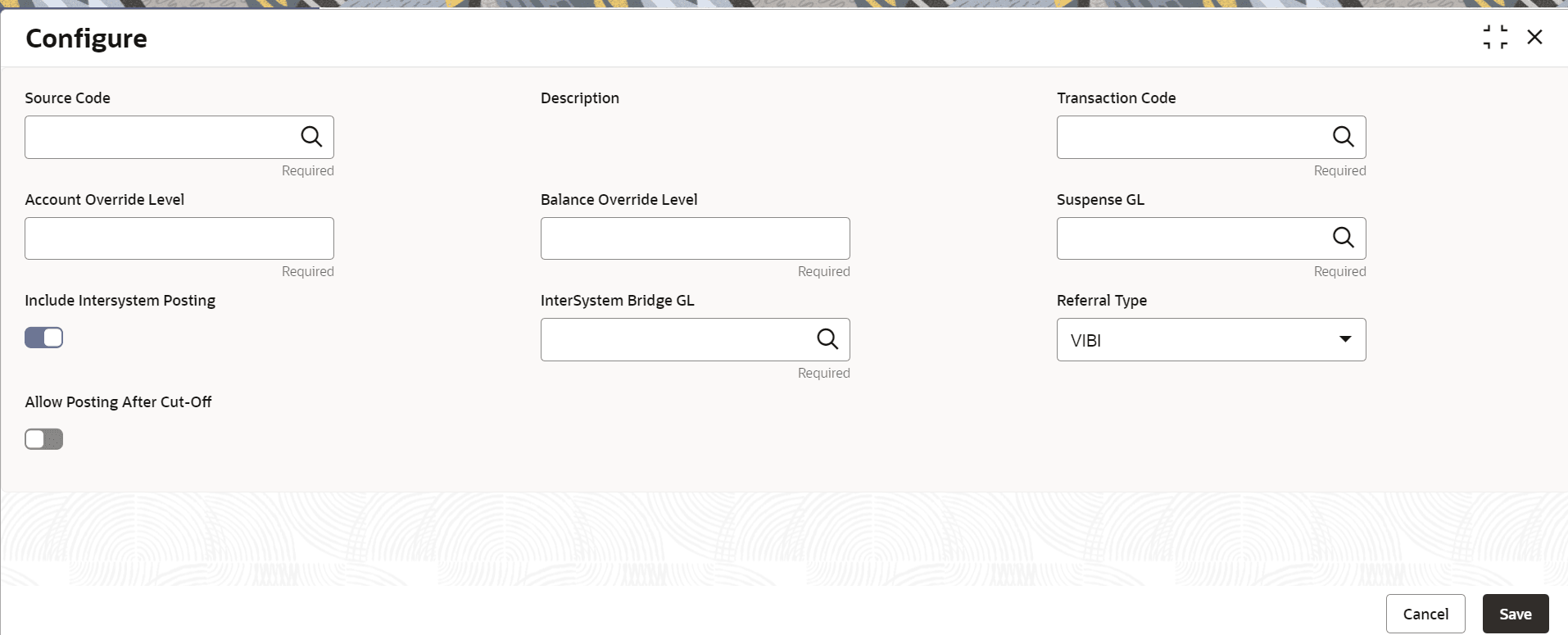
Parent topic: Maintenance for Oracle Banking Accounts