3.1 Create Upload Source
You need to perform the upload source maintenance in the Oracle Banking Accounts for the source system (OBTLR).
To maintain the upload source code:
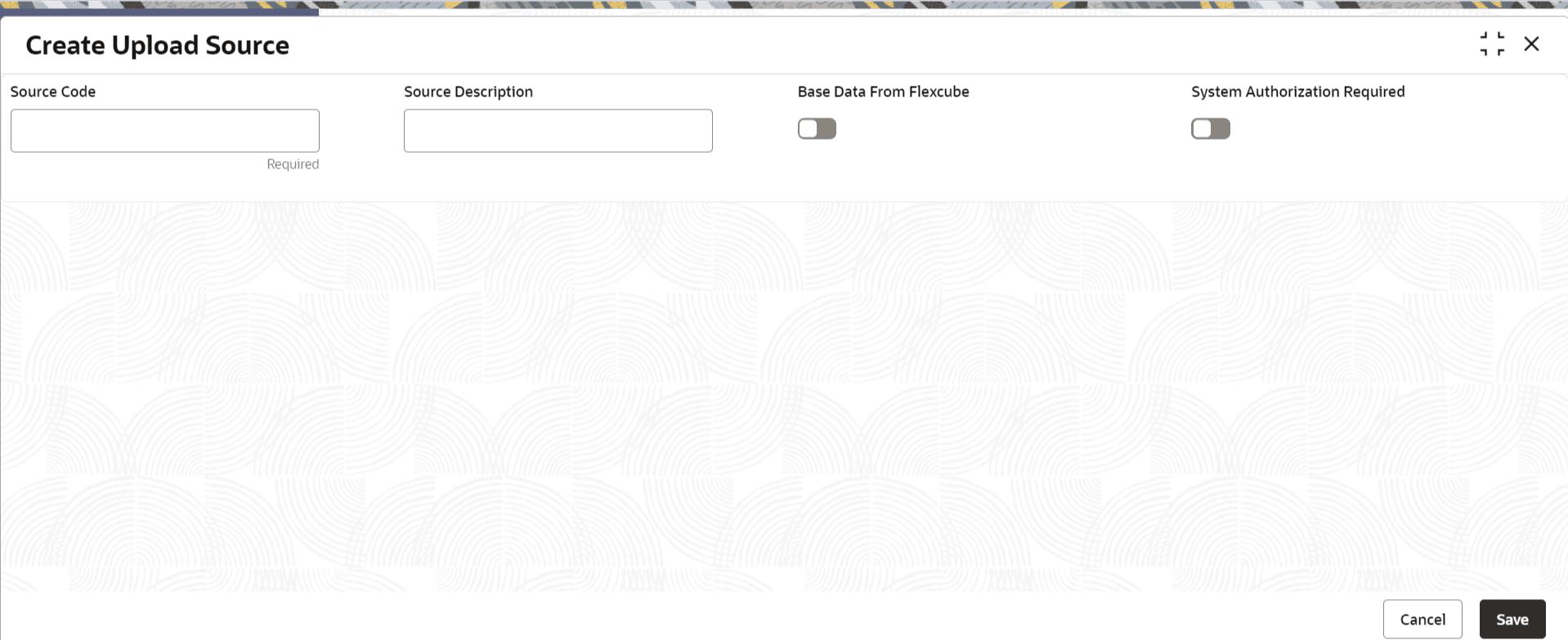
- Under Core Maintenance, click Upload Source, and then select Create Upload Source or specify Create Upload Source in the search bar and select the screen.The Create Upload Source screen is displayed.
Parent topic: Maintenance for Oracle Banking Accounts