4 Known Issues and Resolutions
This topic provides the troubleshooting for the deployment failure in the services.
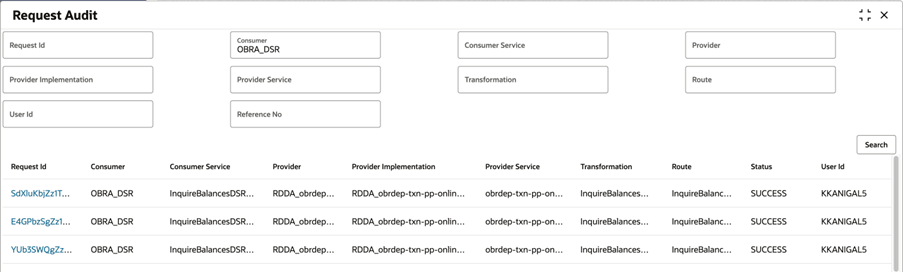
For requests identified as timeout:
- Search the corresponding consumer from the Request Audit
menu.
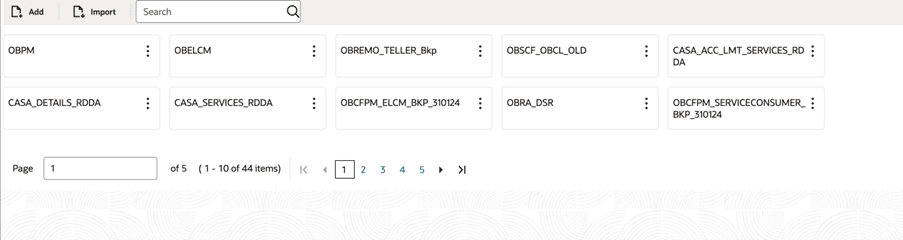
- From the Service Consumers menu, search
OBRA_DSR, and select the option.
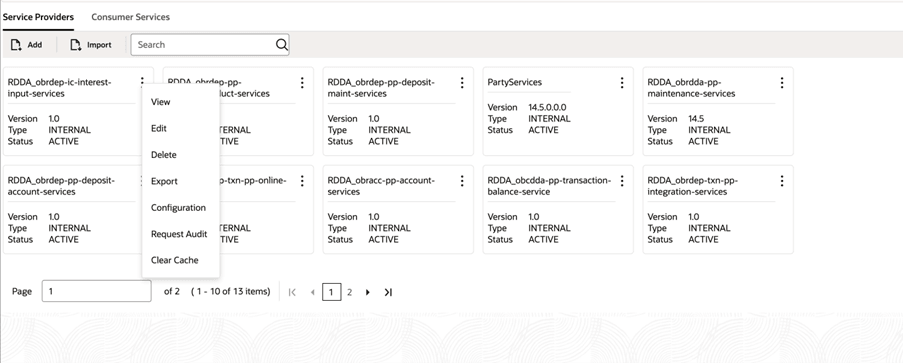
- In the Service Providers tab, click
 , and select Configuration.
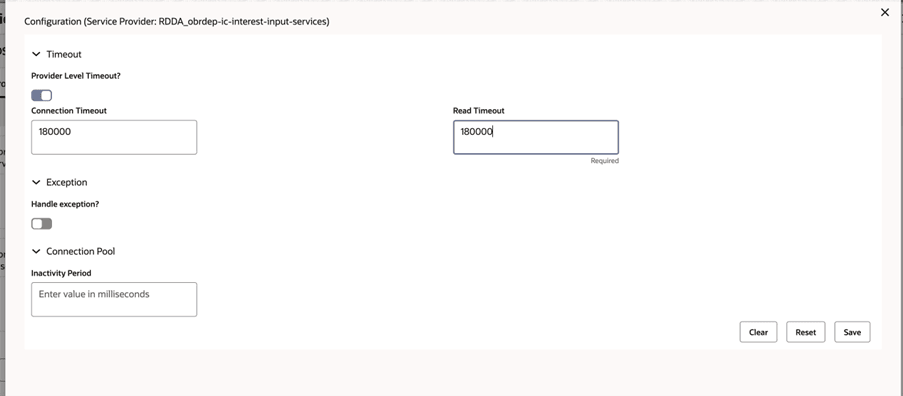
 - In the Connection Timeout and Read
Timeout fields, specify the value as
180000.