4.9.1 Searching a Payment

User can search for payment details of an account for a specific period.
To search a payment:
  1. Navigate to the Case Summary page.
  2. In the Account widget, select the required account from the account list.
  3. In the Quick Links widget, click Payments.
    The Payment Summary screen is displayed.
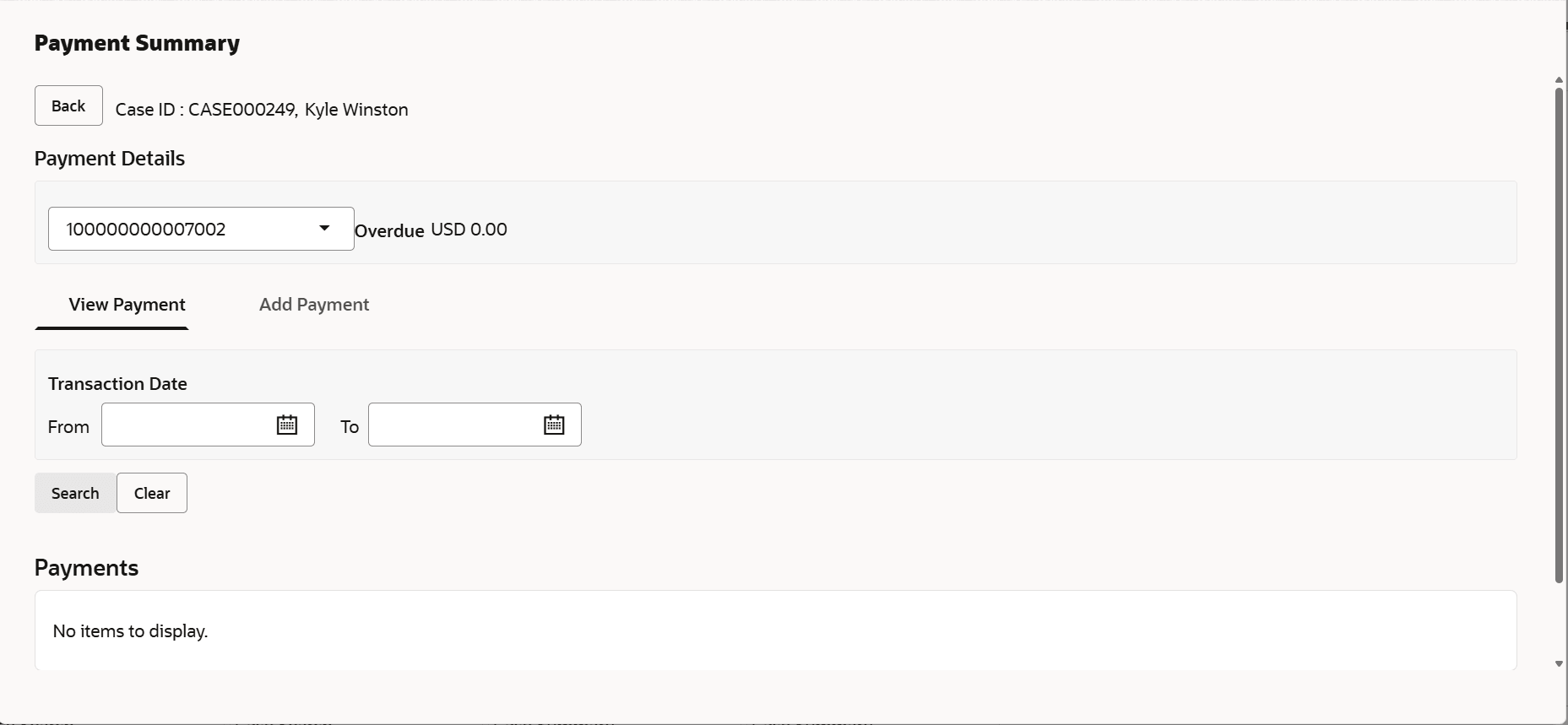
  4. In the Transaction Date field, select date in the From and To fields to specify the period for which you want to search payments.
  5. Click Search.