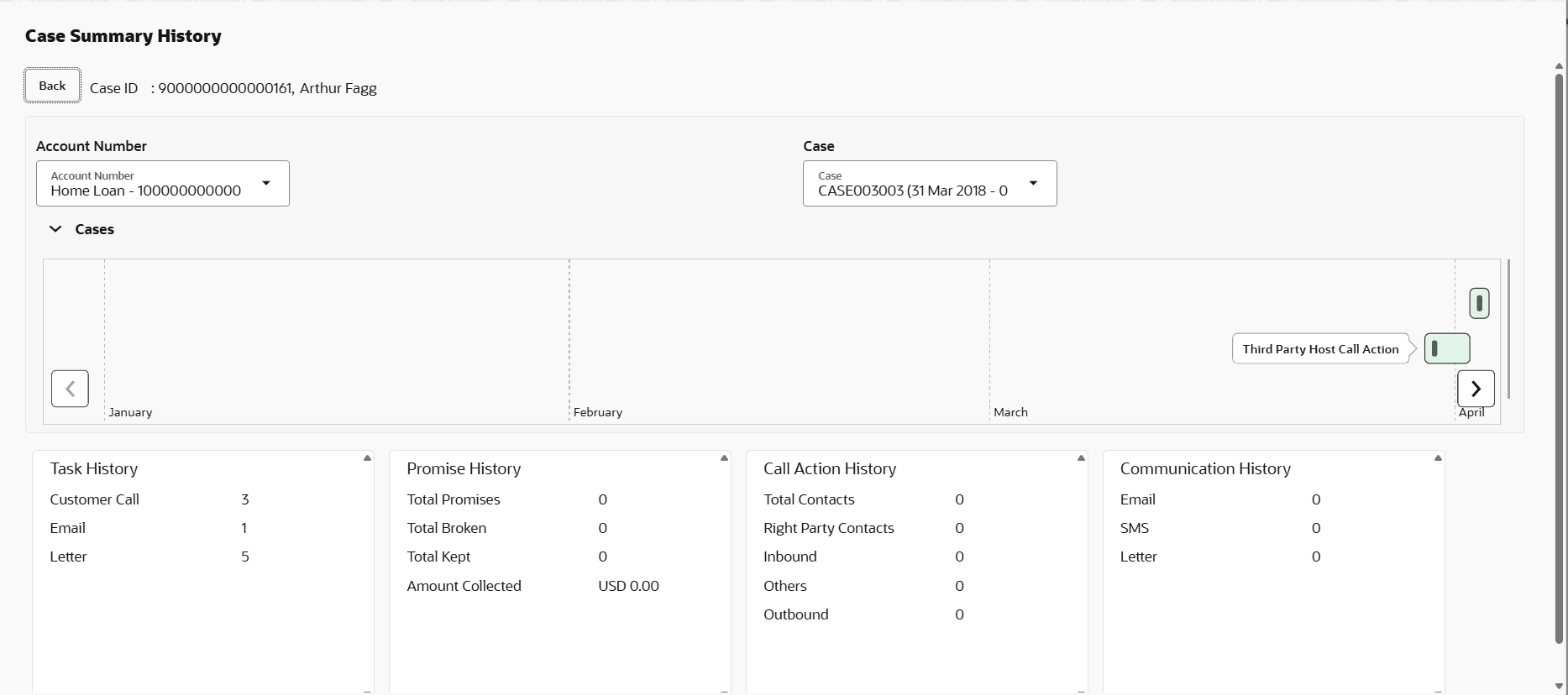
4.13.1 Viewing History of a Closed Case User can view history details of an account linked to a closed case. To view history of a closed case: Navigate to the Case Summary page. In the Account widget, select the required account from the account list. In the Quick Links widget, click History.The Case Summary History screen is displayed. Figure 4-11 Case Summary HistoryDescription of "Figure 4-11 Case Summary History" From the Account Number list, select the account number. From the Case list, select the closed case for which user want to view history details. Parent topic: History