2.10.1.12 Rate Quotation Details
This topic explains the systematic instructions to rate quotation details. Use Rate Quotation Details screen to capture the rate quotation details.
Allows user to capture the rate quotation details to avail special rate processing from treasury team.
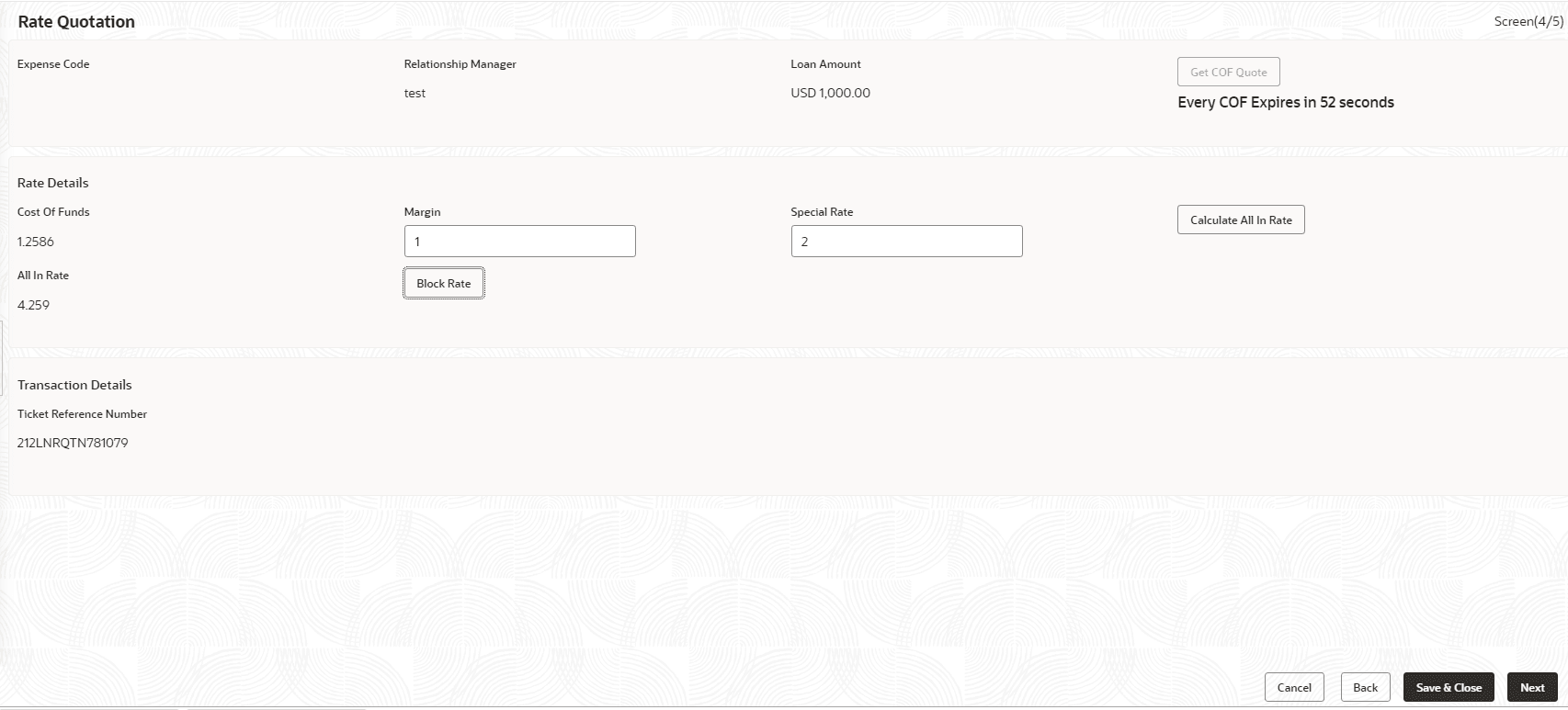
- In the Rate Quotation Processing, click Rate
Quotation tab and provide the required details.The Rate Quotation screen displays.
For more information on fields, refer to the field description table.
Table 2-24 Rate Quotation - Field Description
Field Description Expense Code Default the expense code availed for the loan contract. Relationship Manager Default the relationship manager of the loan. Loan Amount Displays the loan amount of the selected loan contract reference. Get COF Quote Select the button to receive the rate details from treasury department. The rate details provided will be expired within specified time. Cost of Fund Displays the cost of fund received from treasury department. Margin Enter the margin to be provided for the rate. Special Rate Enter the special rate if any to be considered for the loan. Block Rate Click to block the rate received from treasury department for the loan contract. All in Rate System will calculate and display the field based on Cost of Fund, Margin and Special rate provided.
Parent topic: Cash Flow