4.25 Capturing customer relationships for every loan

From the Homepage, navigate to Loans and Commitment - Contract Input screen.

  1. On the Loans and Commitment - Contract Input screen, click Customer Relations tab.
    The Contract Relation screen is displayed.
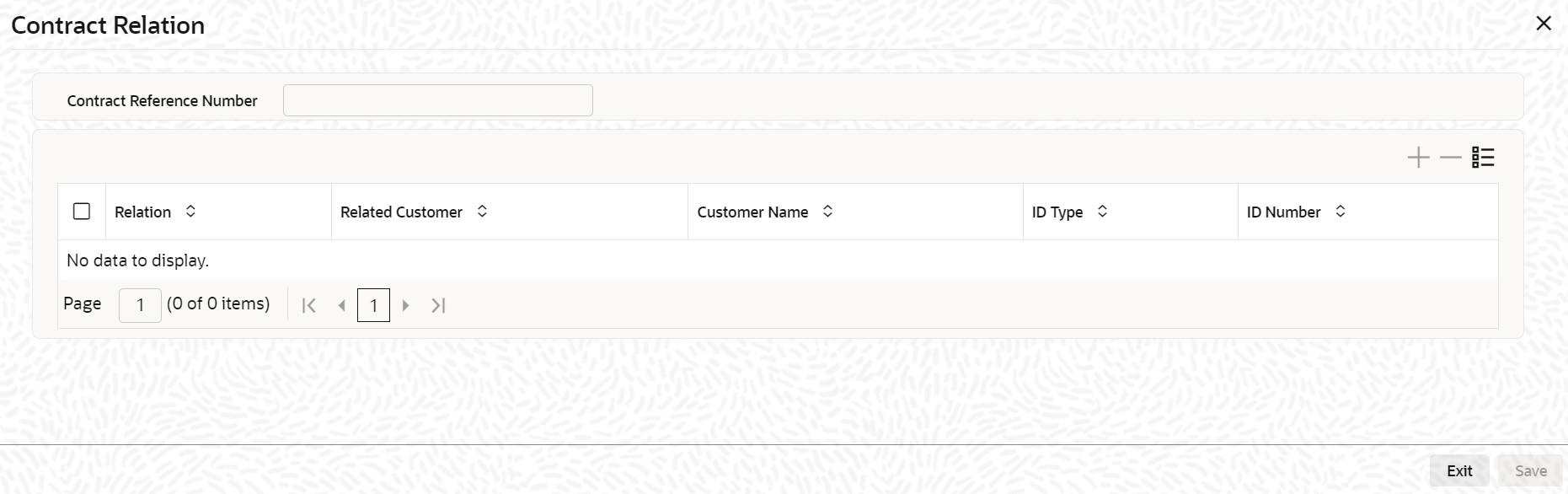
  2. You can capture the relationship between the loan contract and any other customer of your bank through this screen. Relationships of this nature could be joint account holders, codebtors, main account holders, and so on.
    Specify the following details in this screen:
    • The nature of the relationship.
    • CIF and name of the customer of your bank with whom the relationship exists.
    • Type of identification of the customer, and the identification number
    The relationships that you can maintain should already have been defined in the Relationship Maintenance.