4.24 Specifying the Installment Preferences for a Loan
Specify the User ID and Password, and login to Homepage.
From the Homepage, navigate to Loans and Commitment - Contract Input screen.
- On the Loans and Commitment - Contract Input screen,
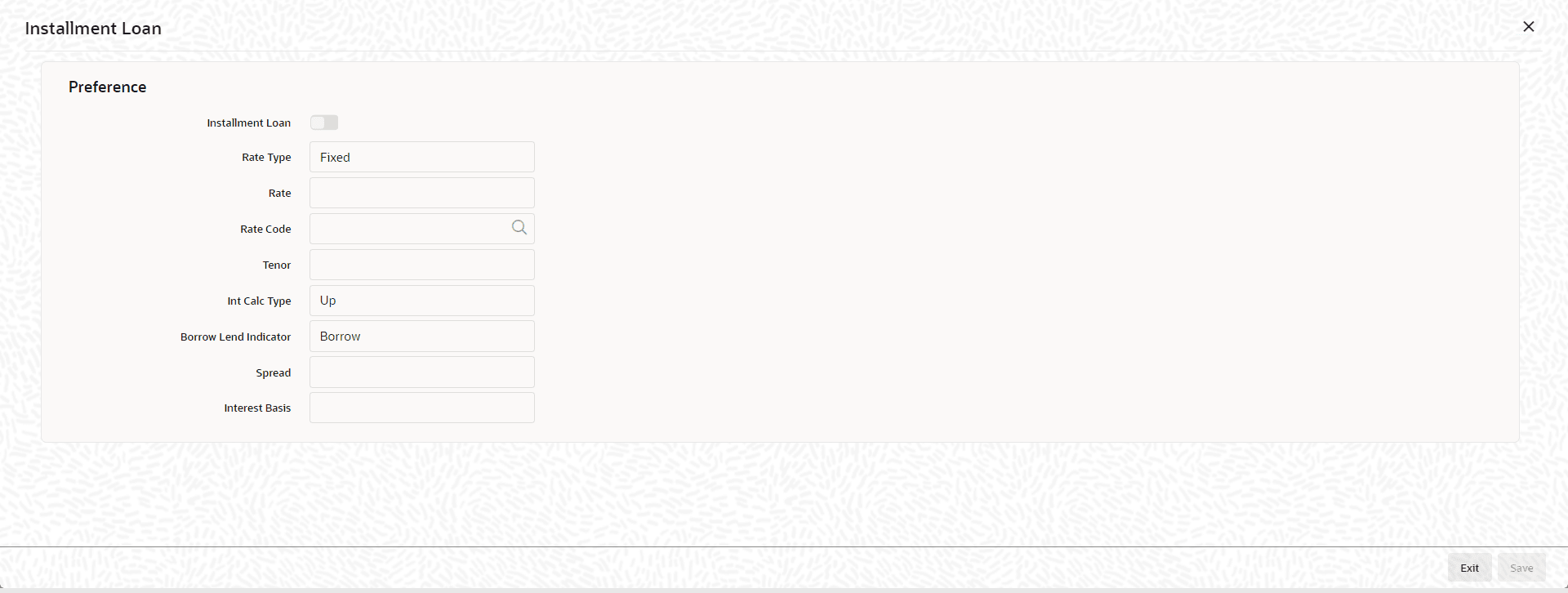
click Installment Loan tab.The Installment Loan screen is displayed. The calculation parameters defined for the product gets defaulted to the contract.
For more details on Installment Loans, refer the topic - Annual Rest Loans of this User Manual.
Parent topic: Disbursing a Loan