12.8.1 Viewing Commitment Quick Reference Summary Details
You can view summary details of Commitment Quick Reference
in Commitment Quick Reference Summary screen.
Specify the User ID and Password, and
login to Homepage.
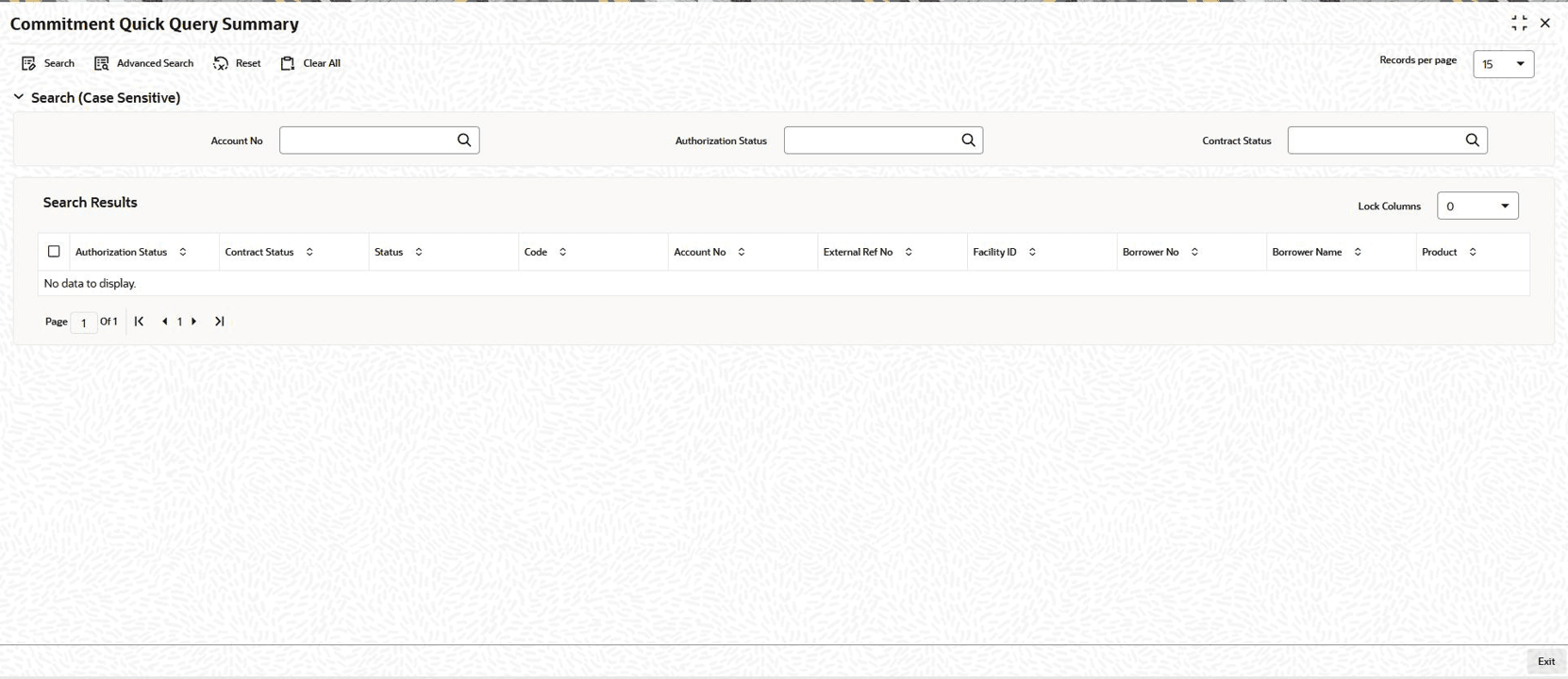
- On the homepage, type OLSCLQRY and click next
arrow.The Commitment Quick Reference Summary screen is displayed.
Figure 12-17 Commitment Quick Reference Summary
Parent topic: Viewing Quick Query Details of Commitments