3.12 Comments
The Comments page allows to capture the remarks for the overall
process. Posting comments help the user in next stage to better understand the
application. If you click Next in the Summary screen, the Comments
screen is displayed.
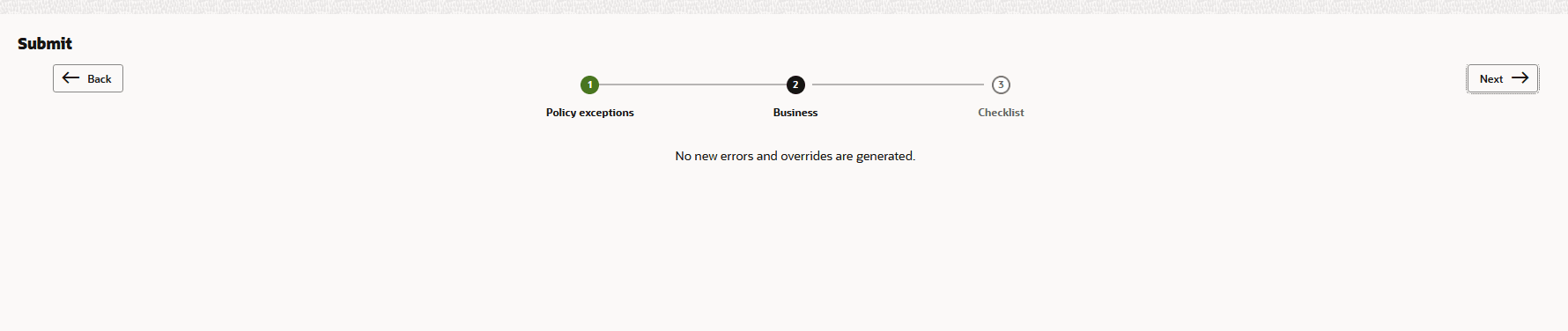
On clicking Submit, the Policy Exception window is displayed.
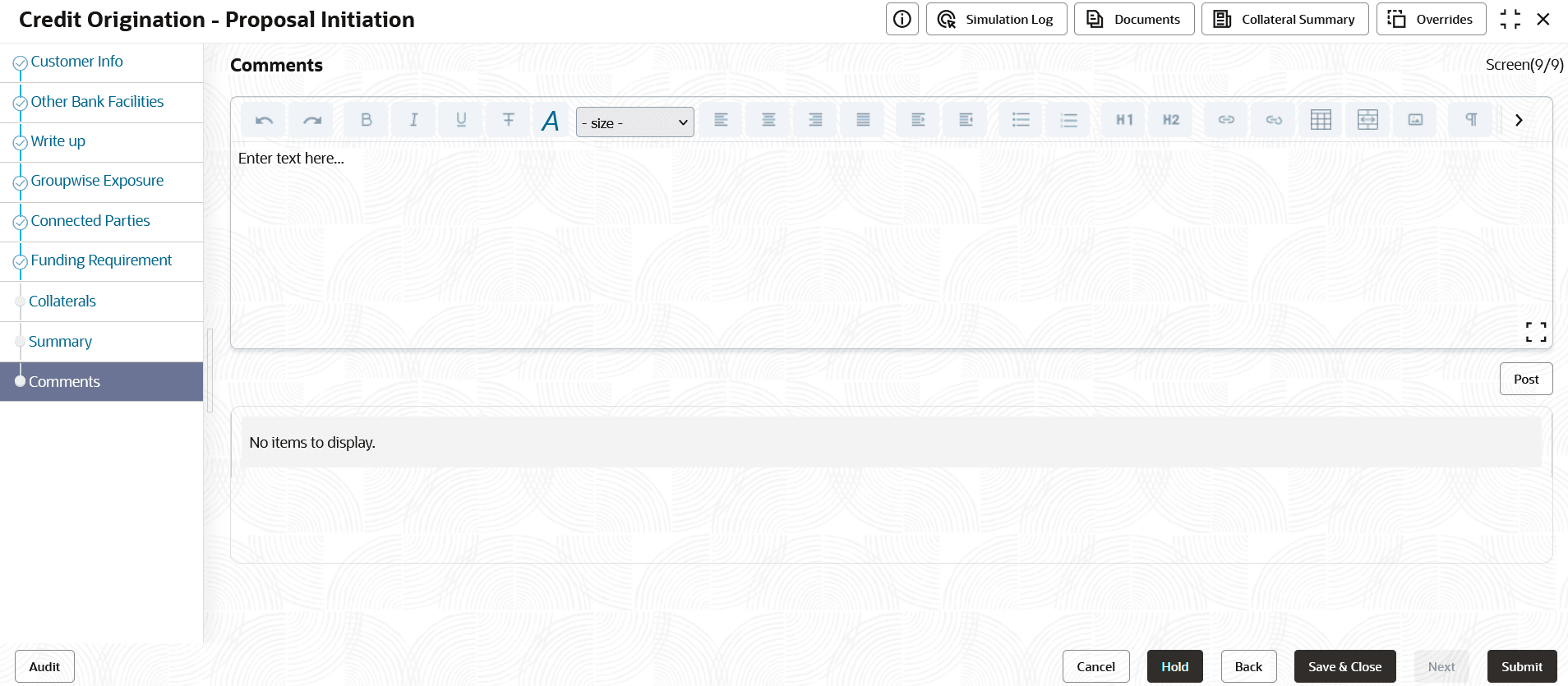
For information on fields in the Comments screen, refer the below table.
Table 3-28 Comments
| Fields/ Icons | Description |
|---|---|
| Post | Enter the necessary comments in the text box and click Post. The comment is posted. |
| Hold | Click Hold, to hold the credit proposal initiation process. |
| Back | Click Back, to go back to the previous stage. |
| Save & Close | Click Save & Close, to save the process for future edit. |
| Submit | Click Submit, to submit the enriched application for evaluation. |
| Cancel | Click Cancel, to exit the process without saving the information. |
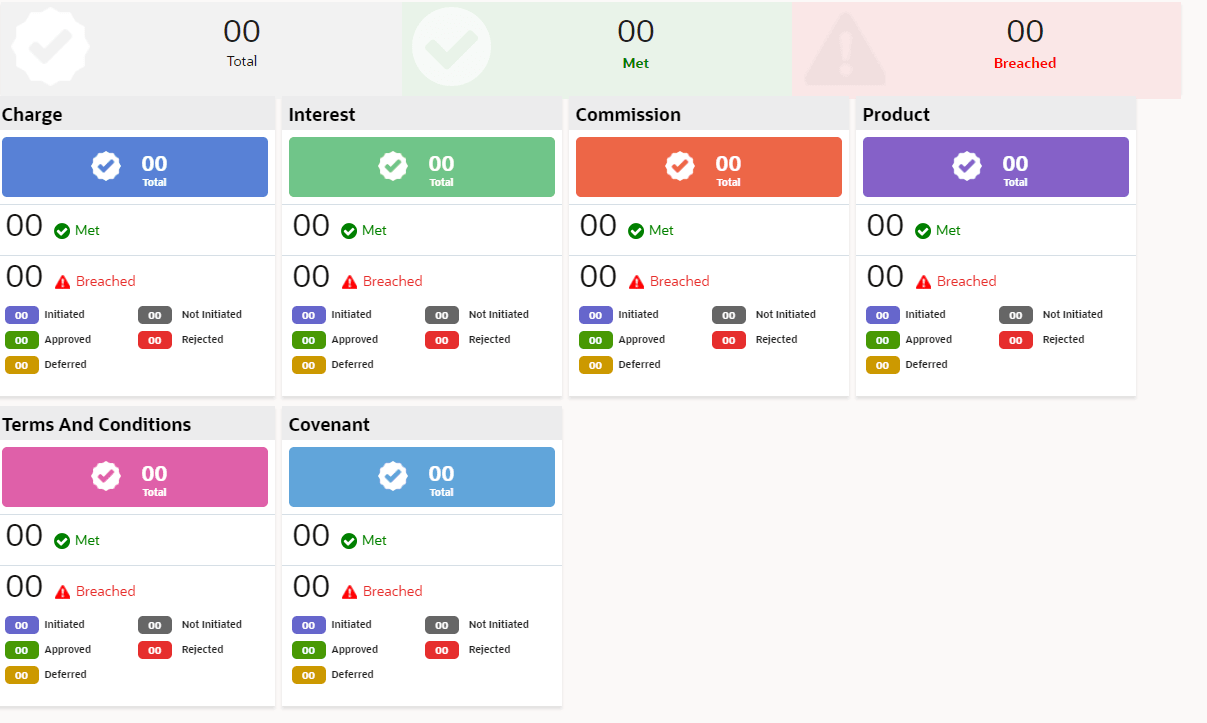
By default, Policy Exceptions are displayed for both the party and its child party.
- Click Business data segment.
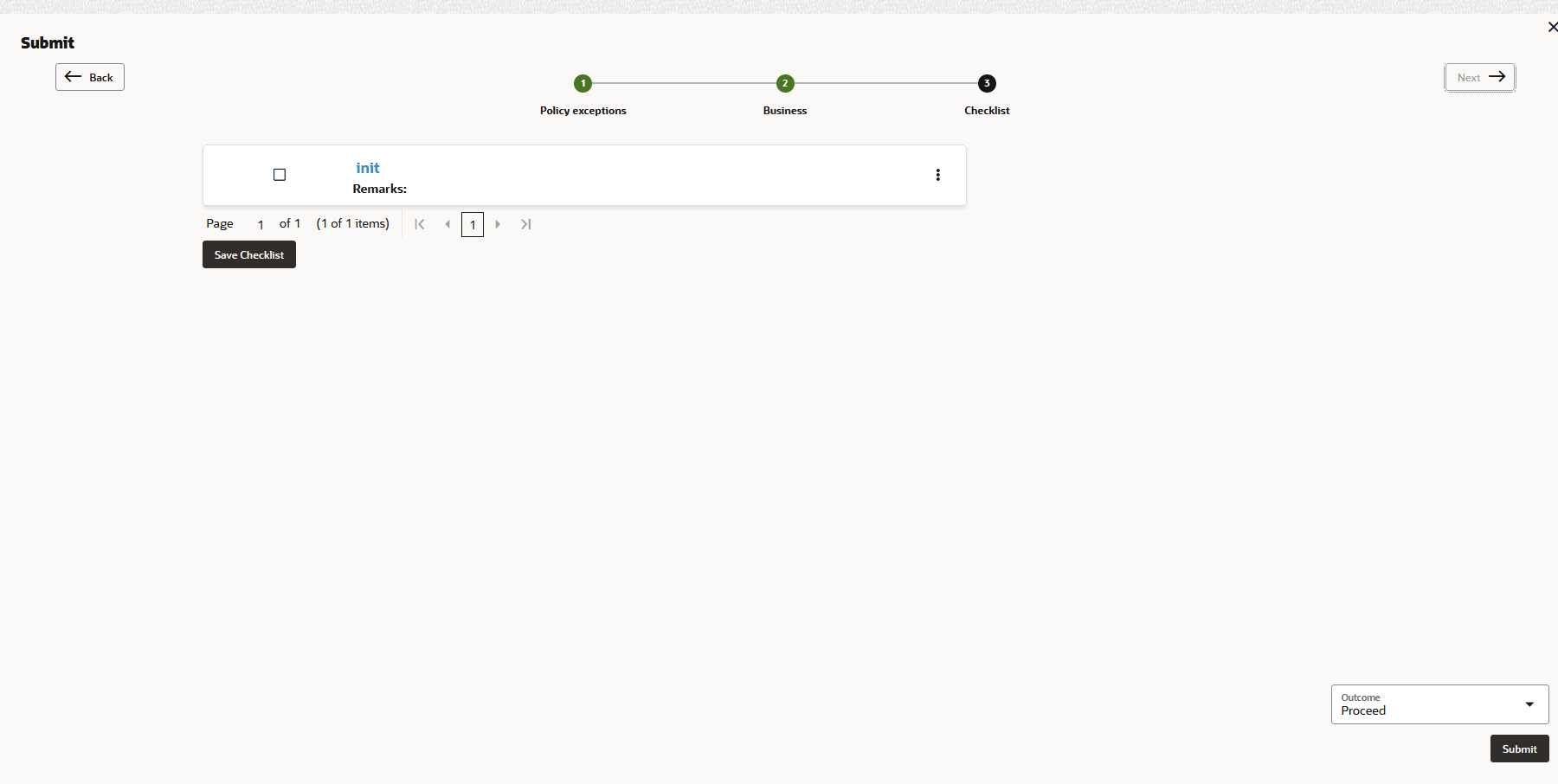
- Click Checklist data segment.
Note:
Using business process definition Checklist can be maintained for specific stages and the same will appear here. Further the checklist item can be classified as mandatory or optional and if it is mandatory then the user will not be able to submit the stage without checking it.
Parent topic: Proposal Initiation