3 Proposal Initiation
In this stage, the RM captures basic details about the party and
initiates the credit application process after discussing the credit proposal with a new
party.
The RM can perform the following activities in this stage.
| Activities that can be performed by user |
|---|
|
Steps to initiate credit proposal
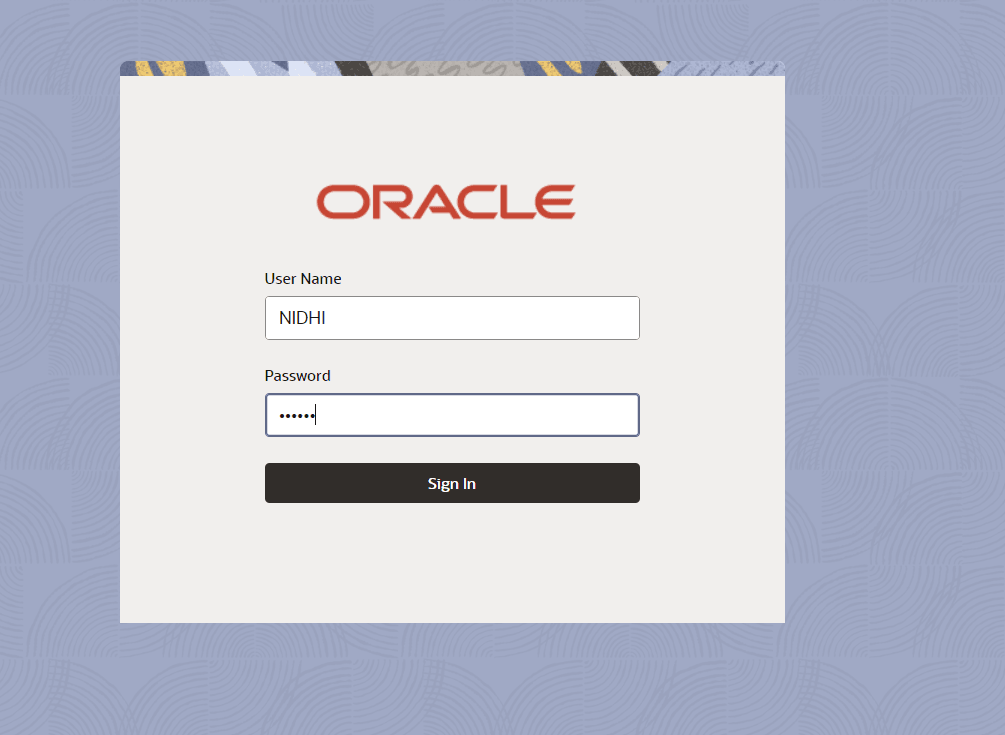
- Login to OBCFPM. Enter your User Name, Password and click Sign In.
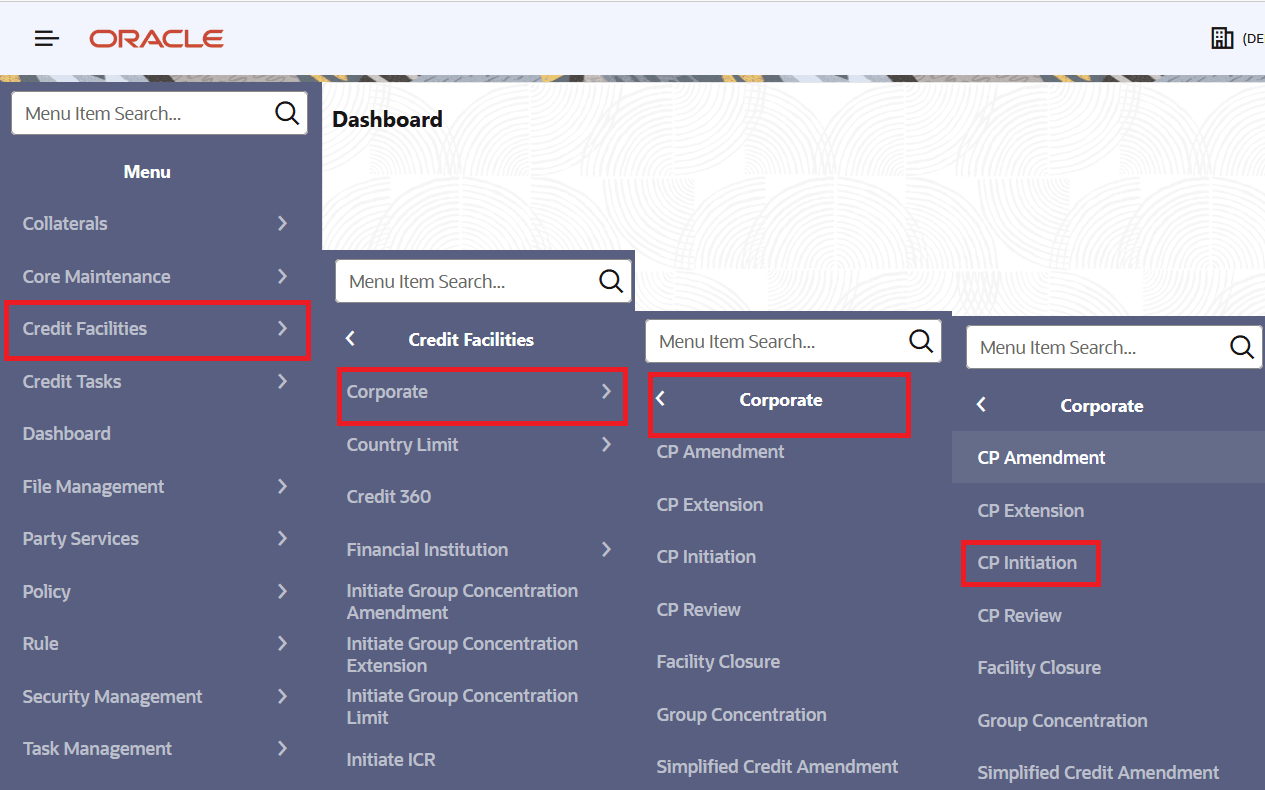
- Navigate to Credit Facilities > Corporate > CP Initiation > Initiate Credit
Proposal.
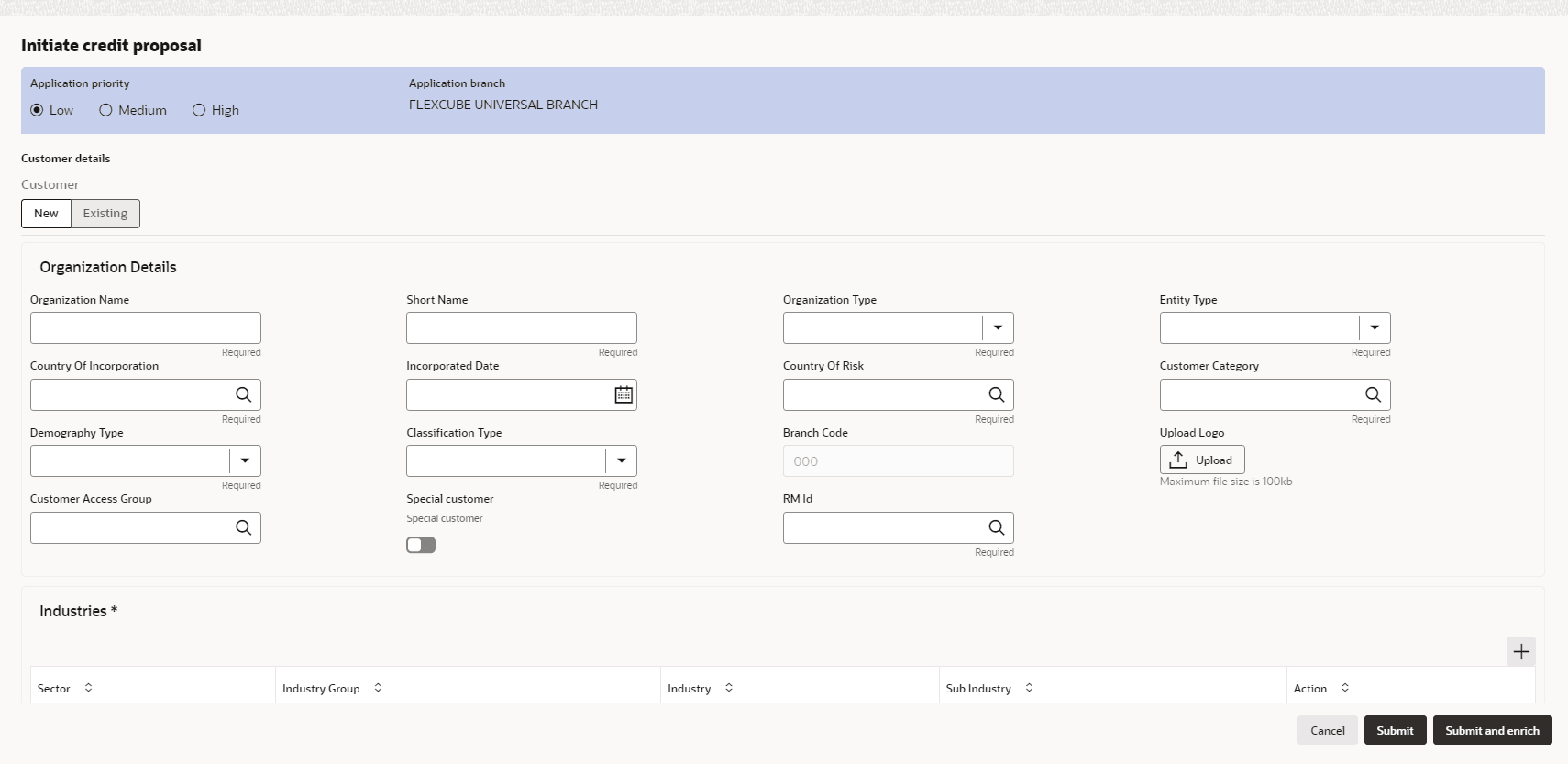
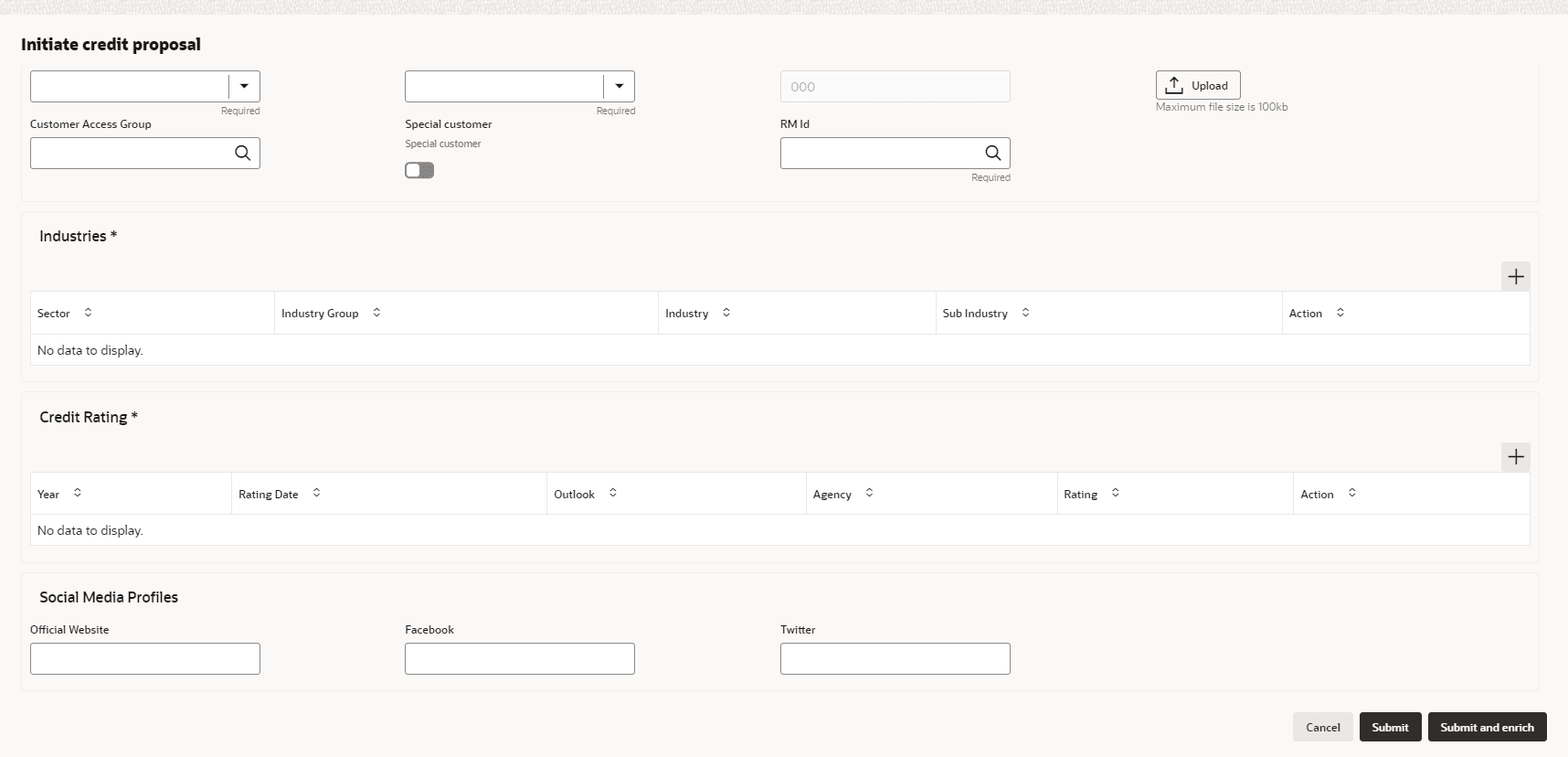
- The Initiate Credit Proposal window is displayed.
- Creating Application
- Enriching Application
- Customer Info
- Other Bank Facilities
- Write Up
- Groupwise Exposure
- Connected Parties
- Liability Details
This topic describes the information about the liability details. - Funding Requirement
This topic describes the information about the funding requirement. - Collateral
- Summary
- Comments