3.2 Enriching Application

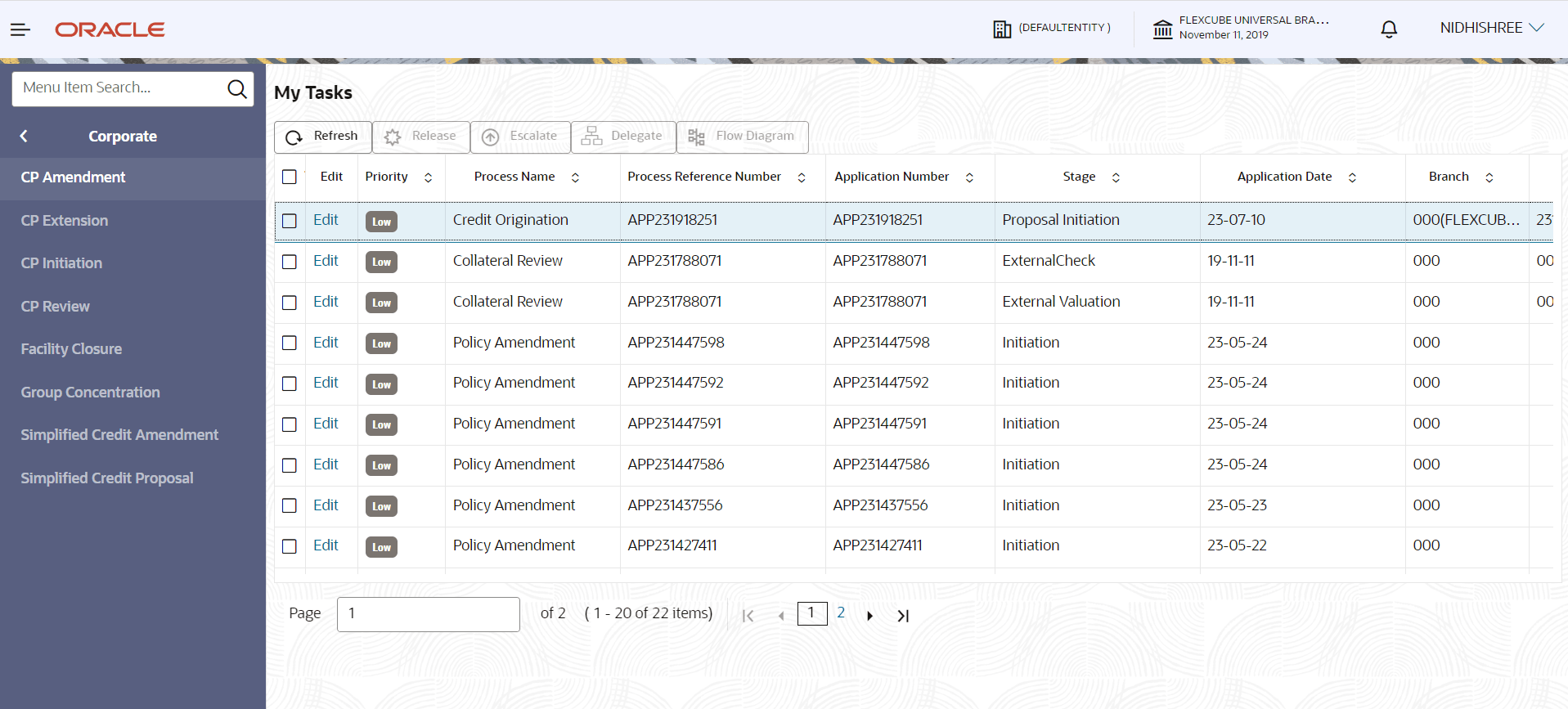
  1. To enrich the already created application in which the RM has given Submit option, navigate to Free Tasks > My Tasks.
    The My Tasks page is displayed.
  2. Select the application and click Edit. The Credit Proposal Evaluation Process - Enrichment page is displayed.
  3. To enrich the application after application creation process, click Submit and Enrich in the Initiate Credit Proposal window. Customer Info screen is displayed.
    Note: If RM has given Submit and Enrich in already created application, then you will directly get the option for Enriching the application.