9 Proposal Approval

In this stage, members of the approving authority team review the application in its entirety, evaluates the recommendations given by the business and credit teams, and then finally makes a judgment on the proposal. The approving authority may refer the proposal back to the previous stages for any modification or reject the proposal. If all the conditions are satisfied, the proposal is approved.

The following table provides high level overview about the Proposal Approval stage.

Table 9-1 Proposal Approval stage

Information available for user Activities that can be performed by user
  • View the party summary
    • Liabilities requested and proposed
    • Facilities requested and proposed
    • Collateral Offered
    • Covenants stipulated
    • T&C stipulated
    • Financials
    • Rating
    • Demographic details
  • View the credit evaluation scores and details
  • View the legal evaluation score and details
  • View the risk evaluation score and details
  • View Write up added in previous stages
  • View comments added in previous stages
  • Review the following:
    • Liability amount and dates requested and proposed
    • Facility amount and dates requested and proposed
    • Covenants proposed
    • T&C proposed
    • Collateral Offered
  • Capture the following:
    • Approved Liability amount and dates
    • Approved Facility amount and dates
  • Add/Modify/Delete facility, collateral, covenants or T&C
  • Add write up
  • Send back the application if additional info required or proposal revision
  • Approve the application
  • Reject the application

Refer Proposal Structuring chapter for field level explanation on all the data segments in this stage.

To approve the facility, perform the following steps:

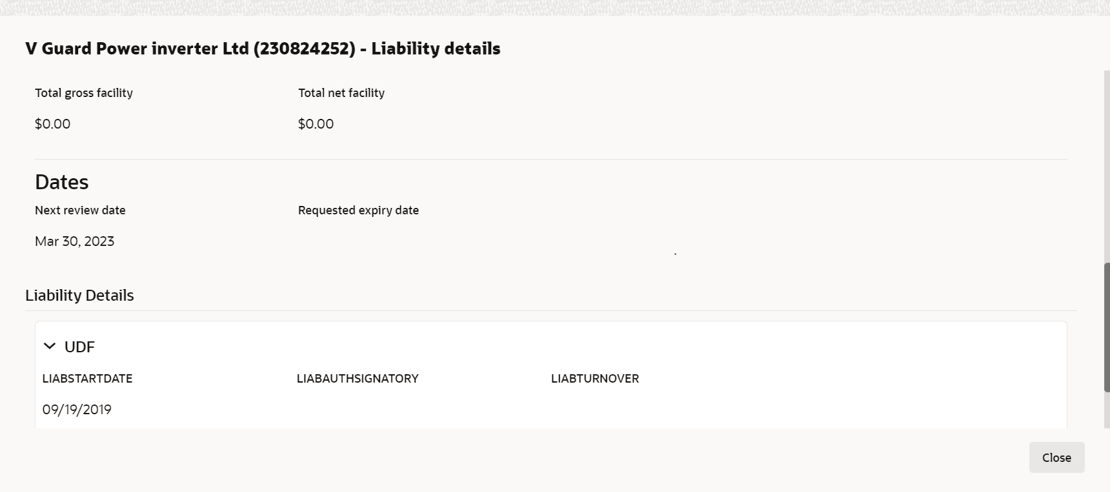
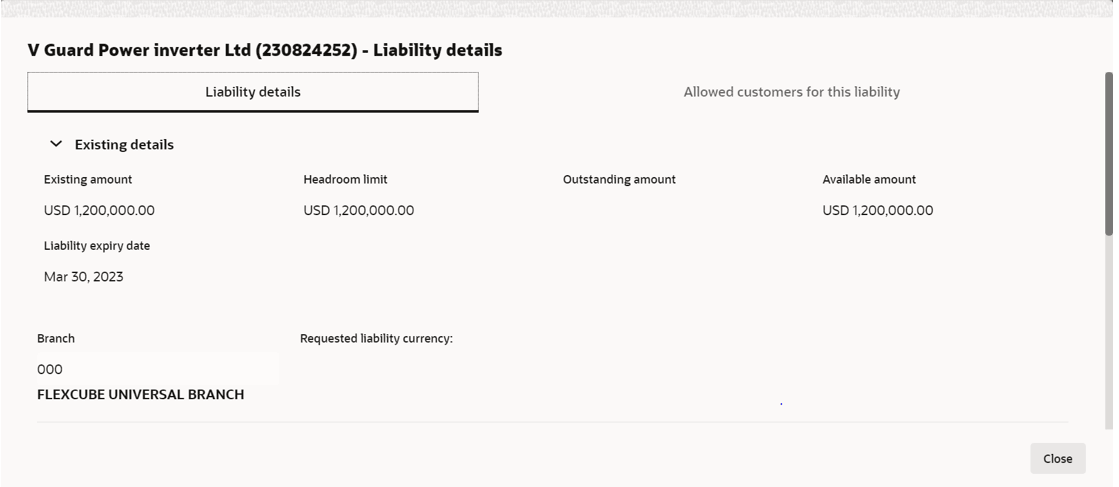
  1. In the Approval data segment, mouse hover on the Liability Details section and click Edit icon.
    The Liability Details screen is displayed.
  2. Click Search icon in Approval Liability Currency field and select the currency in which the liability has to be created.

    Note:

    Approved Liability Currency and Requested Liability Currency can be different.

    For information on fields in the Liability Details screen, refer the table below.

    Table 9-2 Liability Details

    Fields/ Icons Description
    Approval Liability Amount Specify Approval Liability Amount.
    Approved Expiry Date Click Calendar icon and select Approved Expiry Date for liability.
    Save Click Save. The approval details are saved.
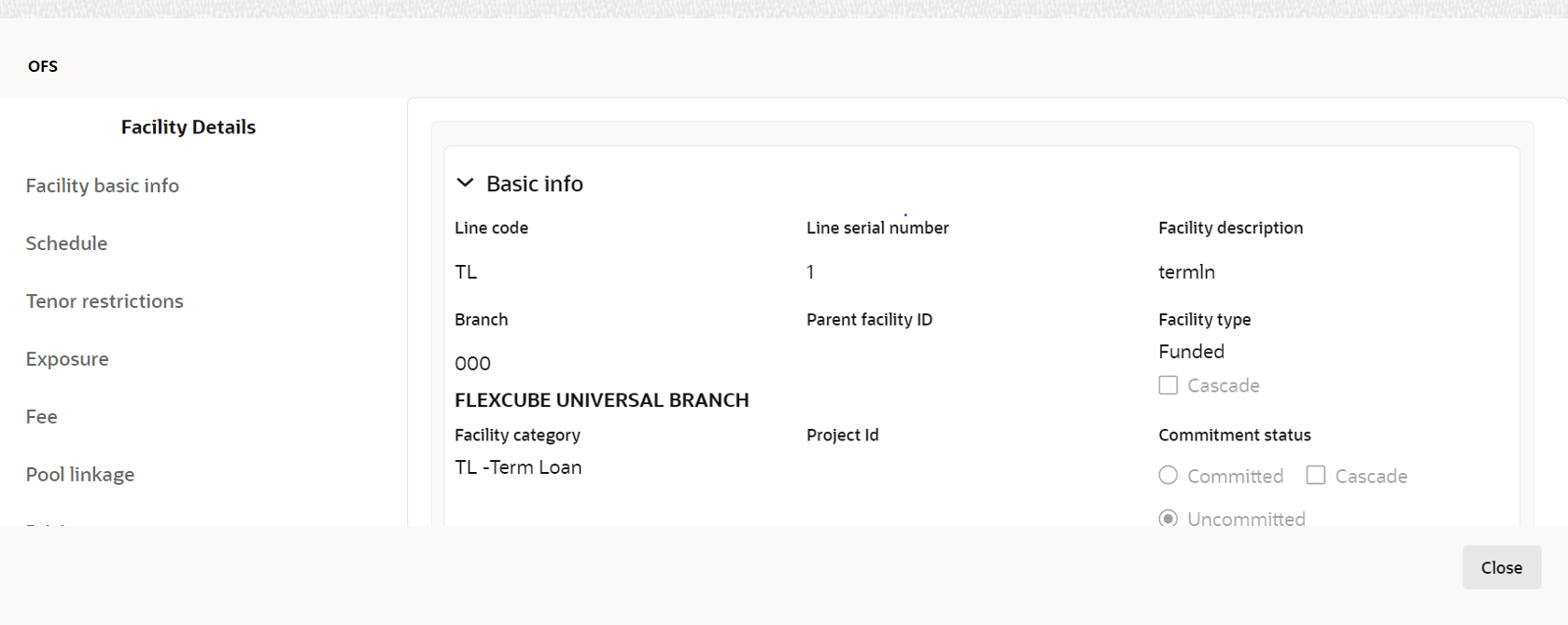
  3. In the Approval page, click Action icon in the required facility and select Edit.
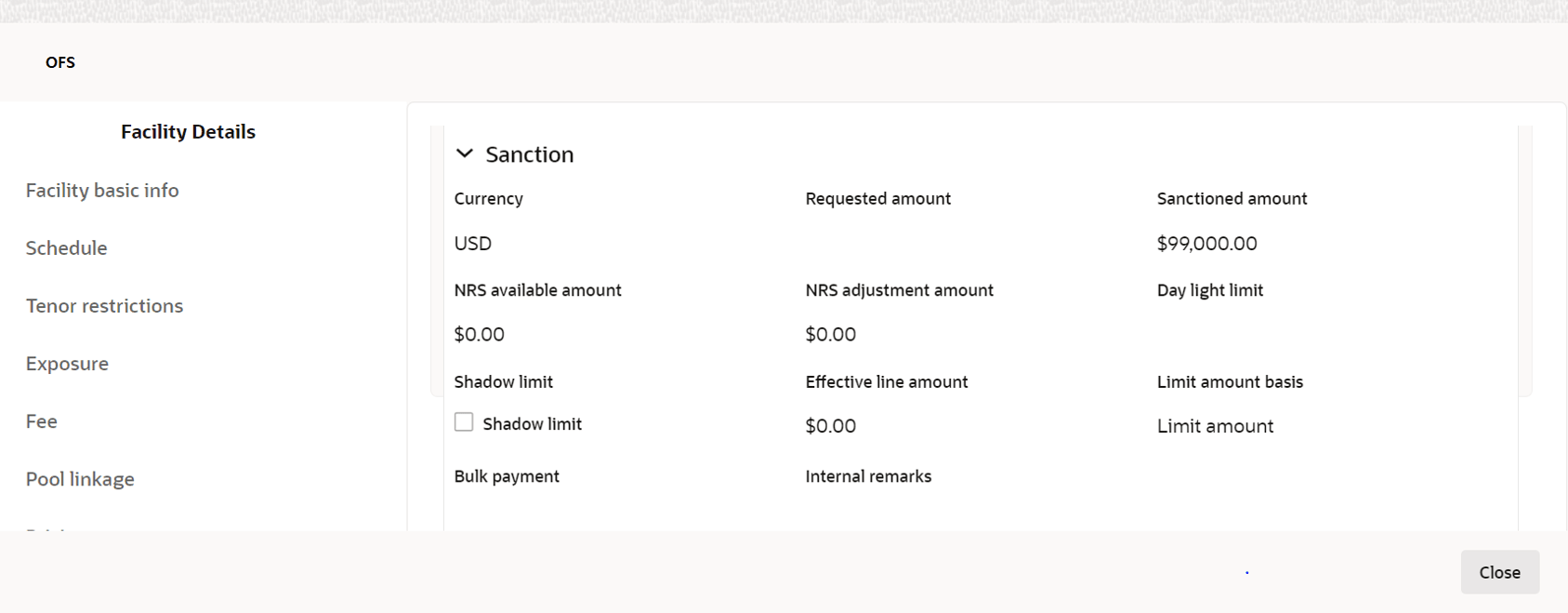
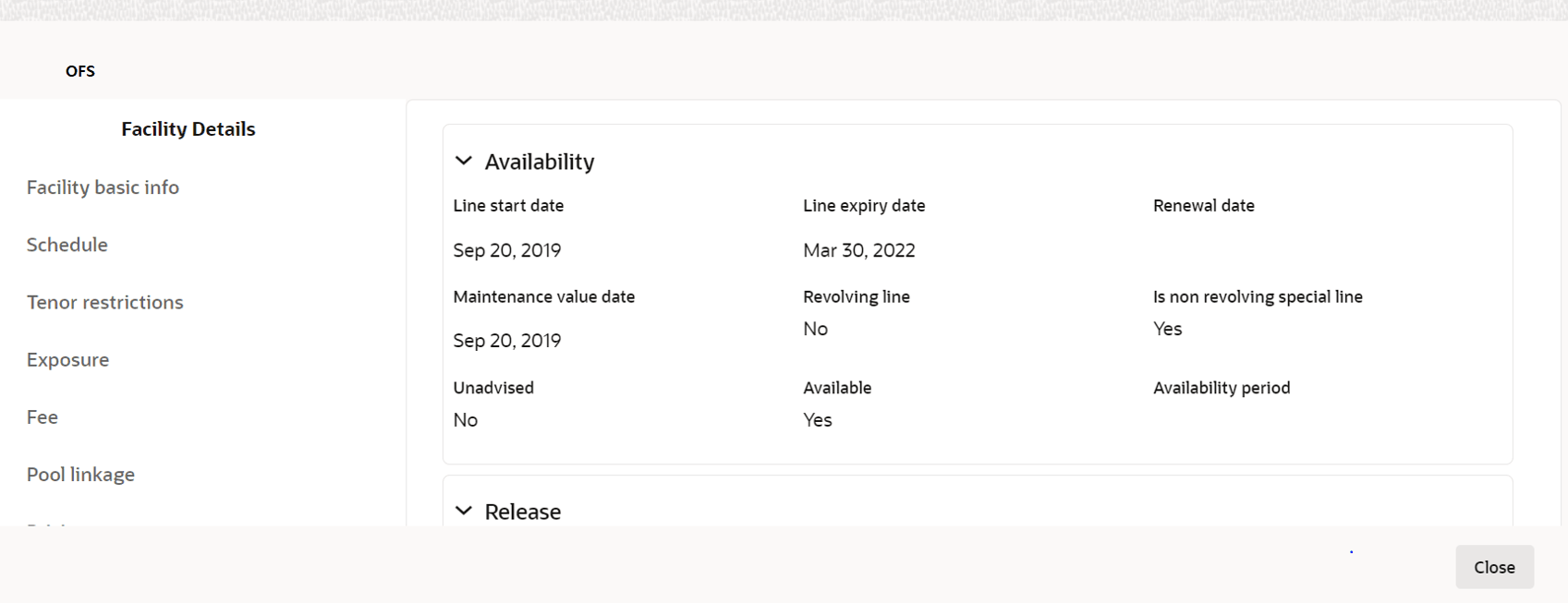
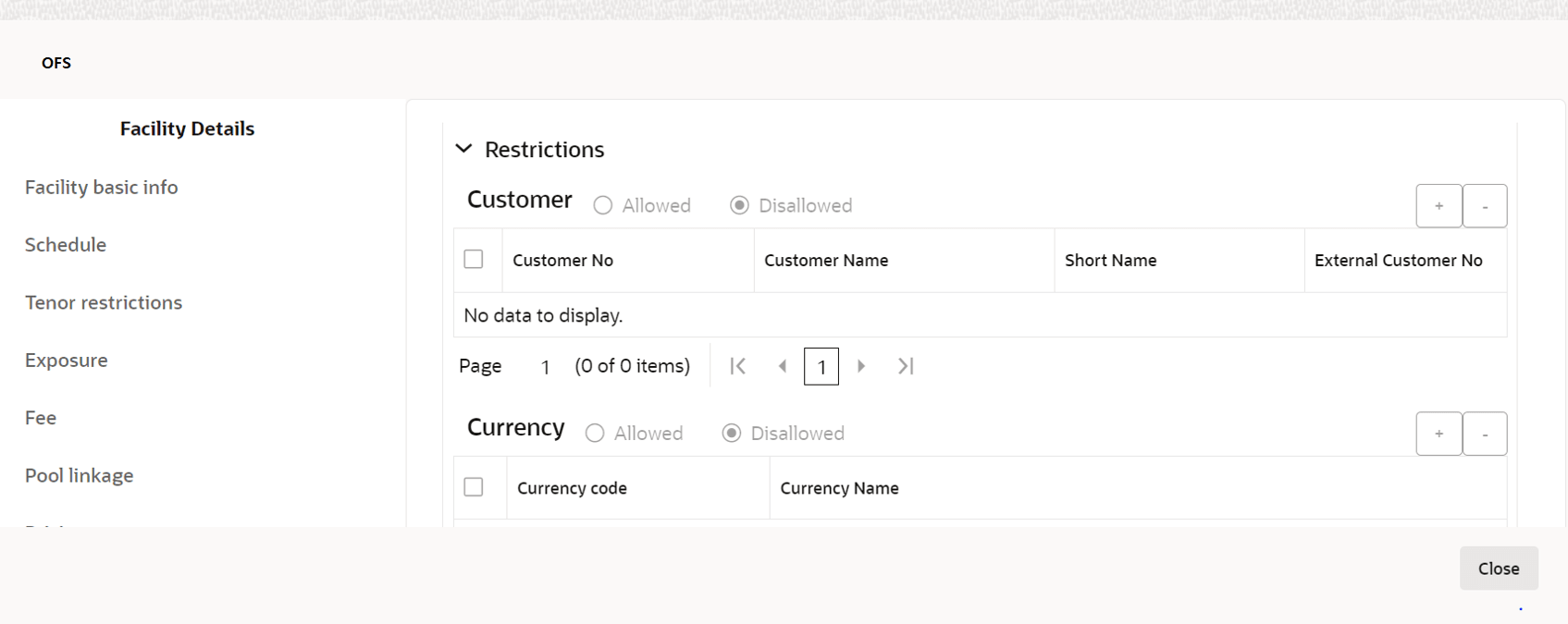
    The Facility Details window is displayed.

    For field level information on Facility Details screen refer the below table.

    Table 9-3 Facility Details

    Fields/ Icons Description
    Approved Amount Specify Approved Amount and click Save.
    Close Click Close to exit the Facility Details window.
    Next In the Approval page, click Next to go to the Comments page.
    Post Click Post comments, if required.
    Submit Click Submit. The Policy Exception window appears.
    Checklist Click the Checklist data segment and select the Outcome as Approve.
  4. Click Submit. The proposal is sent to the Draft Generation stage.
    To reject the facility, perform the above steps by specifying Approval Liability Amount and Approved Amount as zero and selecting the Outcome as Reject.