4.1 Proposal Enrichment - Summary
The Summary page displays actions performed in the previous stages for verification purpose.
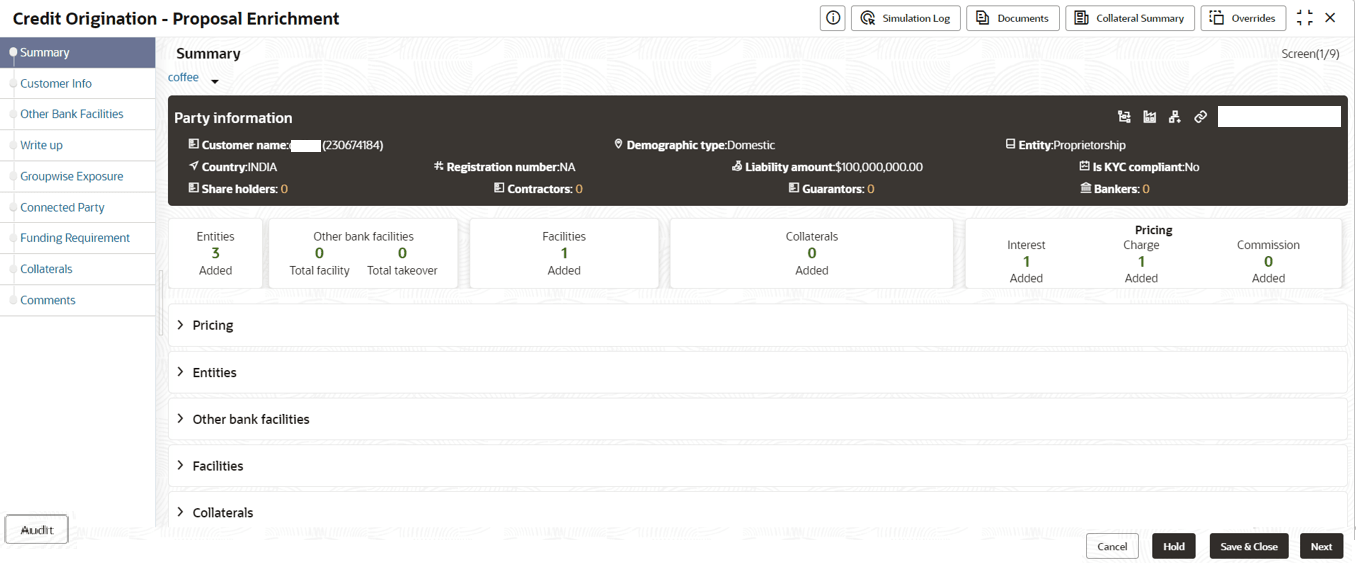
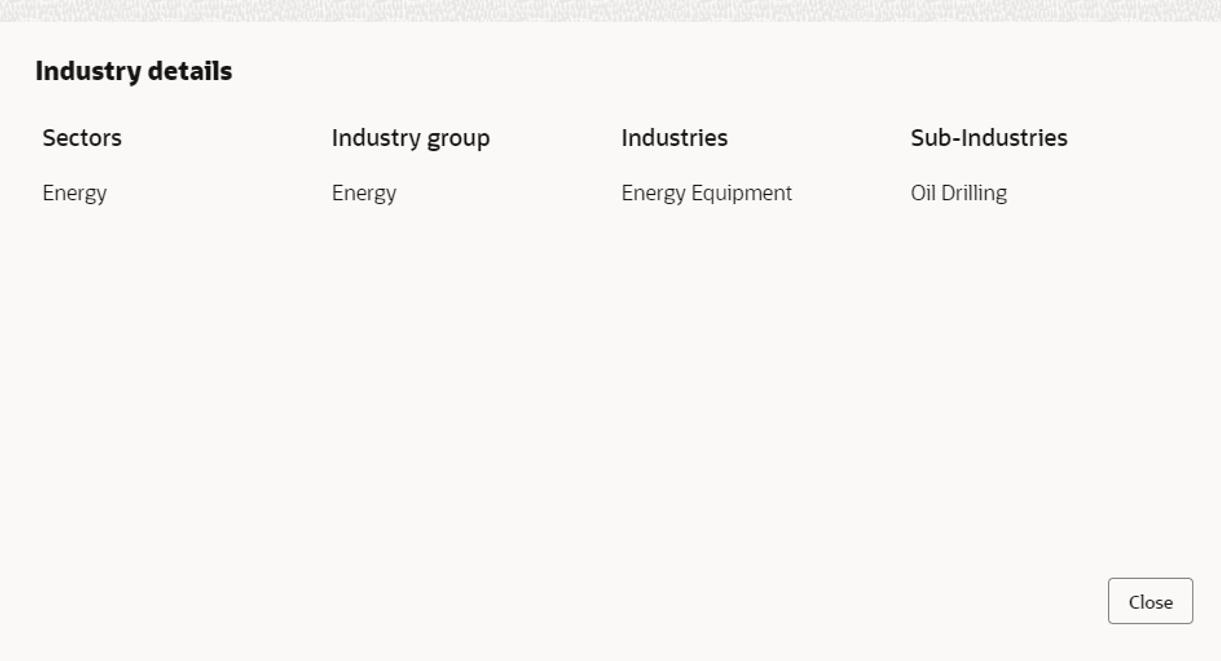
- To view the sector and industry information, click the industry icon in
Party Information section.The Industry Details window is displayed.
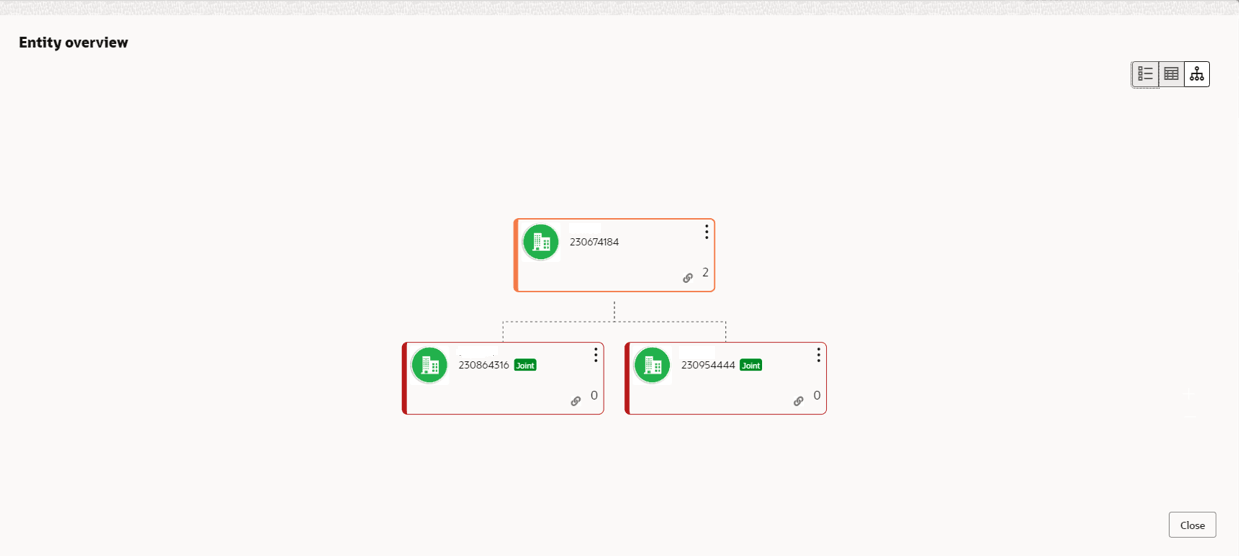
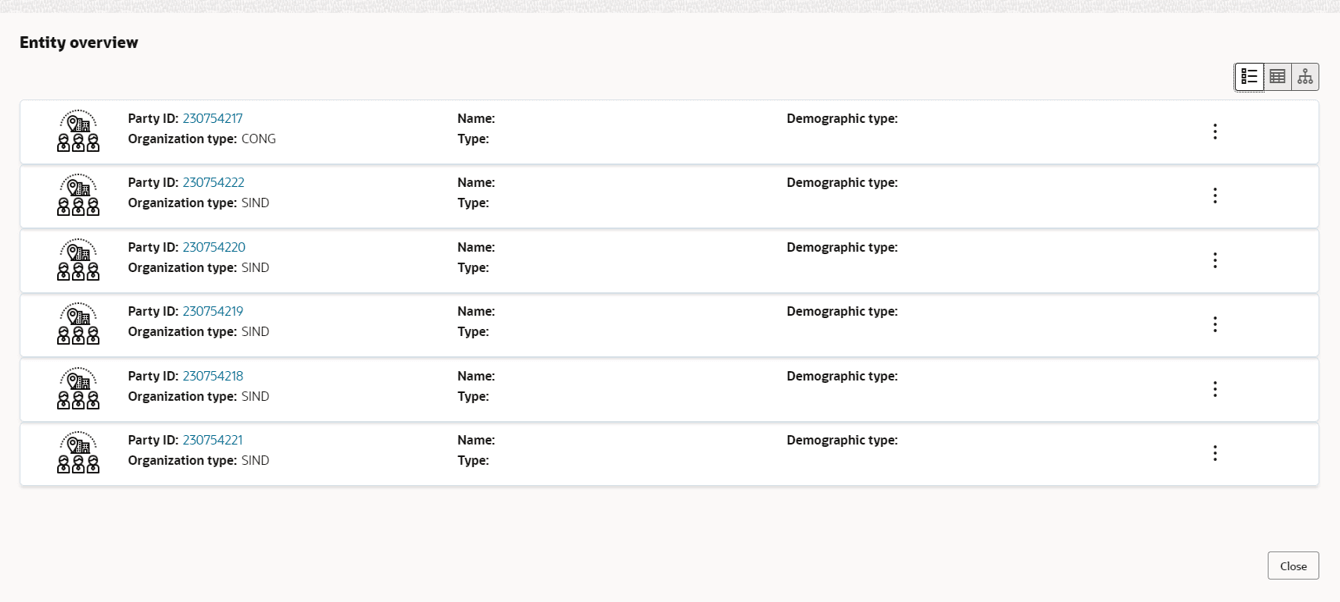
- To view the overview of the party, click Entity Overview icon in
Party Information section. The Entity Overview window is displayed.
- To change the layout of the Entity Overview, click Layout icon at
the top right corner.The Layout window is displayed.
- Select the required layout. Entity Overview is changed as shown
below.
Parent topic: Proposal Enrichment