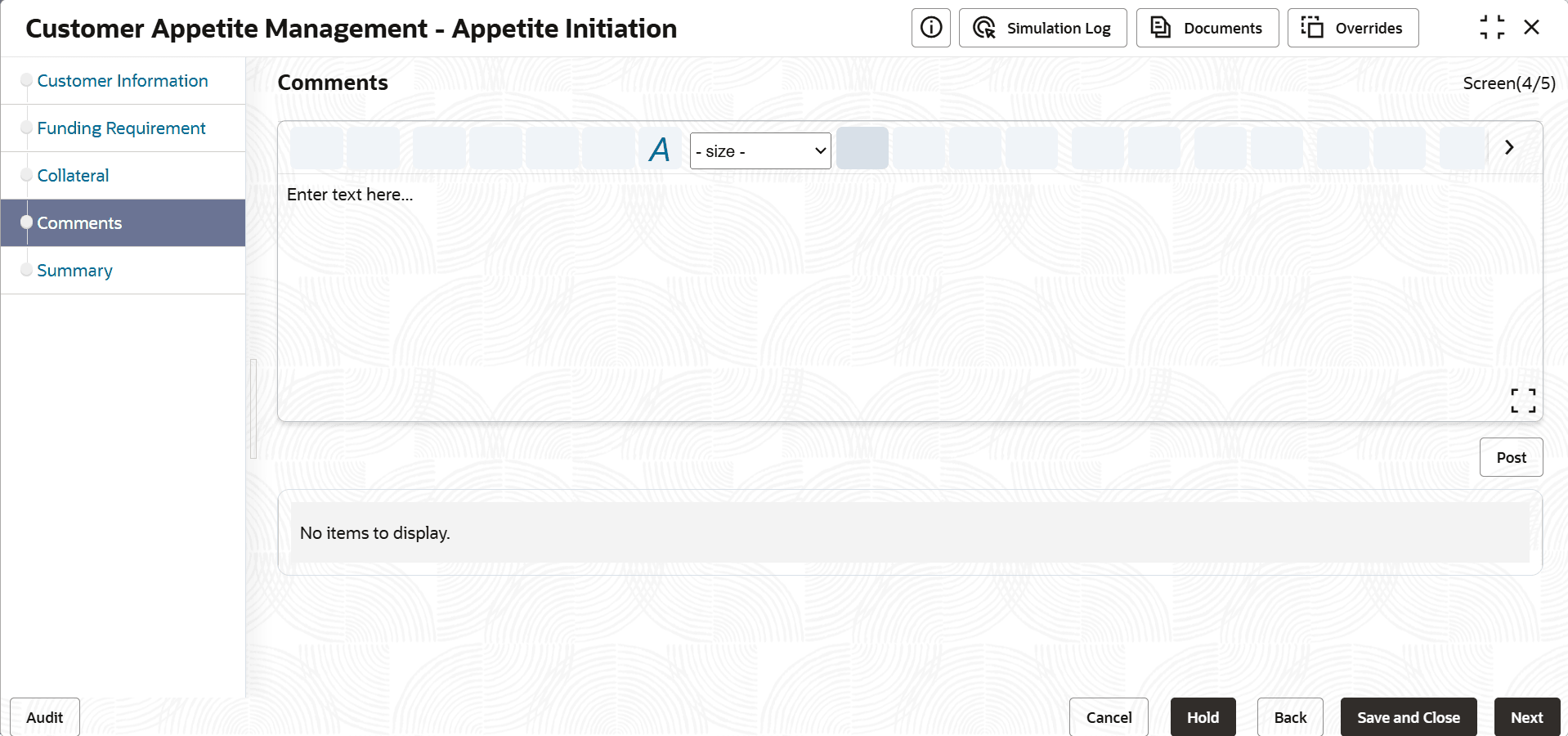
5.10 Credit Analysis - Peer Analysis
Detailed information about the Peer Analysis tile in Credit Analysis Data segment.
This data segment allows you to compare financial performance of the customer
prospect with its peer entities. To perform peer analysis, financial performance details
of the customer prospect and the peer entities must be available in the
system.
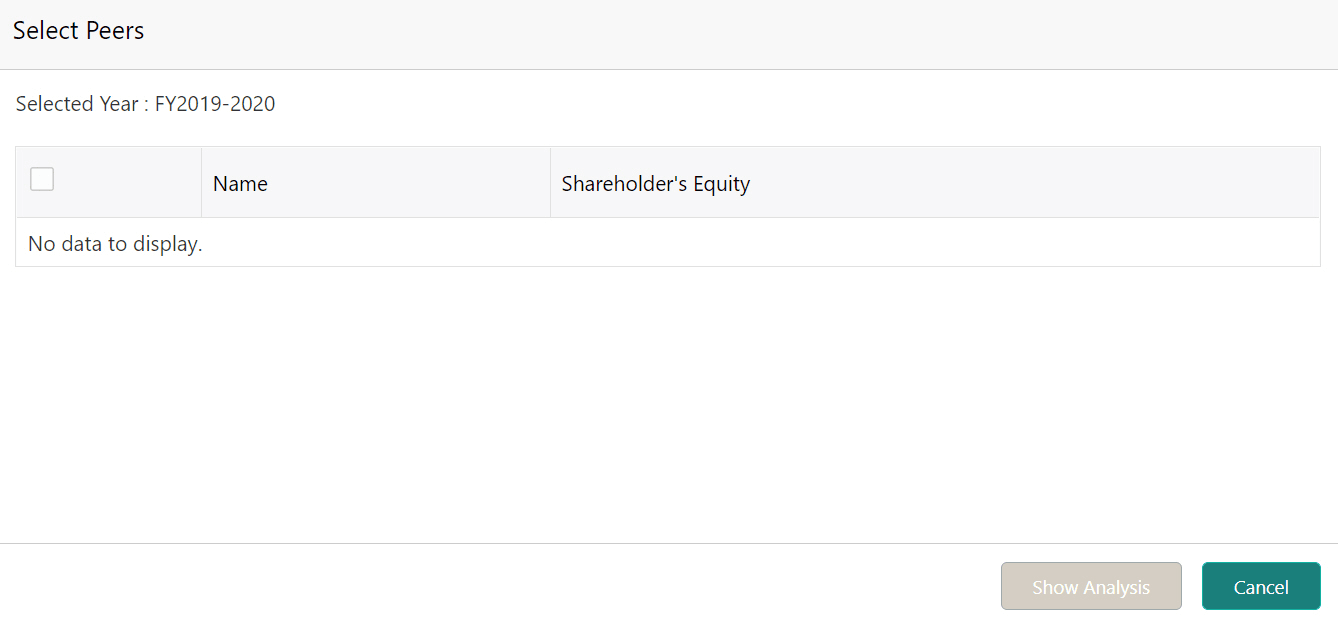
- Click Show Peers.
The Select Peers window is displayed.
Figure 5-49 Select Peers
- After viewing analysis details, click Next.
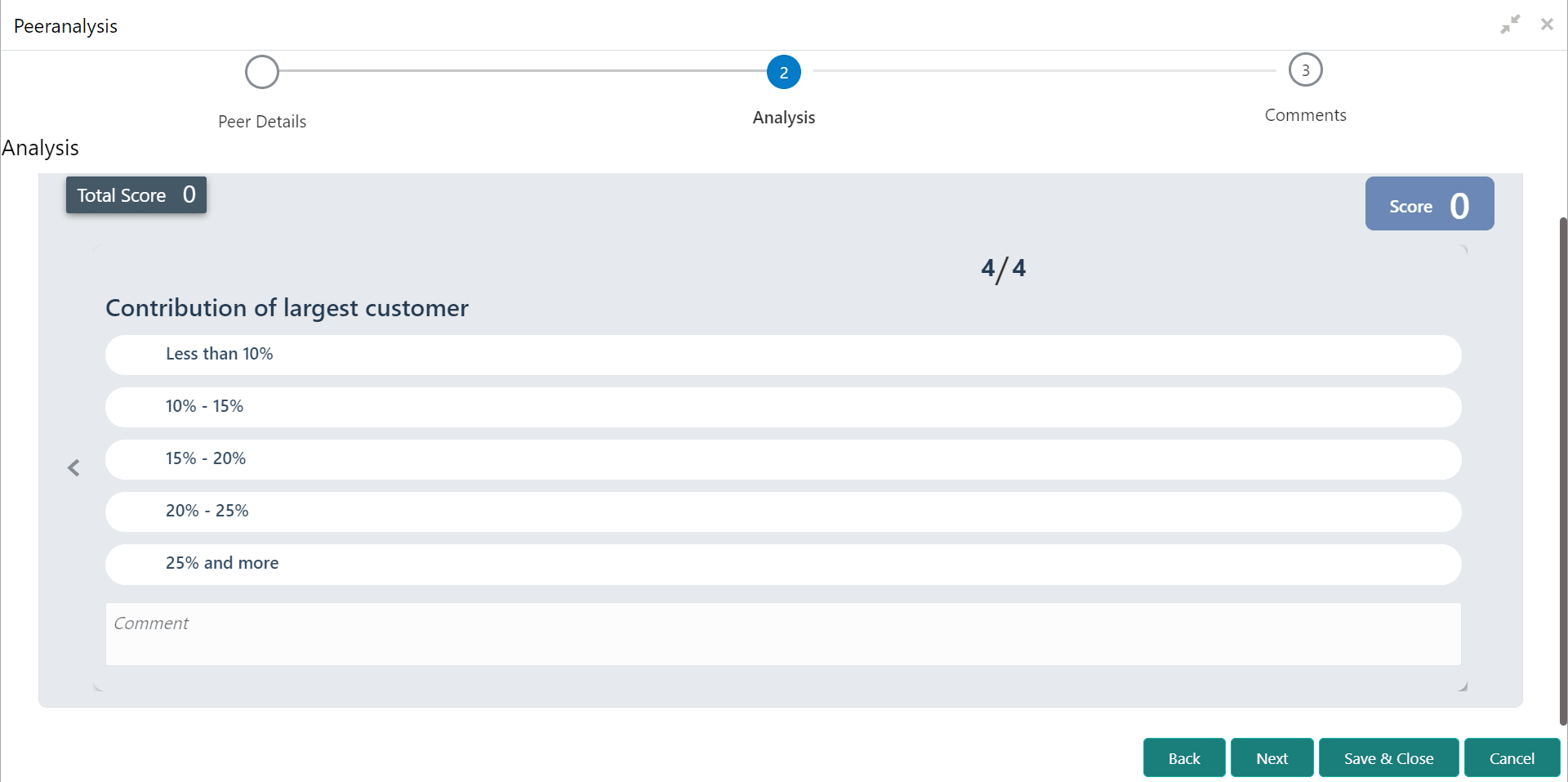
The Analysis page is displayed.
Figure 5-50 Peeranalysis - Analysis
- Click Next. The Comments page is displayed. For information on fields in the Peer Analysis - Comments screen, refer the below table.
Table 5-19 Peer Analysis - Comments
Fields Description Comments Type the overall Comments for the peer analysis. Post Click Post. Comments are posted below the Comments box. Save & Close Click Save & Close.