3.8 Amendment Initiation - Amendment Summary

This topic desribes information about the Amendment Summary in the Amendment Initiation.

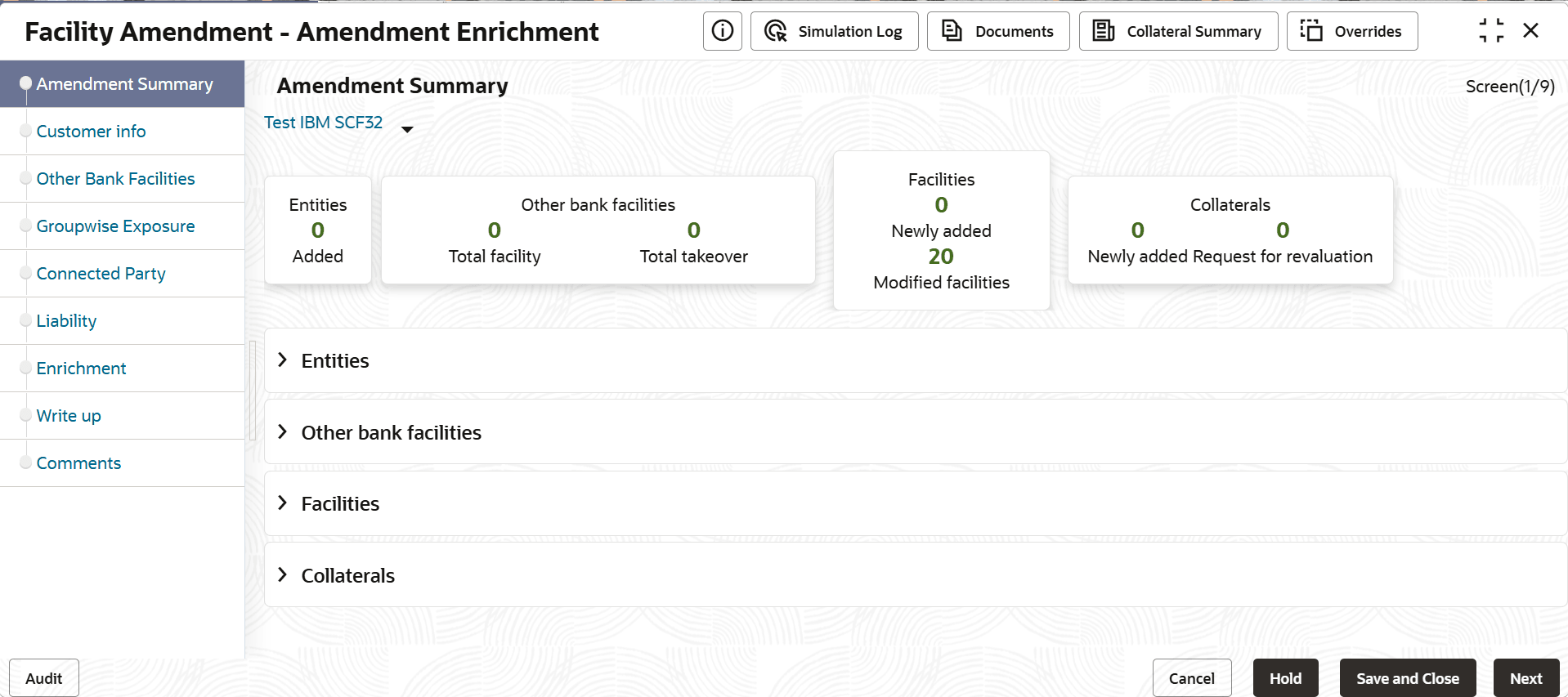
The Amendment Summary data segment displays all the information added in the previous data segments for verification.
  1. To view the sector and industry information, click the industry icon in customer information section.
    The Industry Details window is displayed.
  2. Click Close to exit the Industry Details window.
  3. To view the overview of the party, click the entity overview icon in Customer Information section.
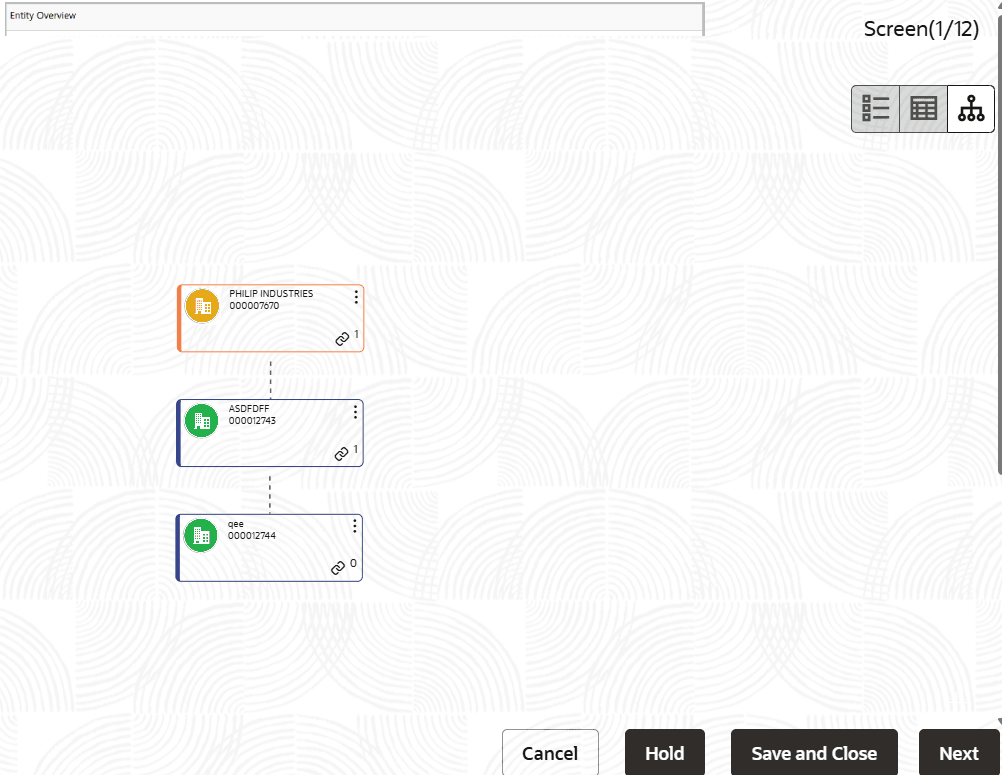
    The Entity Overview window is displayed.
  4. To change the layout of the entity overview, click the configuration icon at the top right corner.
    The Layout window is displayed.
  5. Select the required layout. Entity Overview is changed to the selected layout as shown below:

  6. To exit the Entity Overview window, click Close.

    In Customer Information section, the count of Share Holders, Contractors, Guarantors, and Bankers is displayed.

  7. To view the detailed information about the Share Holders, Contractors, Guarantors, and Bankers, click the respective count numbers.
  8. Click and expand the following sections to verify the information:
    • Pricing
    • Entities
    • Other Bank Facilities
    • Facilities
    • Facility Transfer
    • Collaterals

    For information on fields in the Entity Overview page, refer the below table.

    Table 3-39 Entity Overview

    Fields Description
    Hold To hold the Amendment Initiation task, click Hold in the Amendment Summary page.
    Back To go back to the previous page, click Back.
    Save & Close To save the Amendment Initiation task for future edit, click Save & Close.
    Next To go to the next page, click Next.
    Cancel To exit the process without saving the information, click Cancel.
  9. Click Next in the Amendment Initiation page, The Comments page is displayed.