3.9 Amendment Initiation - Comments
This topic describes detailed information about the Comments in the Amendment Initiation.
The Comments data segment allows to capture overall remarks for the Amendment Initiation stage. Posted comments are displayed at the bottom of the page for easy identification of previous actions.
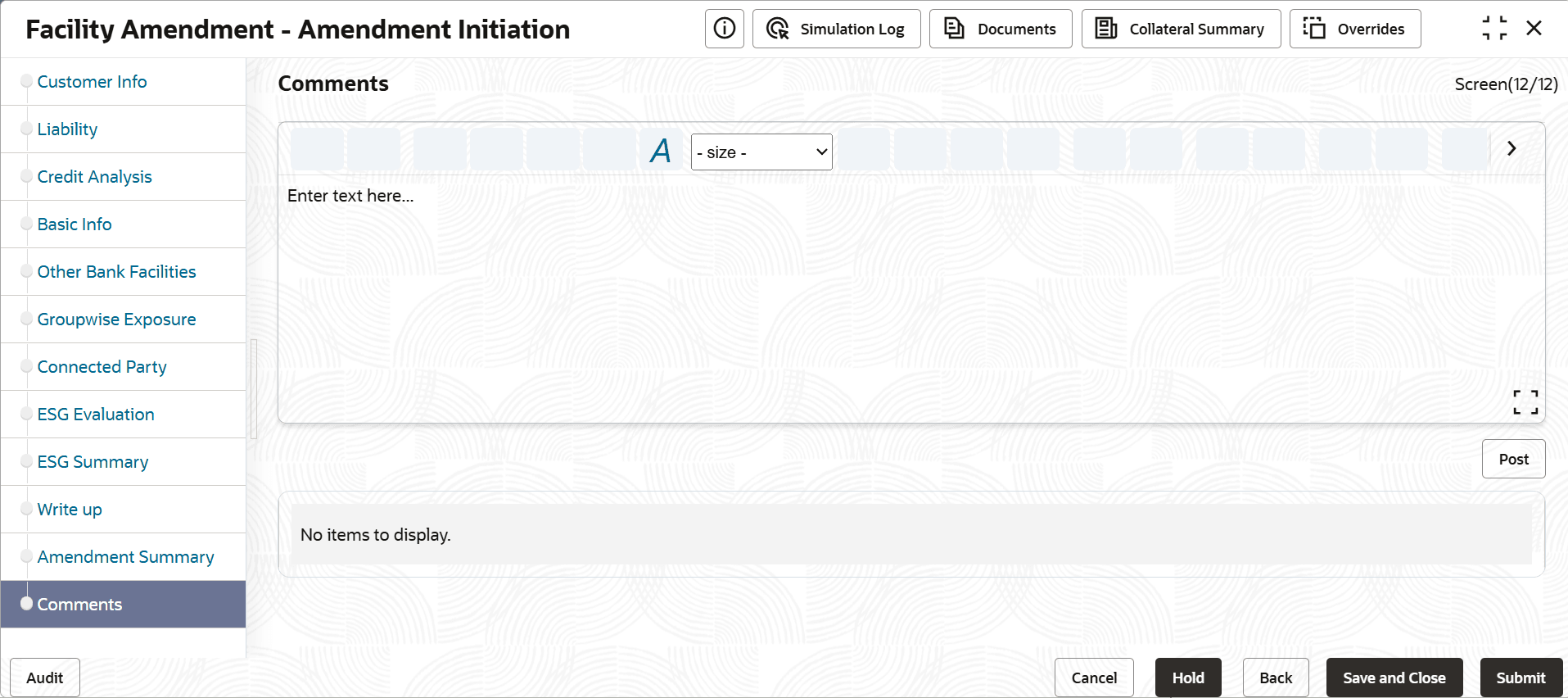
For information on fields in the Comments page, refer the below table.
Table 3-40 Comments
| Fields | Description |
|---|---|
| Post | Type the necessary comments in the text box and click Post. Comment is posted. |
| Hold | To hold the Amendment Initiation task, click Hold. |
| Back | To go back to the previous page, click Back. |
| Save & Close | To save the Amendment Initiation task for future edit, click Save & Close. |
| Submit | To move to the next stage, click Submit. |
| Cancel | To exit the process without saving the information, click Cancel. |
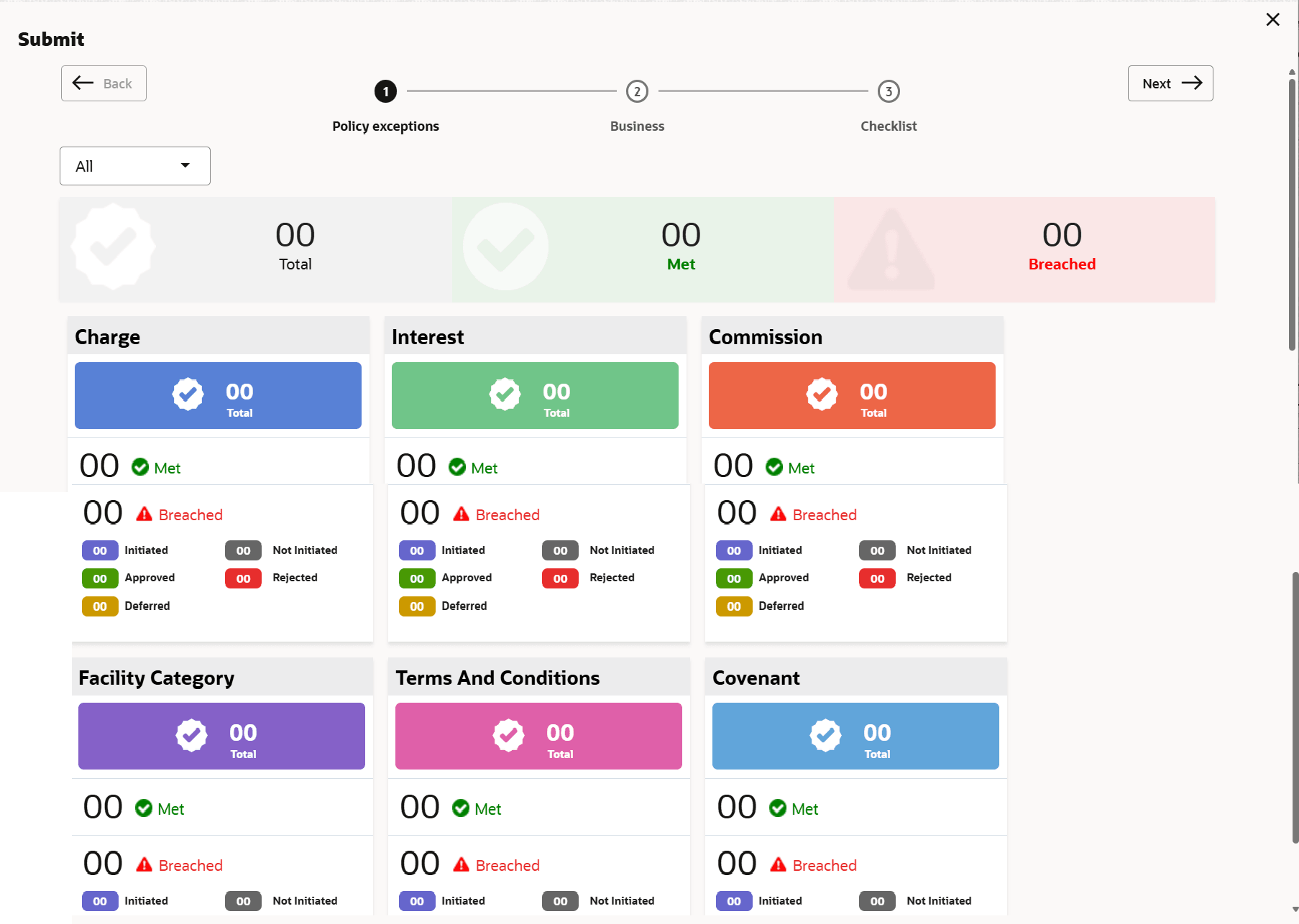
- Click the Submit button.The Policy exceptions window is displayed.
By default, policy exceptions are displayed for both the party and the child parties.
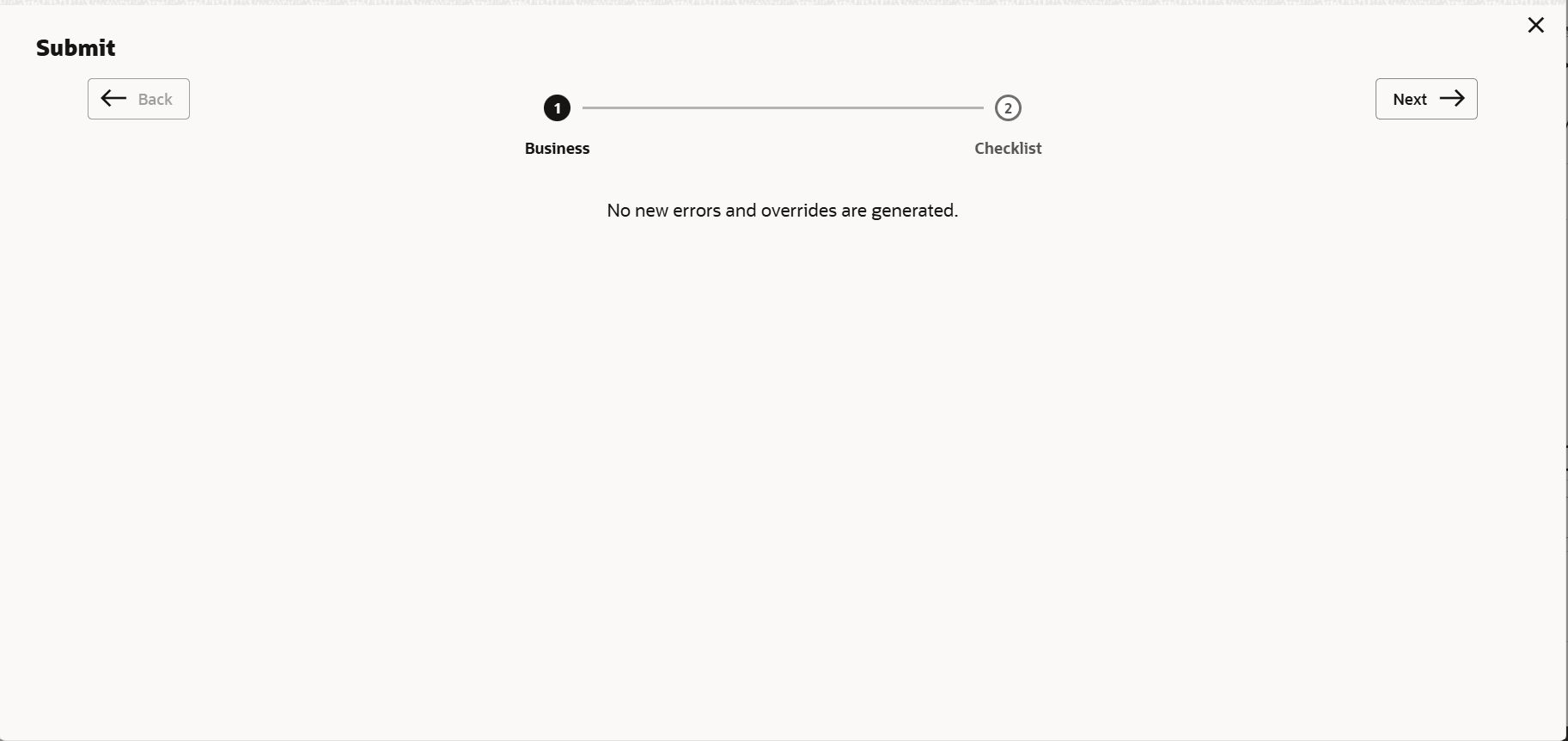
- Click the Checklist data segment.
Parent topic: Amendment Initiation