4 Amendment Enrichment
This topic provides systematic instructions about the Amendment Enrichment of the Credit Amendment.
In this stage, the member of the operations/credit team enriches the amendment application by capturing detailed information about the customer (the customer hierarchy, funding requirement, collateral offered and the other business related information) required to evaluate the customers on parameters like credit worthiness, risk profiling and legal fitness. After performing the necessary actions, the user can send the application to three parallel stages as well as initiate the collateral evaluation and the customer onboarding work flows.
The following table provides a high level overview about the Amendment Enrichment stage.
Table 4-1 Amendment Enrichment
| Information Available for User | Activities that can be performed by user |
|---|---|
|
|
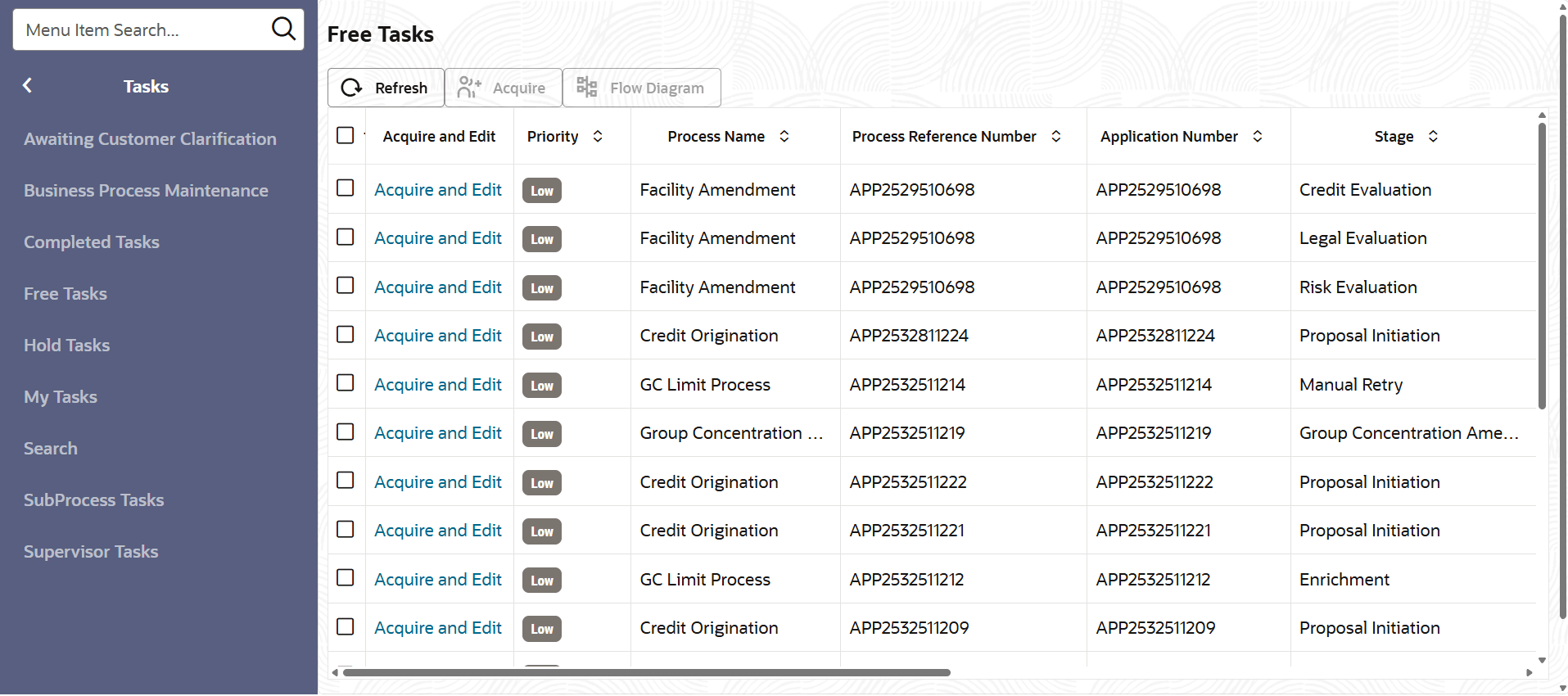
- From Home screen, click Tasks.
Under Tasks, click Free Tasks.The Free Tasks page is displayed.
- Amendment Enrichment - Amendment Summary
This topic describes information about the Amendment Summary of the Amendment Structuring. - Amendment Enrichment - Customer Info
This topic describes information about the Customer Info of the Amendment Enrichment. - Amendment Enrichment - Liability
This topic describes information about the Liability of the Amendment Enrichment. - Amendment Enrichment - Other Bank Facilities
This topic describes information about the Other Bank Facilities of the Amendment Enrichment. - Amendment Enrichment - Groupwise Exposure
This topic describes about information on the Groupwise Exposure of the Amendment Enrichment. - Amendment Enrichment - Connected Party
This topic describes information about the Connected Party of the amendment enrichment. - Amendment Enrichment - Enrichment
Detailed information on Enrichment of the Amendment Enrichment. - Amendment Enrichment - Write Up
This topic describes information about Write Up of the Amendment Enrichment. - Amendment Enrichment - Comments
This topic describes information about Comments of the Amendment Enrichment.