4.9 Amendment Enrichment - Comments

This topic describes information about Comments of the Amendment Enrichment.
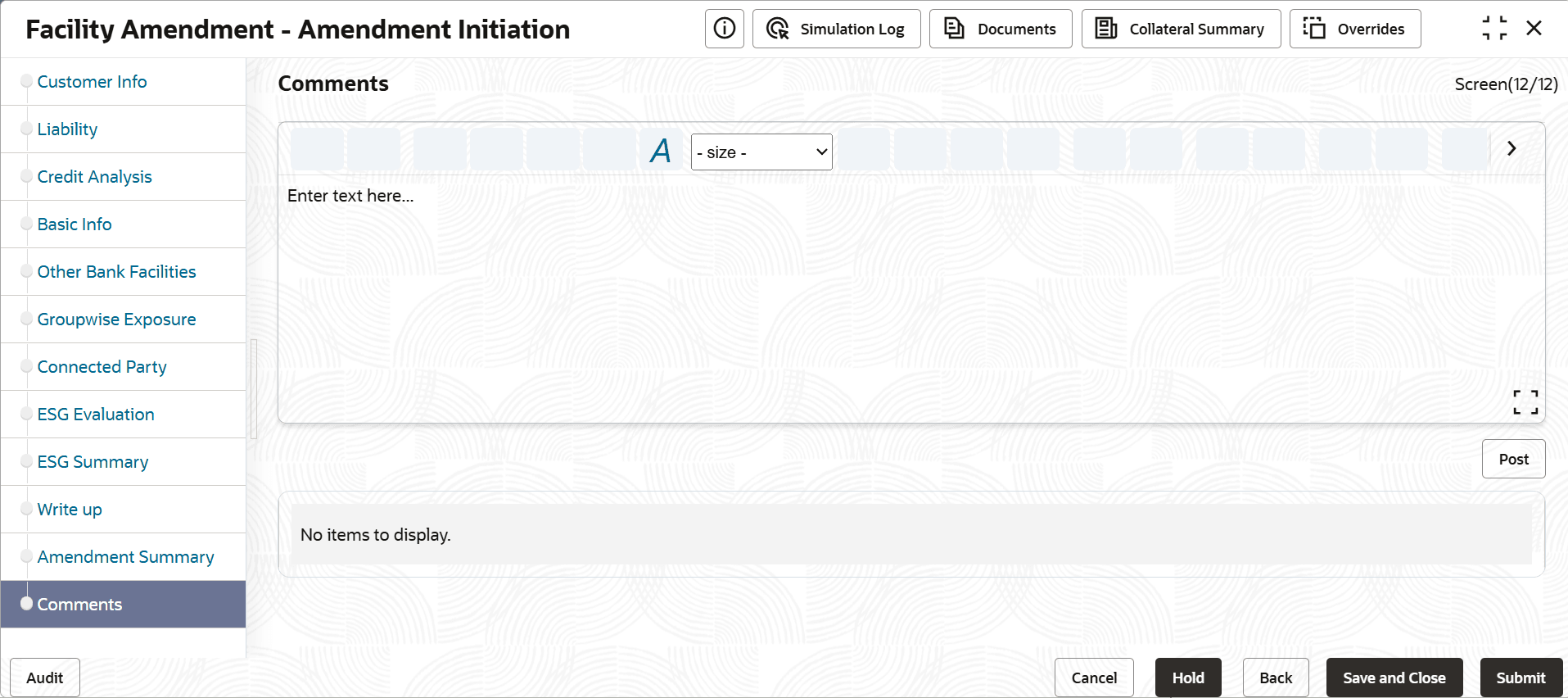
  1. Refer Amendment Initiation - Comments for information on actions that can be performed in this page.
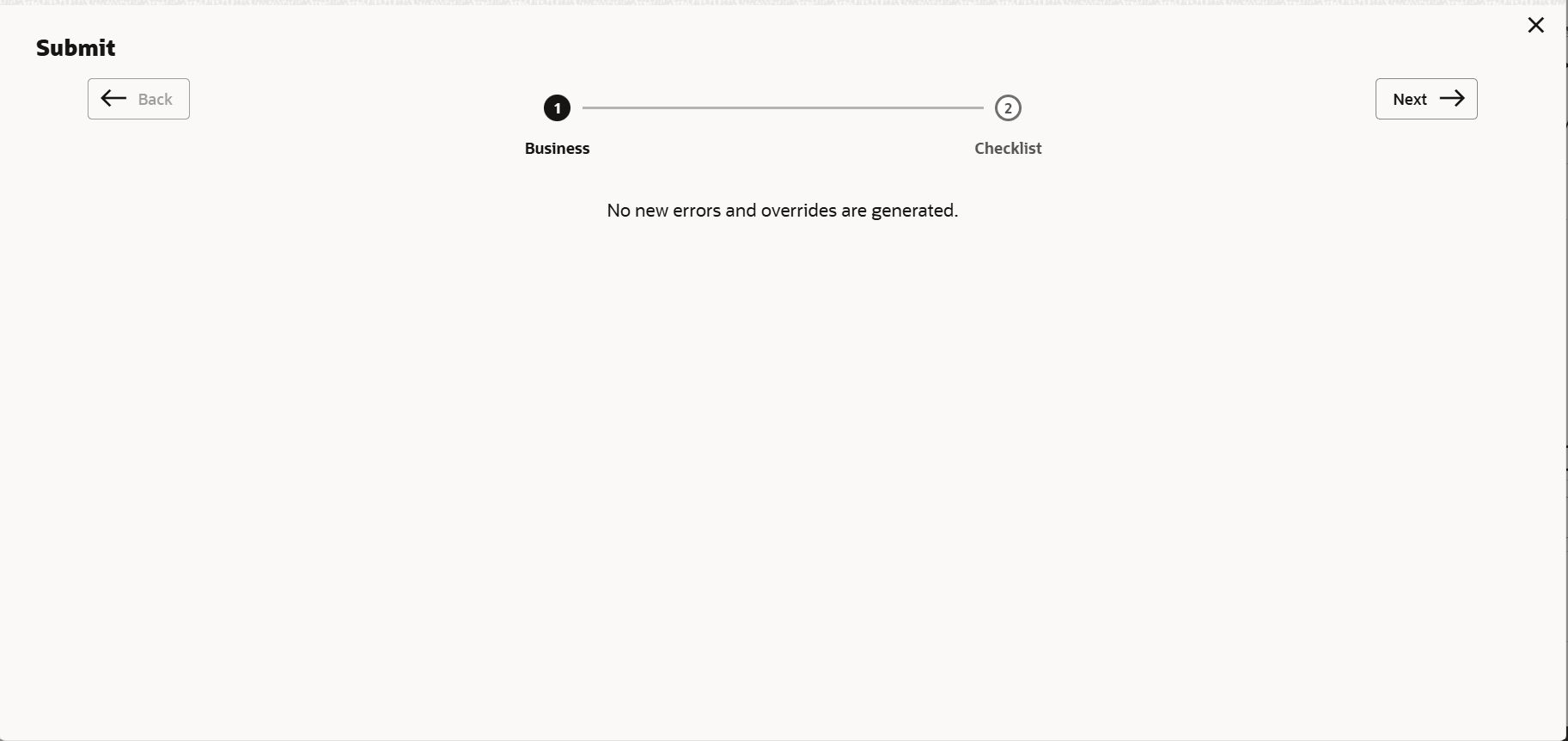
  2. To move to the next stage of Credit Amendment process, click Submit.
    The Policy exceptions window is displayed.

    Figure 4-11 Policy exceptions
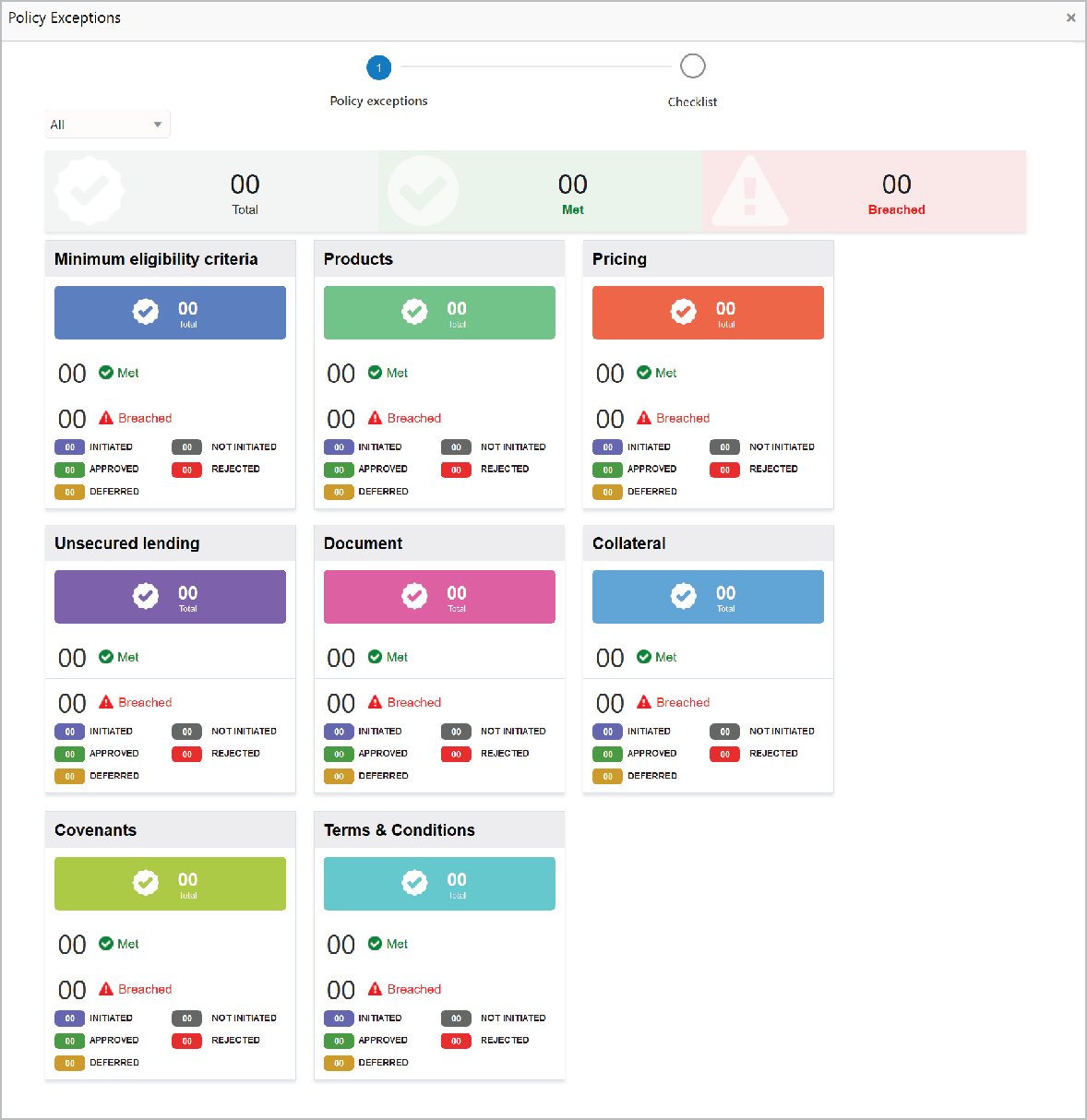
    Policy exceptions details such as Pricing and Products

    By default, policy exceptions are displayed for both the party and the child parties.

  3. To view the policy exception detail specific to party or child party, select the party from the drop down list at top left corner.
  4. Click the Checklist data segment.
  5. Select the Outcome as PROCEED, if additional information is not required. Otherwise select the Outcome as Additional Info.
  6. Enable the Is KYC Required check box, if required. The system will create a KYC Evaluation task to perform KYC check for the party and child party.
  7. Click Submit.

    Upon submitting the enriched application, the application is passed to multiple parallel stages of evaluation. Refer Amendment Evaluation chapter for information on the parallel stages.