4.4 Collateral Due for Review RM
This topic provides information the Collateral Due for Review RM tile in Dashboard.
This tile lists the collaterals which past the RM review date or for which the
RM review is pending.
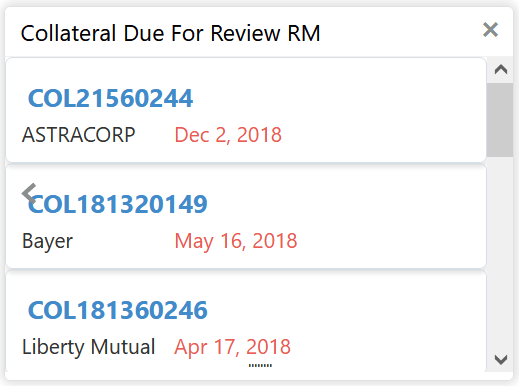
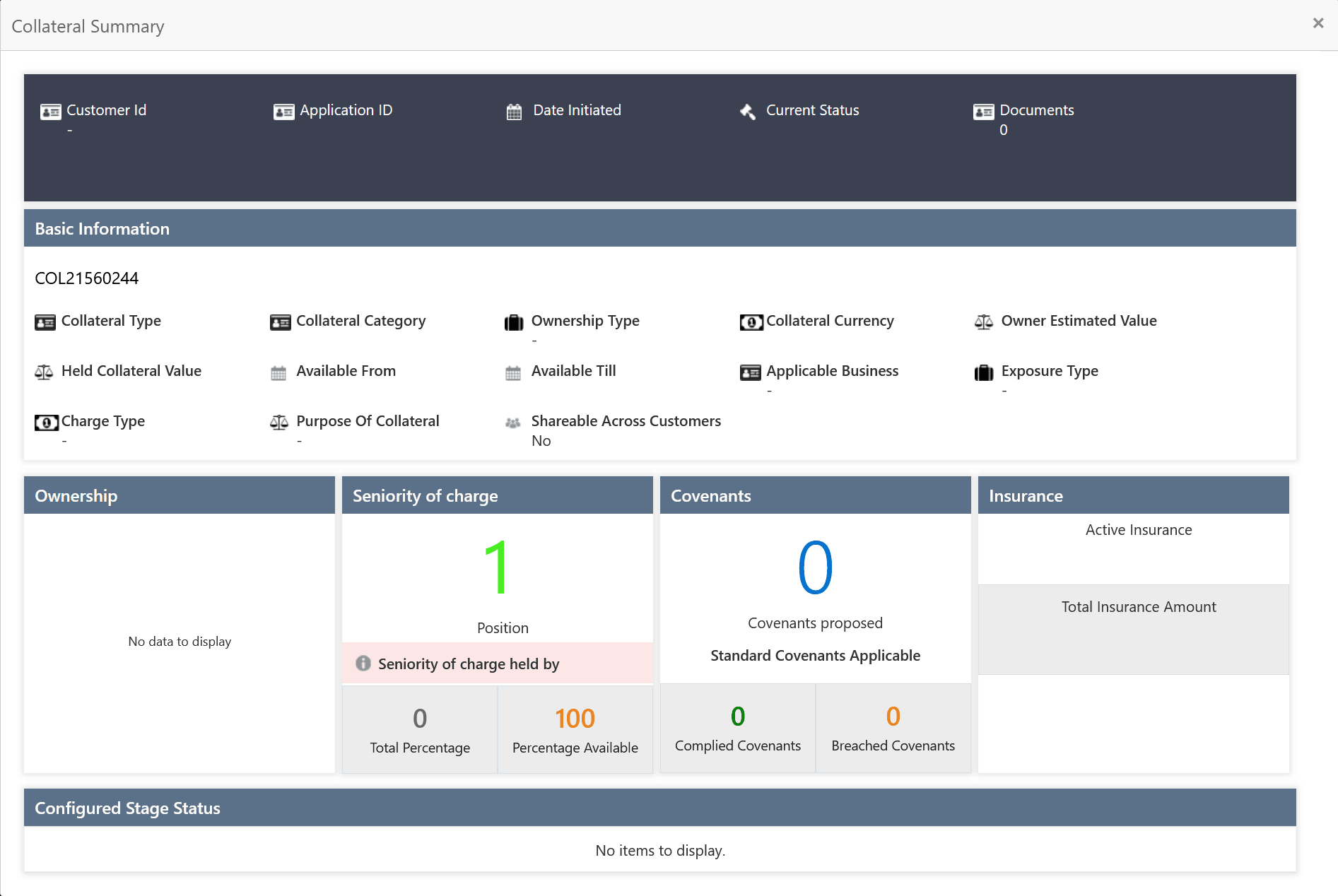
- Click on the required collateral ID.The Collateral Summary is displayed.
Note:
In the bar chart view, click on the bar and then select the Collateral ID to launch the Collateral Summary screen.
Parent topic: Navigating from Dashboard