4.5 Facility Due for Review RM
This topic provides about the information on the Facility Due for Review RM tile in Dashboard.
This tile lists the facilities which past the RM review date or for which the
RM review is pending.
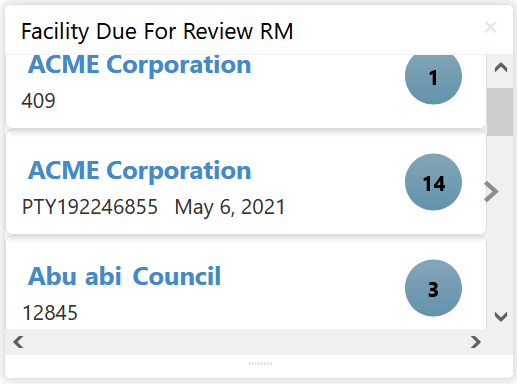
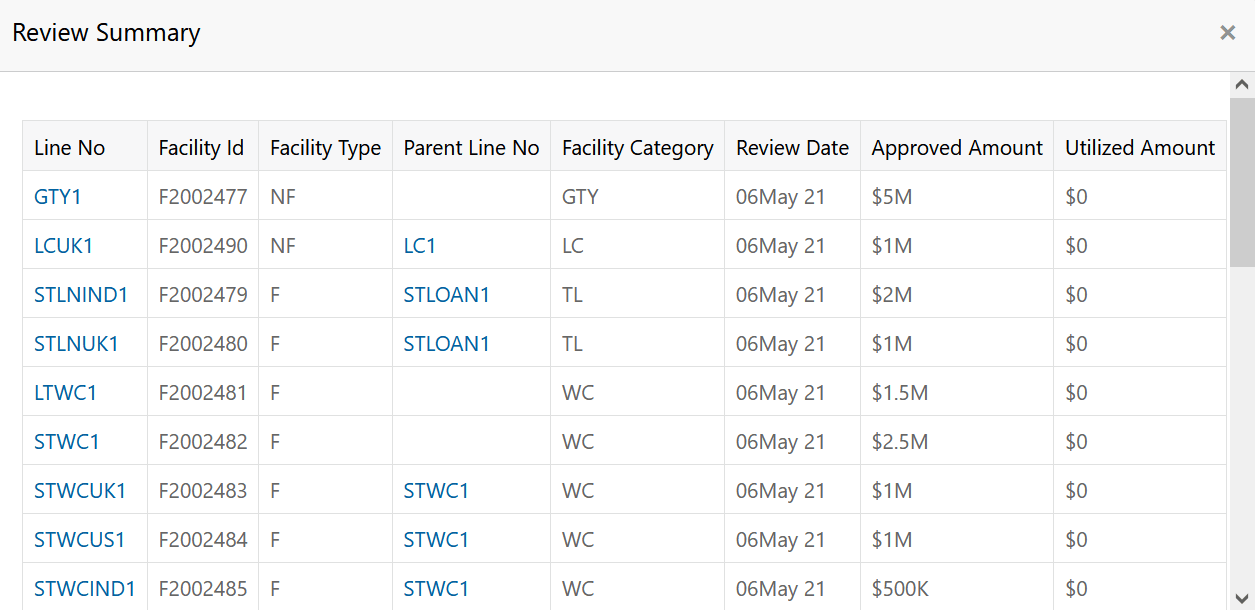
- Click on the count next to the required customer.The Review Summary window is displayed.
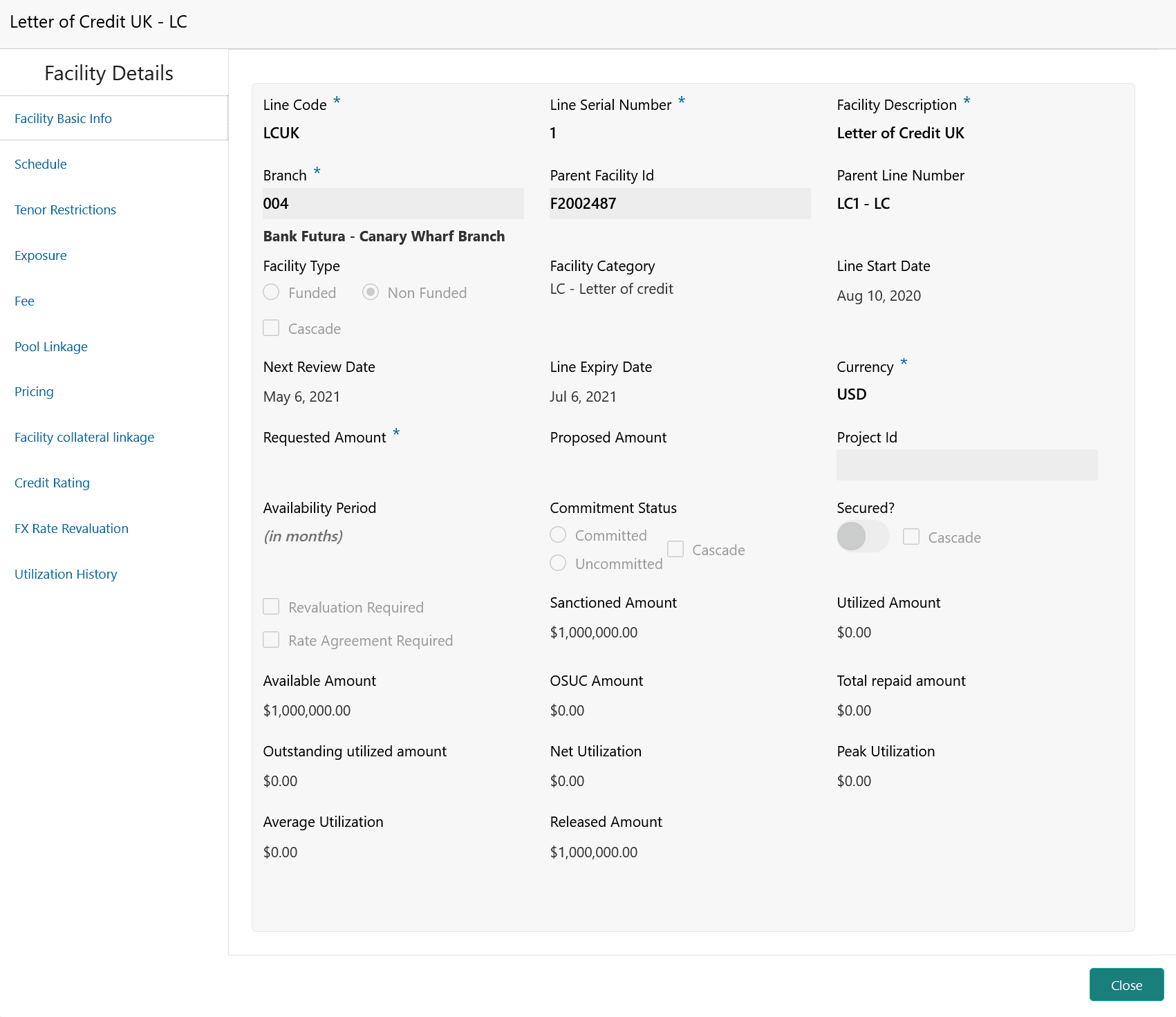
- Click on the required Line No.The Facility Details window is displayed.
Figure 4-7 Facility Details
Note:
In the Facility Details window, you can edit the details for which modification is allowed in Business Process Configuration. For detailed information on the sub-menu, refer Credit Proposal User Guide.
Parent topic: Navigating from Dashboard