4.6 Pending Exception
This topic provides systematic instructions about the Pending Exception tile in Dashboard.
This tile lists the policy exceptions for which the review is pending.
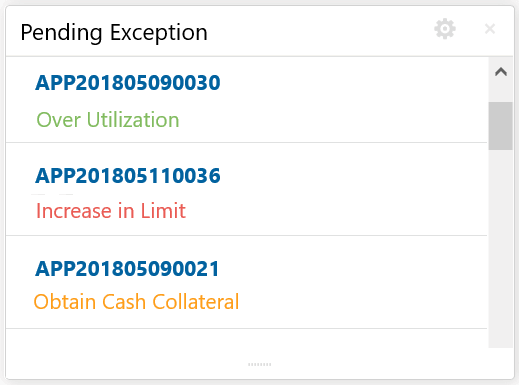
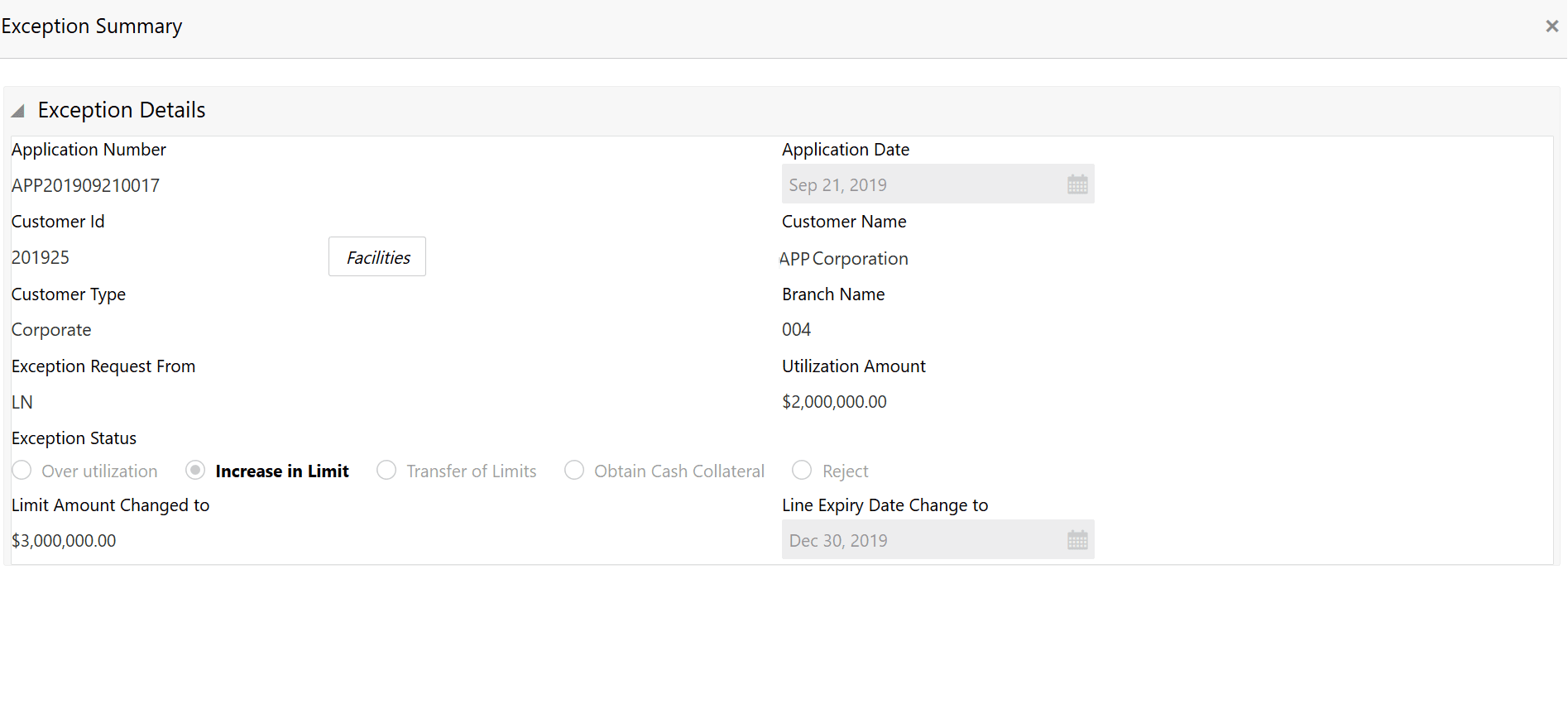
- Click on the required application ID.The Exception Summary screen displays.
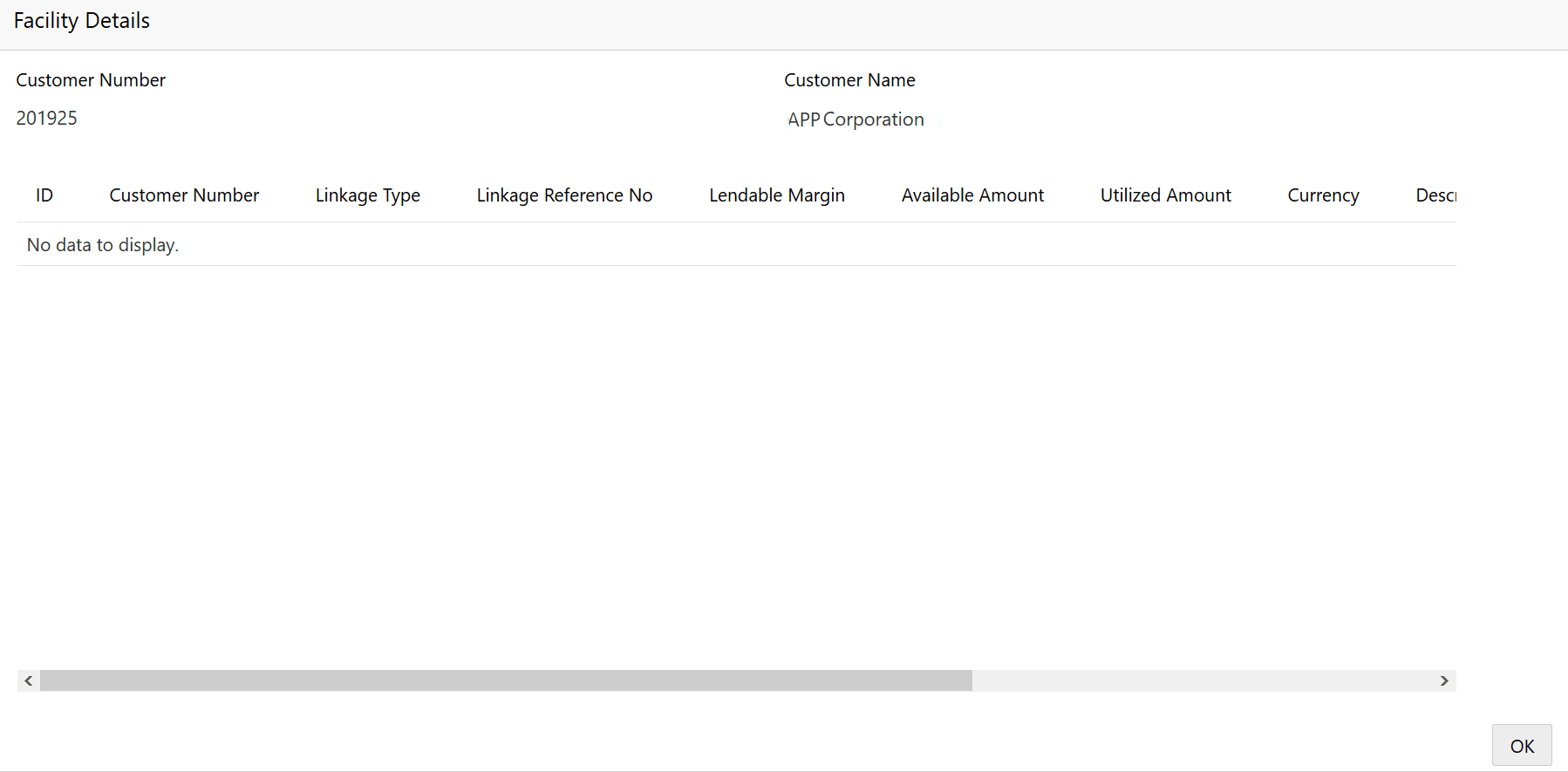
- To view the facility details, click Facilities.The Facility Details screen displays.
Parent topic: Navigating from Dashboard