3.4.11 Guarantee
This topic provides systematic instructions about the Guarantee data segment in Evaluation Enrichment stage.
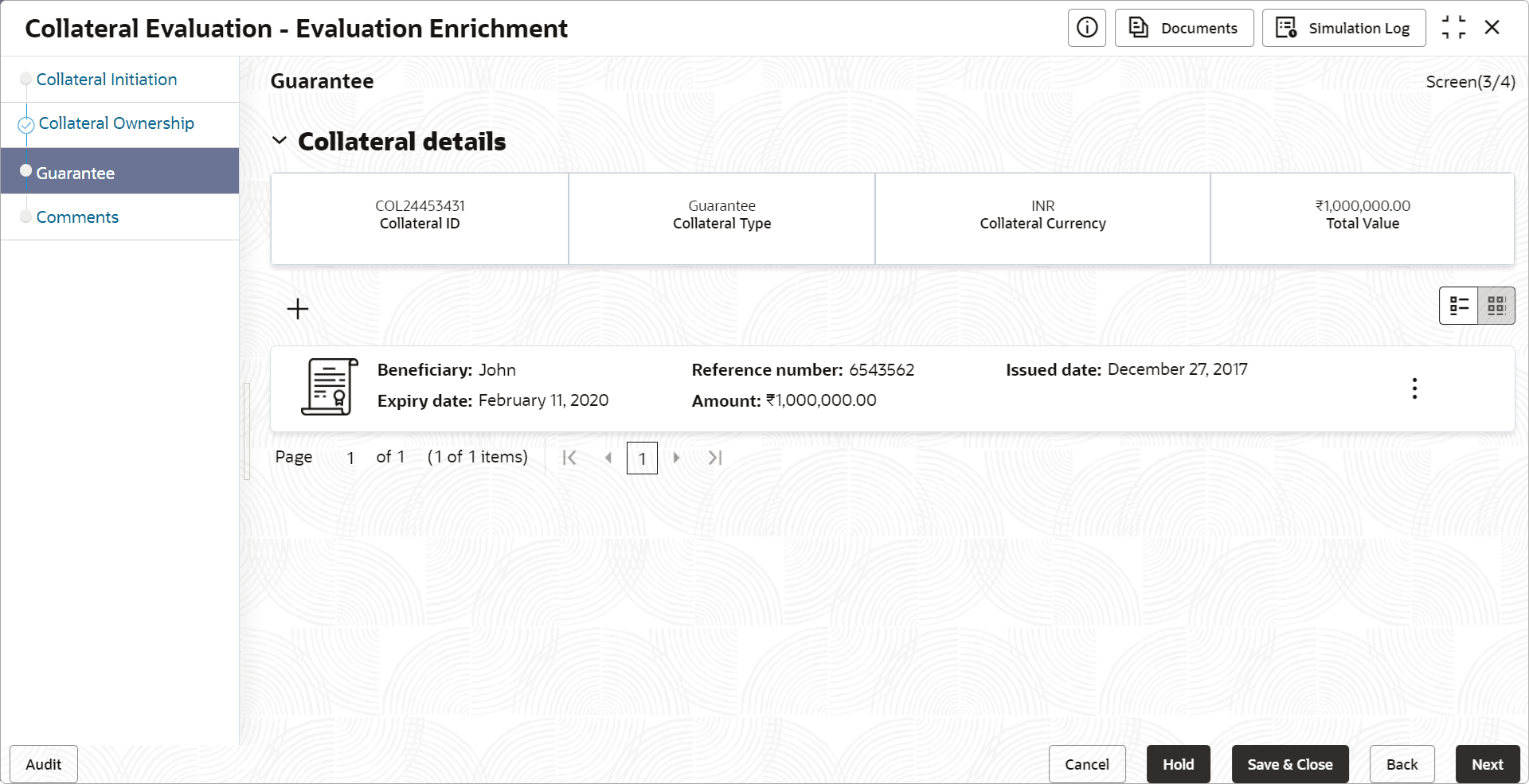
To add the Guarantee type collateral:
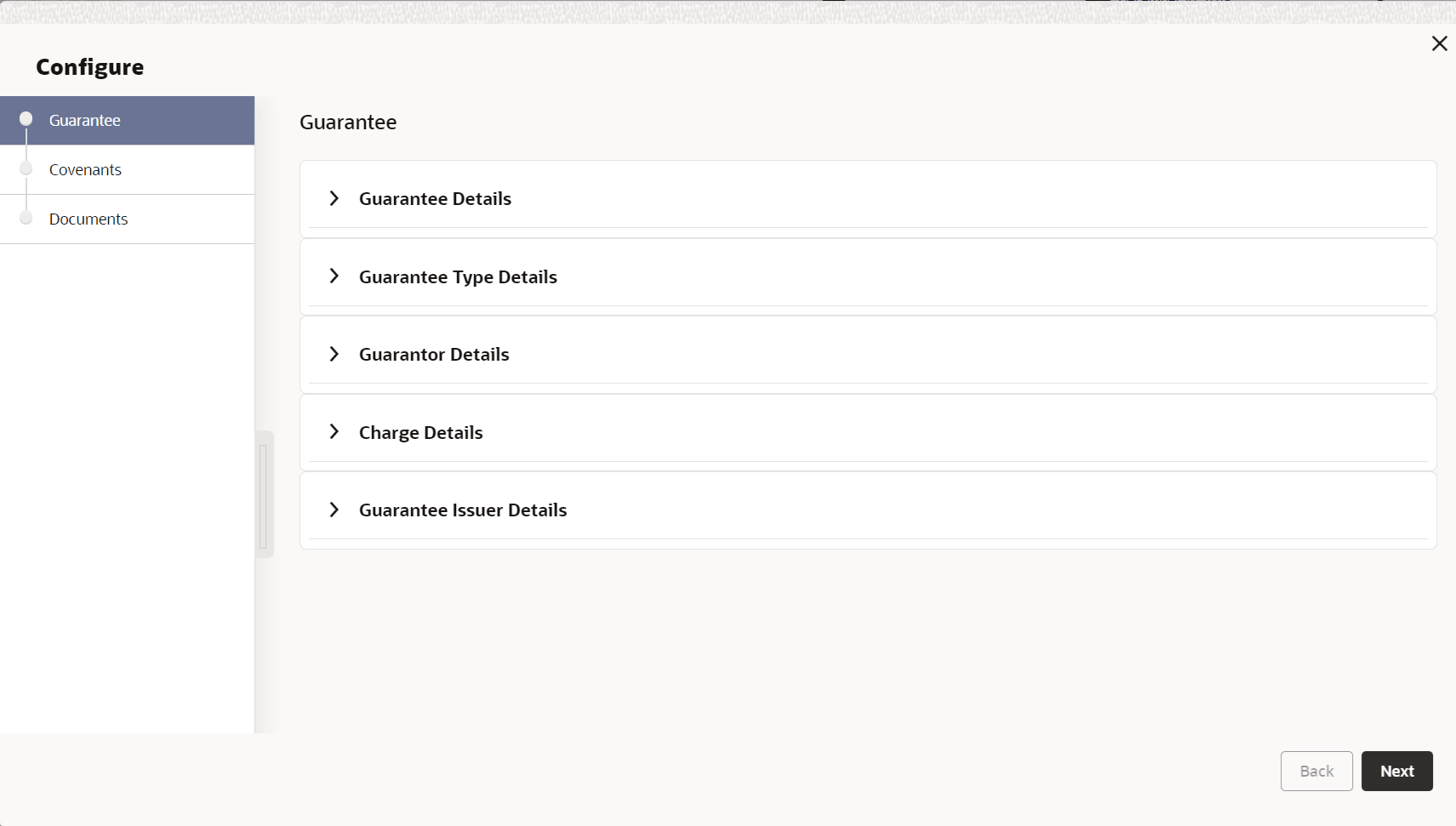
- Click the add icon.The Configure - Guarantee screen is displayed.
- Provide the guarantee details in the Configure - Guarantee screen.For more information on fields, refer to the field description table below.
Table 3-32 Configure - Guarantee - Guarantee Details - Field Description
Field Description Reference Number Specify the guarantee Reference Number. Applicable Place Specify the place where the guarantee is applicable. Applicable Country Specify the country where the guarantee is applicable. Currency Specify the Currency in which the guarantee is provided. Amount Specify the guarantee Amount in selected currency. Amount in Collateral Currency If the guarantee amount is different from the collateral amount, the Amount is converted to collateral currency and displayed in this field. Issue Date Specify the date in which the guarantee is issued. Effective Date Specify the guarantee start date. Expiry Date Specify the guarantee end date. Beneficiary Type Specify the Beneficiary Type. Beneficiary Specify the beneficiary name. PNW Select a currency and specify the net worth of the guarantee. Total Credit Exposure Specify the Total Credit Exposure of the guarantee. Rating Agency If the guarantee is rated by the external agency, select the Rating Agency from the drop down list. Rating Specify the Rating provided by the selected Rating Agency. Remarks Capture Remarks for the guarantee, if any. Revolving Guarantee Enable this flag, if the guarantee is revolving type. Revocable Enable this flag, if the guarantee is revocable. Revocable Date Specify the date till which the guarantee is revocable Figure 3-42 Configure - Guarantee Type Details
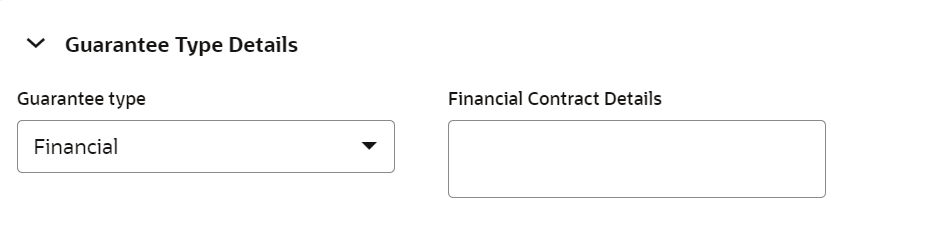
Table 3-33 Configure - Guarantee Type Details - Field Description
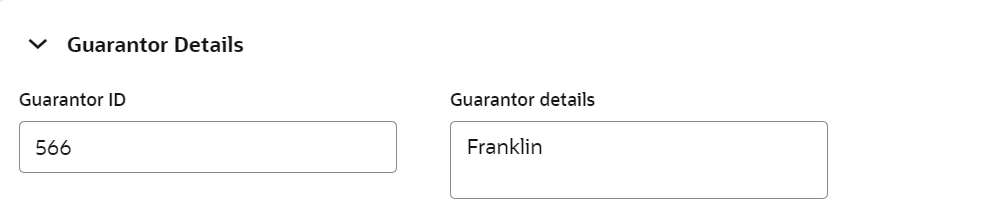
Field Description Gurantee Type Select the Guarantee Type from the drop-down list. Financial Contract Details Capture the guarantee contract details. Table 3-34 Configure - Guarantor Details - Field Description
Field Description Guarantor ID Specify the Guarantor ID. Guarantor Details Capture other details of the Guarantor. Figure 3-44 Configure - Guarantee - Charge Details
Table 3-35 Configure - Guarantor - Charge Details - Field Description
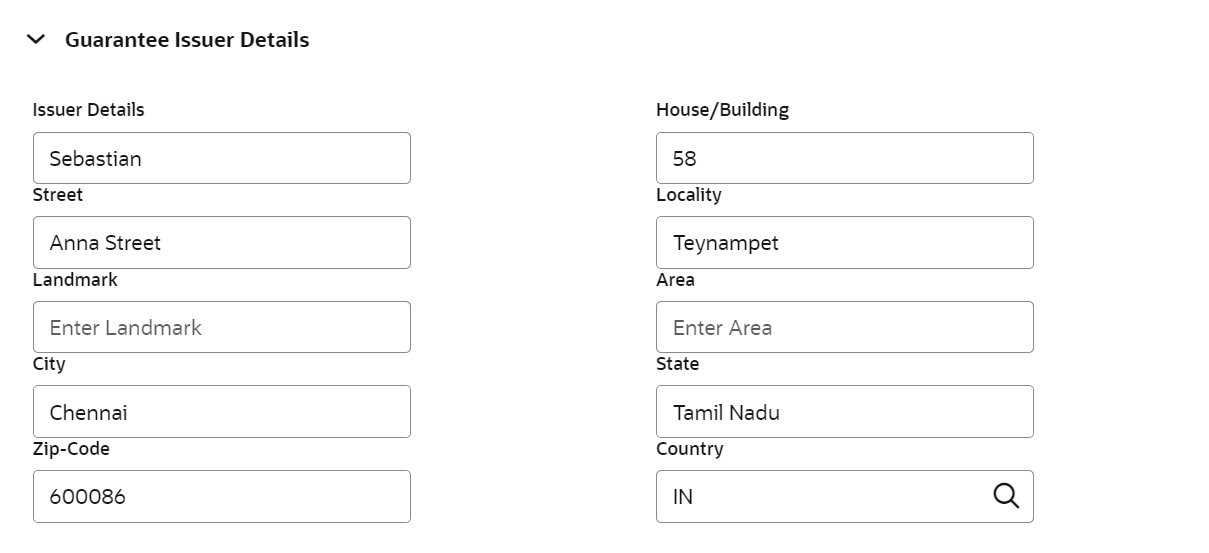
Field Description Charge Currency Guarantee Currency selected in Guarantee Details section is displayed as the Charge Currency. Charge Amount Specify the Charge Amount. Charge Account Number Specify the Charge Account Number. Figure 3-45 Configure - Guarantee Issuer Details
Table 3-36 Configure - Guarantee Issuer Details - Field Description
Field Description Issuer Details Specify the name of the guarantee issuer. House/Building Specify the House/Building in which the guarantee issuer is located. Street Specify the Street in which the guarantee issuer is located. Locality Specify the Locality of the guarantee issuer. Landmark Specify the Landmark of the guarantee issuer. Area Specify the Area in which the guarantee issuer is located. City Specify the City in which the guarantee issuer is located. State Specify the State in which the guarantee issuer is located. Zip-Code Specify the Zip-Code of the guarantee issuer location. Country Specify the Country in which the guarantee issuer is located. Note:
This topic contains Guarantee related fields. For other information, refer Vehicle topic in the Enrichment section.