9.2 Bid Publication - Comments
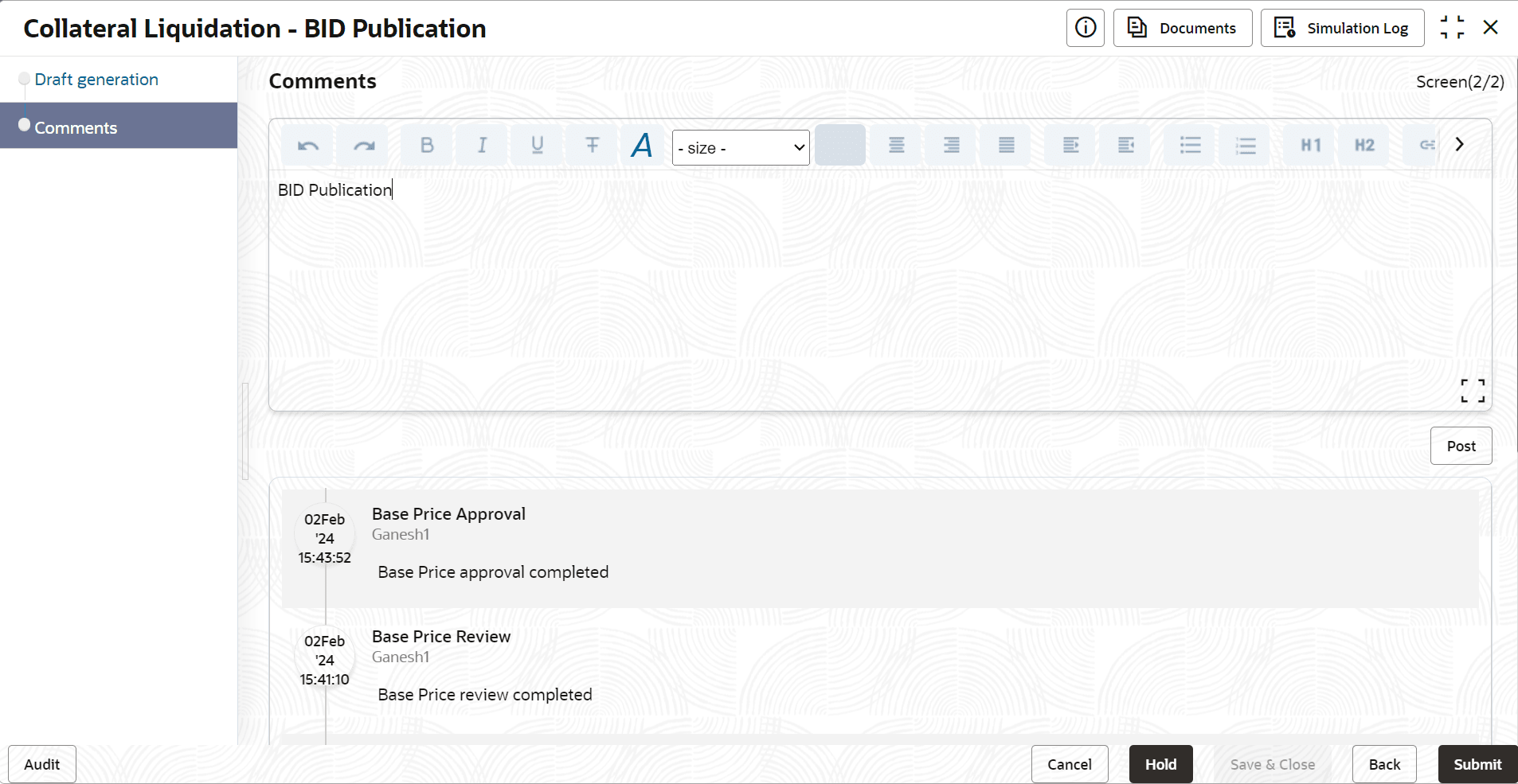
This topic provides systematic instructions about the Comments data segment in Bid Publication stage.
This data segment allows you to capture overall comments for the Bid Publication stage. Capturing comments helps the user of next stage to better understand the application.
Click Next in the Bid Publication - Draft Generation screen, the Comments data segment is displayed.
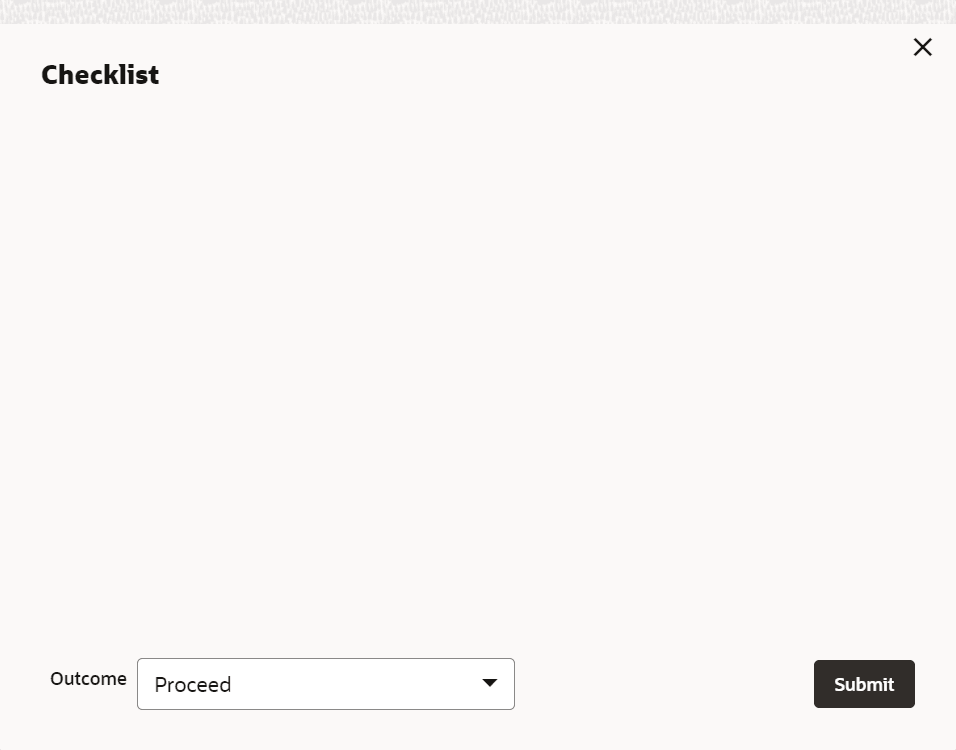
- To submit the Bid Publication task, click Submit. The Checklist window is displayed.
Note:
Checklist for the stage appears if it is configured in the Business Process Maintenance. User manually verify the checklist and enable the corresponding check box.