9.1 Bid Publication - Draft Generation
This topic provides systematic instructions about the procedure to generate draft bid document.
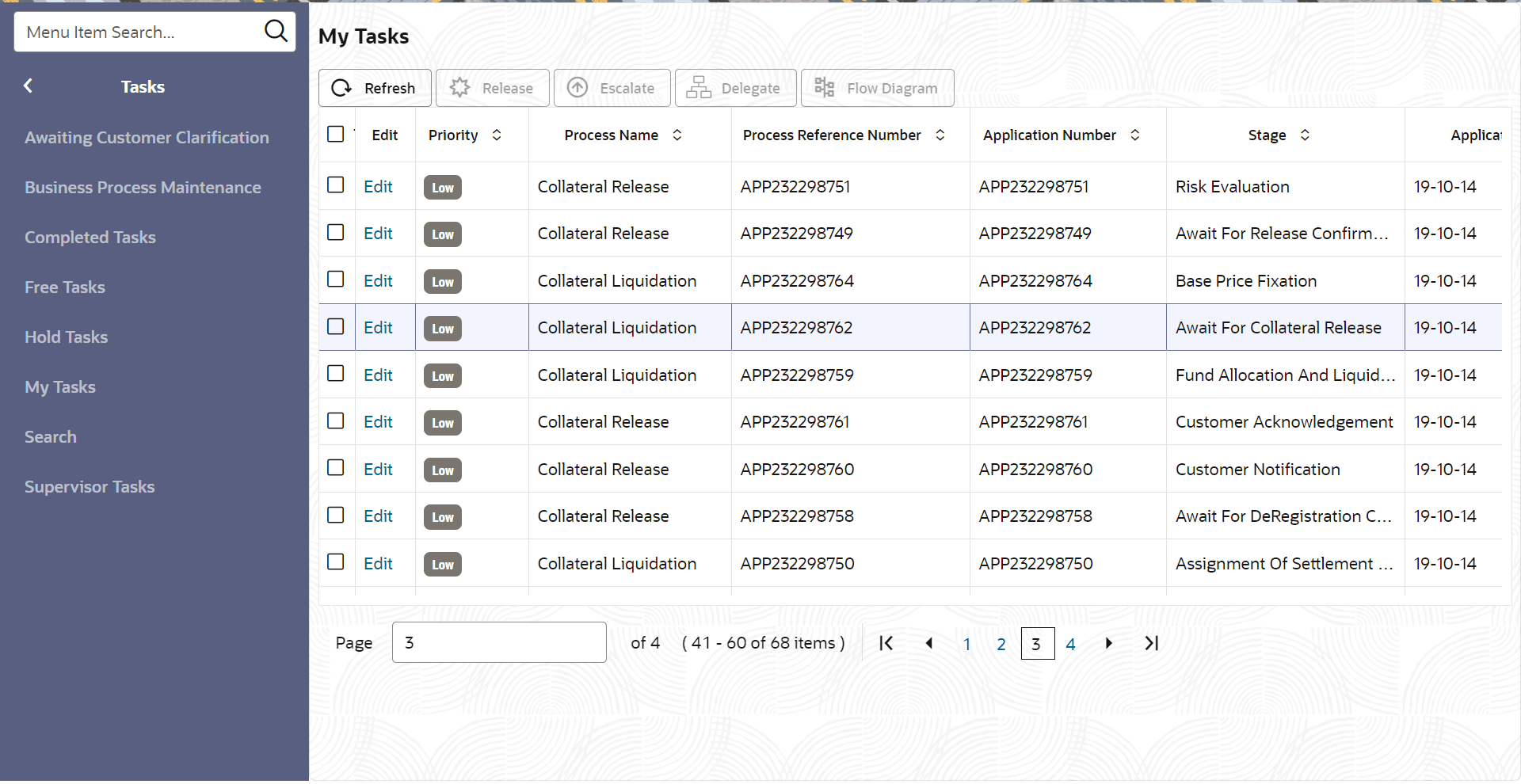
- From Home screen, click Tasks.
Under Tasks, click Free
Tasks.The Free Tasks page is displayed.
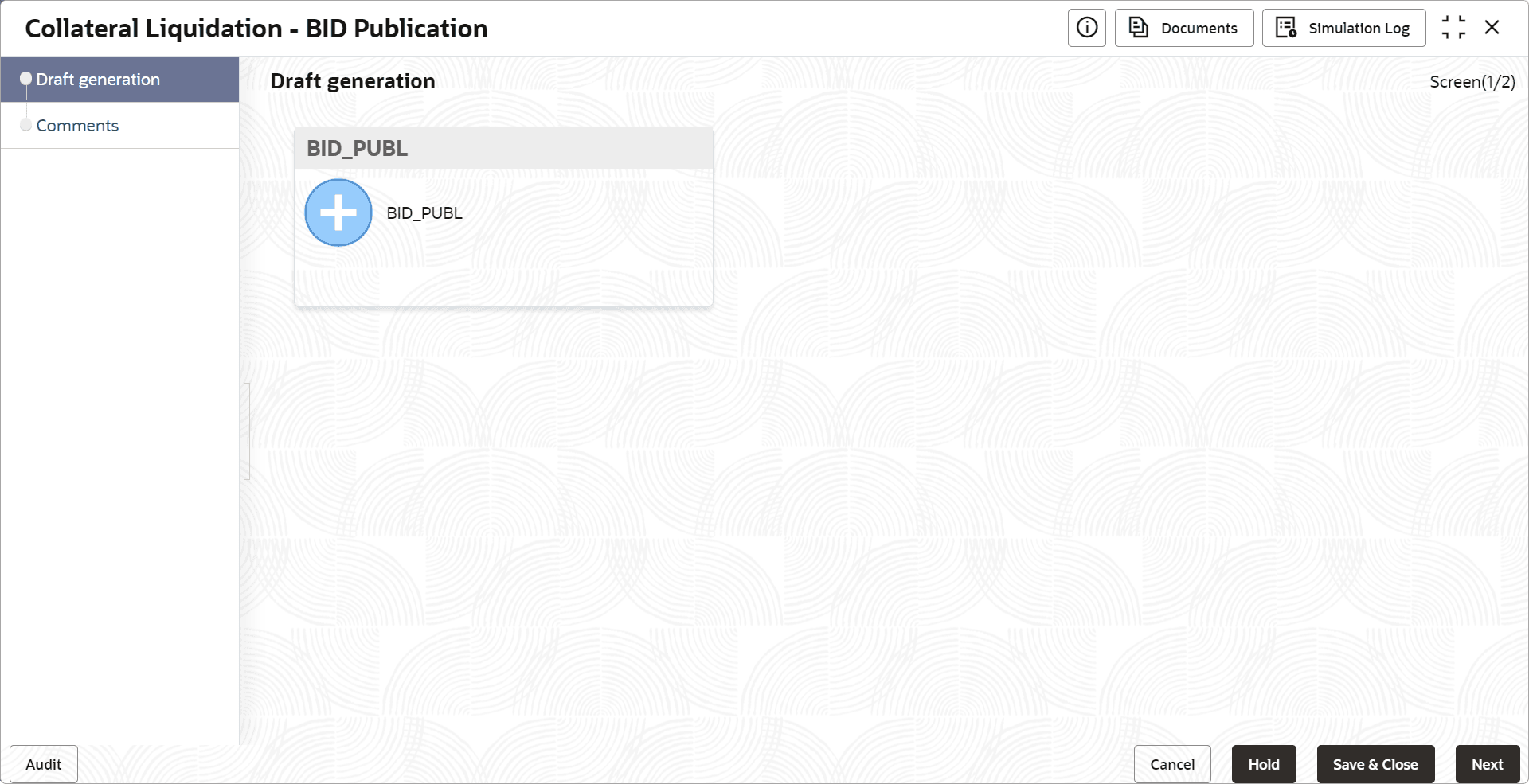
- Click Acquire & Edit in the required Bid Publication
task.The Bid Publication- Draft Generation screen is displayed.
Figure 9-2 Bid Publication_Draft Generation