14.1 Collateral Summary
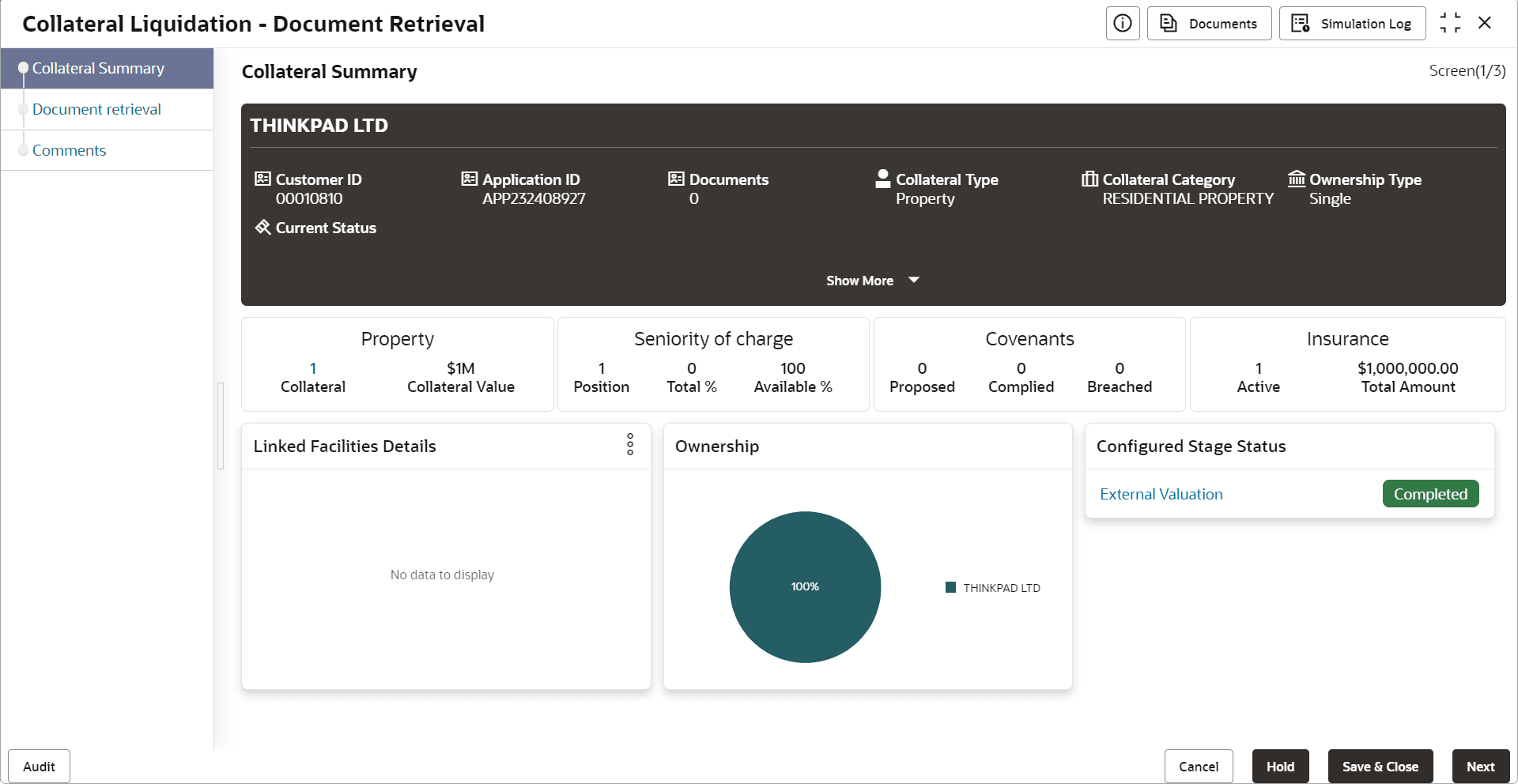
This topic provides information about the Collateral Summary data segment in Document Retrieval stage.
In this data segment, the following details about the collateral are displayed.
- Basic Information
- Collateral type details
- Linked Facilities Details
- Ownership
- Seniority of Charge
- Covenants
- Insurance
- Configured Stage Status
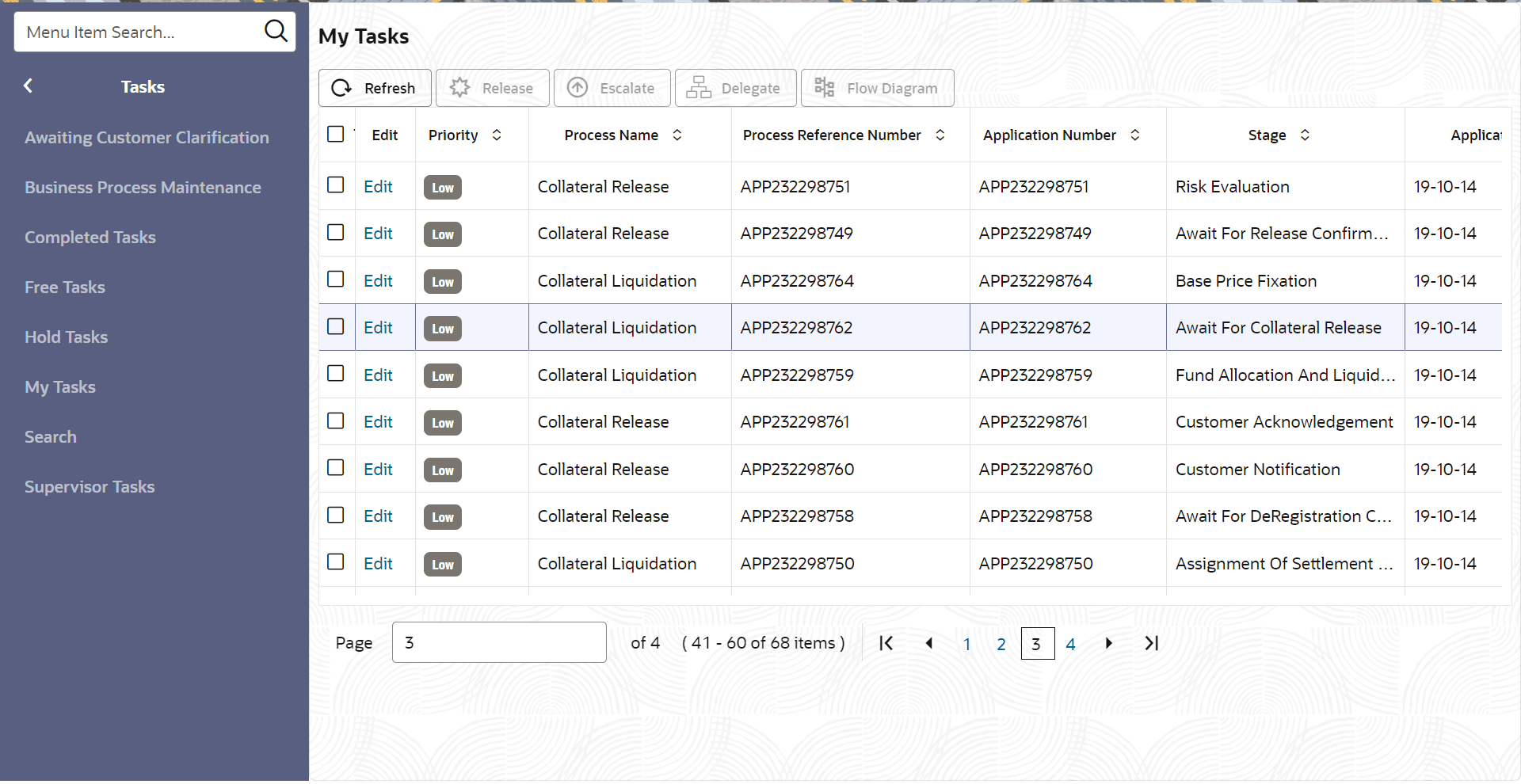
- From Home screen, click Tasks.
Under Tasks, click Free
Tasks.The Free Tasks screen is displayed.
- Click Acquire & Edit in the required Document Retrieval task. The Document Retrieval- Collateral Summary screen is displayed.
Figure 14-2 Document Retrieval_Collateral Summary