3.4 Linked Transaction
This topic provides information about the Linked Transaction data segment in Collateral Liquidation Initiation stage.
The Linked Transaction data segment displays all the transactions linked to the collateral along with its status. This information is fetched from the back-office system.
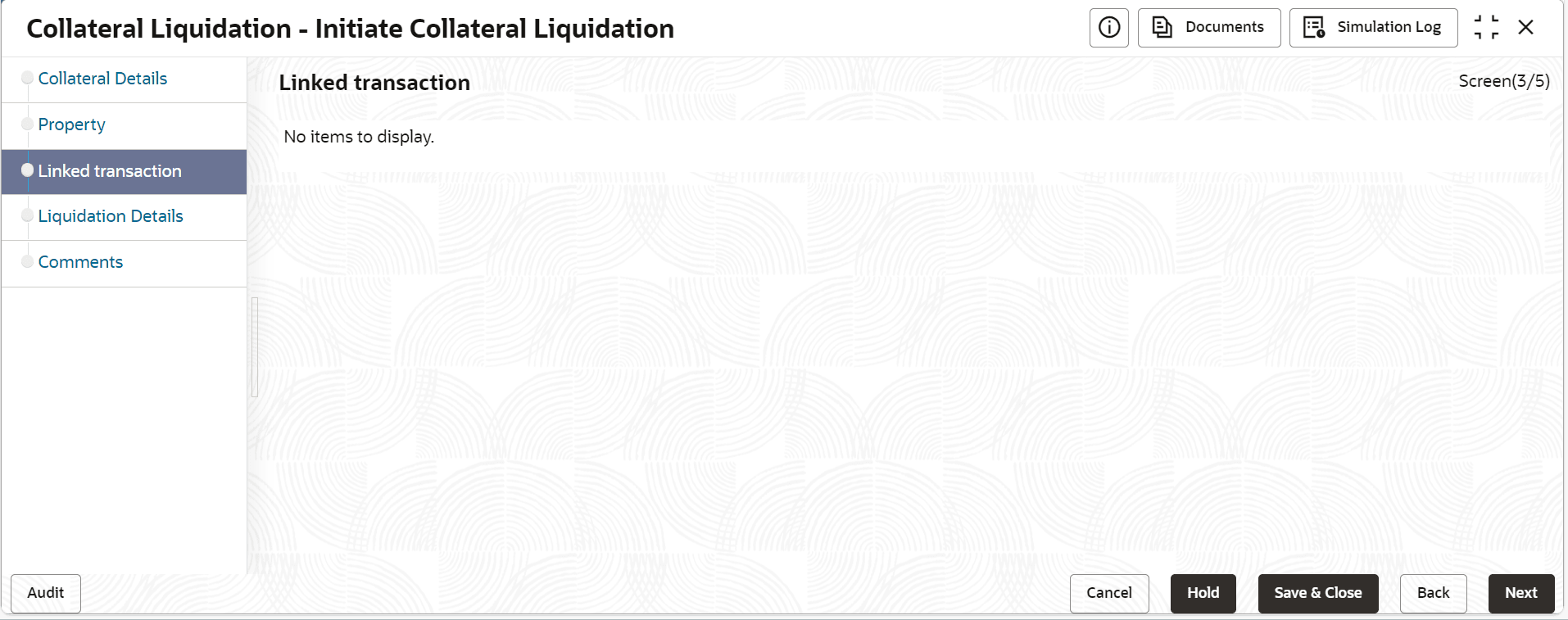
- To view the detailed information about the transaction, click the action icon
in the transaction record and select View.
The Linked Transaction screen is displayed.For information on Initiation - Linked Transaction Details fields, refer the field description table.
Figure 3-8 Linked Transaction
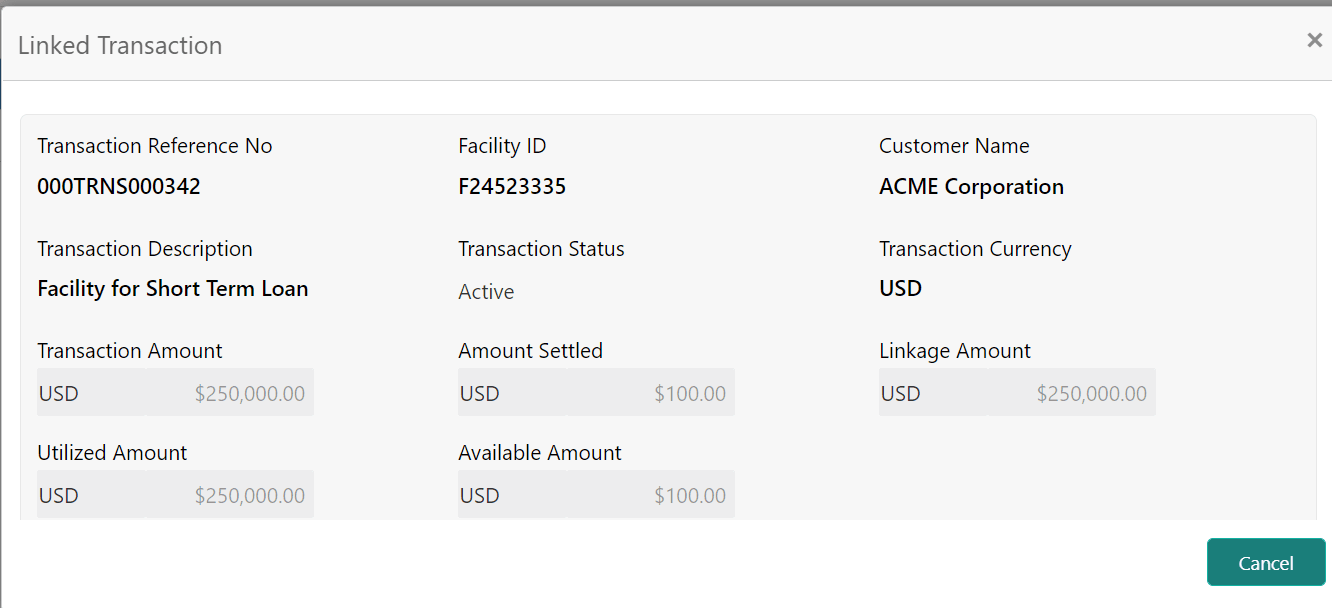
Table 3-4 Initiation - Linked Transaction Details
Fields/ Icons Description Transaction Reference No Displays the Transaction Reference Number that is associated with the collateral Facility Id Displays the Facility ID that is associated with the transaction Customer Name Displays the Customer name for whom the transaction is cre-ated Transaction Description Displays the detailed description about the transaction Transaction Status Displays the current status of the transaction Transaction Currency Displays the transaction currency Transaction Amount Displays the value of the transaction Amount Settled Displays the total amount settled so far for the transaction Linkage Amount Displays the collateral amount that is linked with the transaction Utilized Amount Displays the amount that is utilized against the collateral Available Amount Displays the collateral amount that is available for linkage against the collateral