3.1.2 Transactions
This topic describes information about the Transactions widget in Collateral 360 - RM View screen.
Figure 3-3 Transactions - RM View
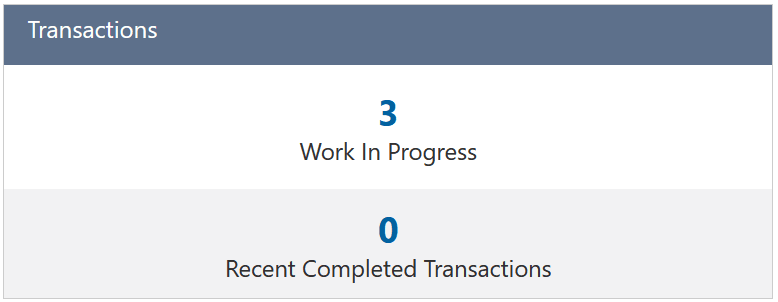
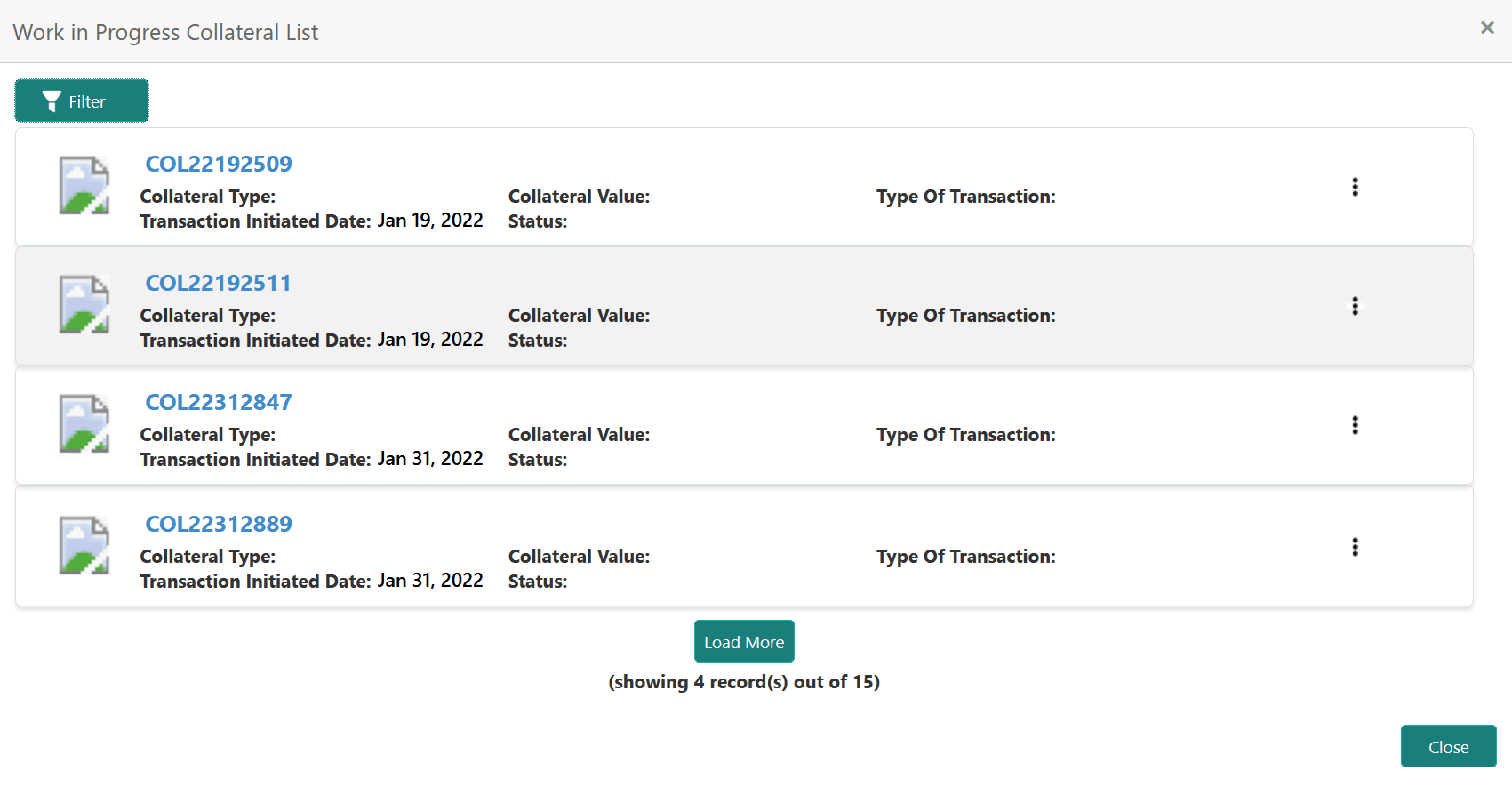
- Click the count to view the transaction details.Transaction list is displayed as shown below.
Figure 3-4 Transaction List
Parent topic: Collateral 360 - RM View