5.4 Seniority of Charge
This topic provides systematic instructions about the procedure to add details about bank's seniority of charge on the collateral.
In the Seniority of Charge data segment, you must add the bank's seniority of charge on the collateral. If the seniority of charge is Second or Third, then the existing Charge details of the collateral must be captured. You can capture the existing charge details by clicking the add icon.
Click Next in the Collateral Type (Ship)
data segment, the Seniority of Charge screen is displayed.
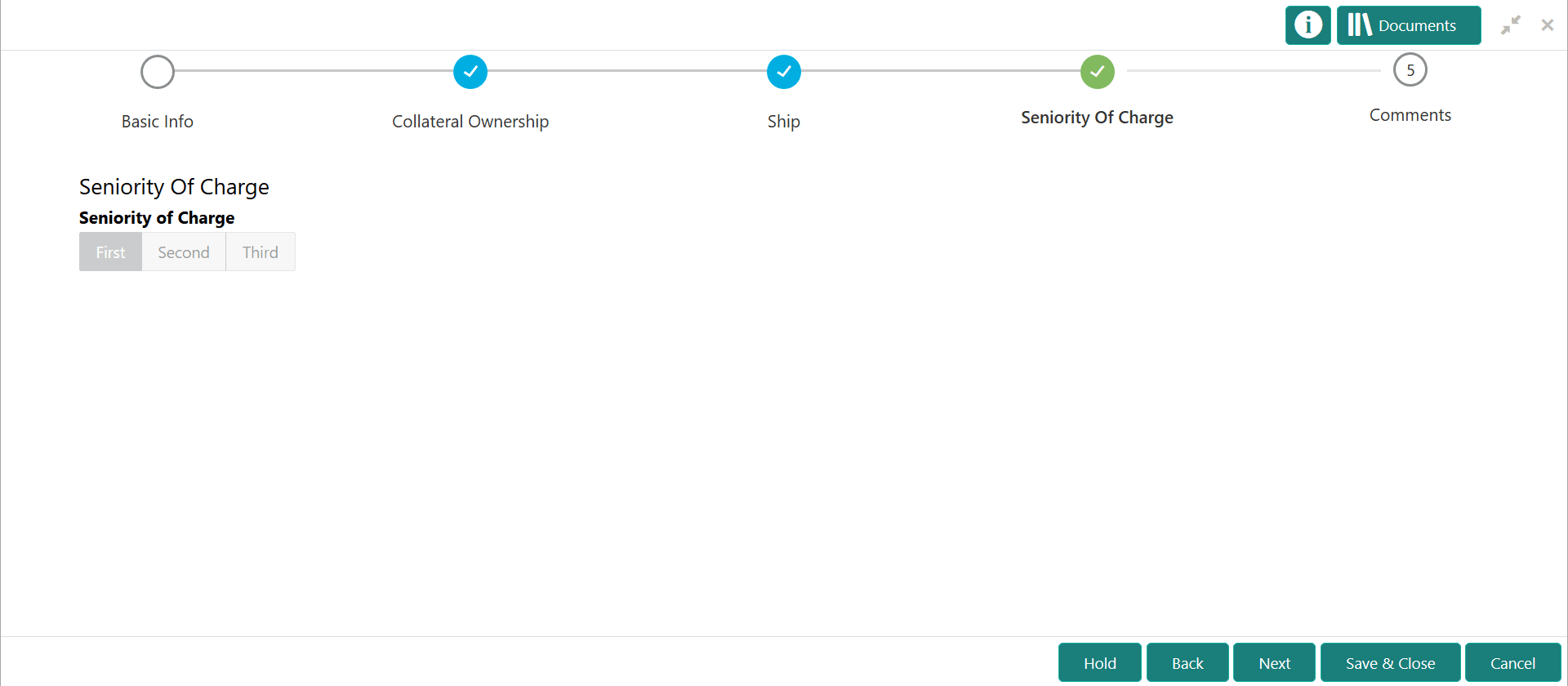
Figure 5-5 Enrichment_Seniority of Charge