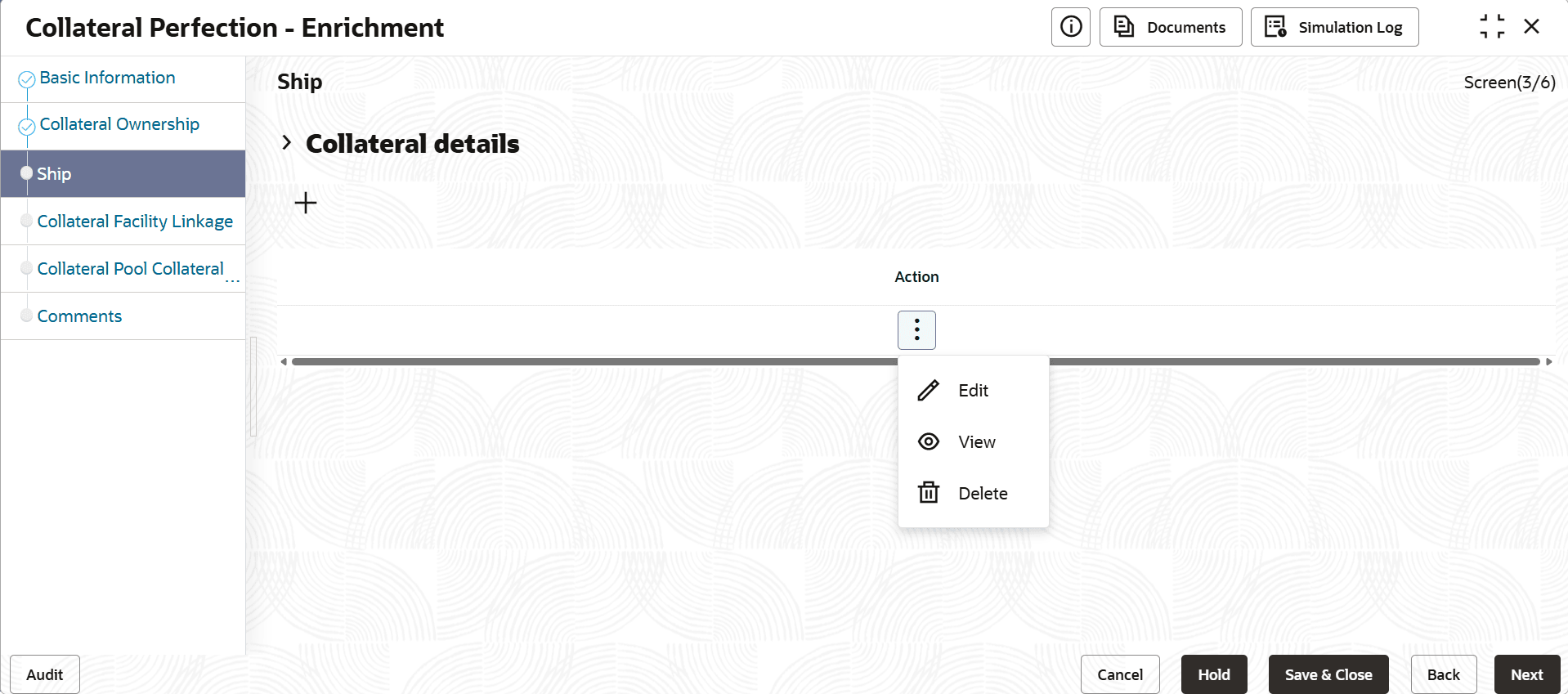
5.3 Ship
This topic provides the systematic instructions about the procedure to add collateral specific details for perfection.
The system displays the Collateral Type data segment based on the
Collateral Type selected in previous data segment or stage.
Following are the various collateral types supported in OBCFPM:
- Account Receivables
- Accounts Contracts
- Aircraft
- Bill Of Exchange
- Bond
- Cash Collaterals
- Commercial Paper
- Commodity
- Corporate Deposits
- Crop
- Fund
- Guarantee
- Insurance
- Inventory
- Machine
- Miscellaneous
- Other Bank Deposits
- PDC
- Perishable
- Precious Metals
- Promissory Note
- Property
- Ship
- Stock
- Vehicle
Click Next in the Collateral Ownership data segment,
the Collateral Type (Ship) screen is displayed. In this user guide, Ship is
shown as sample Collateral Type.