5.2 Collateral Ownership
This topic provides systematic instructions about the procedure to add collateral ownership details in Data Enrichment stage.
In the Collateral Ownership data segment, the system defaults primary customer's collateral ownership details captured as part of application creation. In case the Ownership Type is selected as Joint, the system defaults the ownership percentage of primary customer as zero and displays the add icon. You must change the primary customer's ownership percentage and add all the ownership details by clicking the add icon.
Click Next in the Basic Info data segment,
the Collateral Ownership screen is displayed.
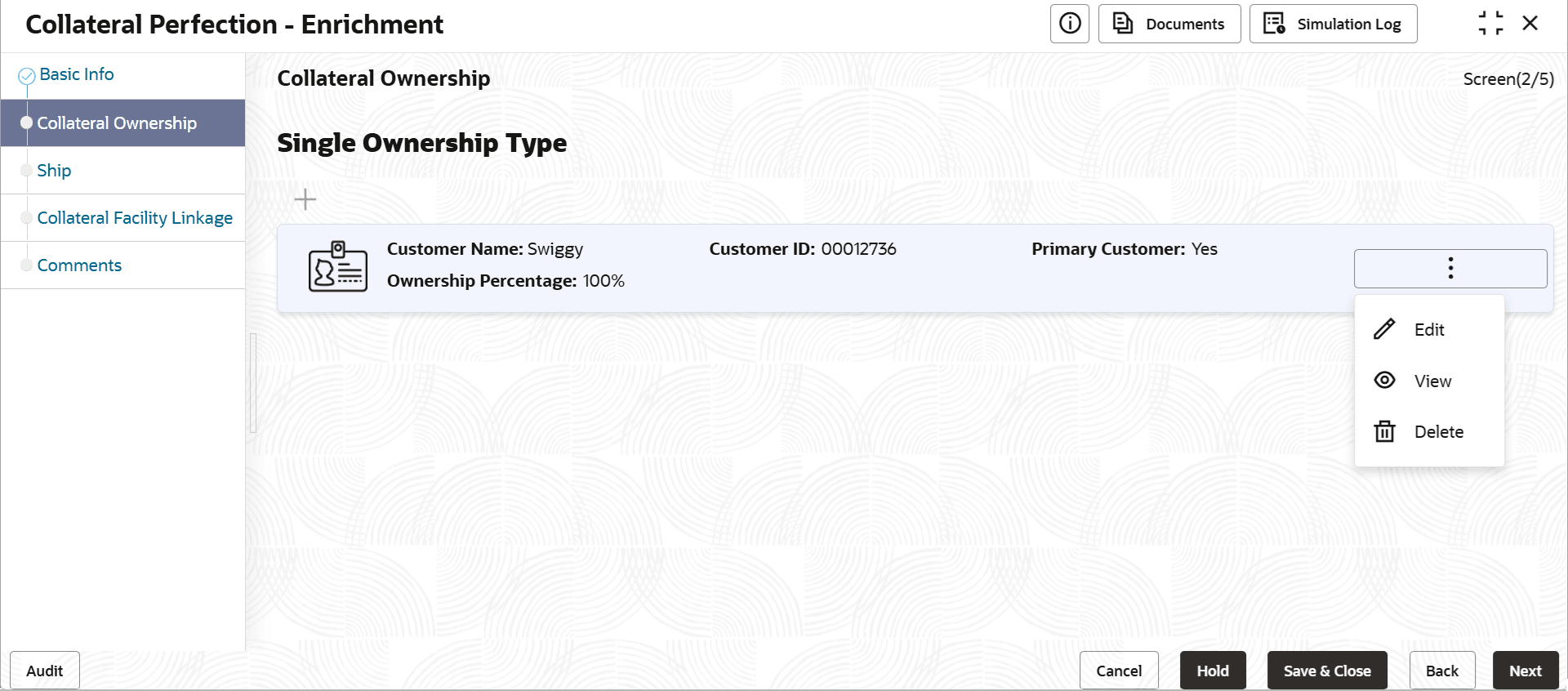
Figure 5-3 Data Enrichment - Collateral Ownership