8.1 Collateral Summary
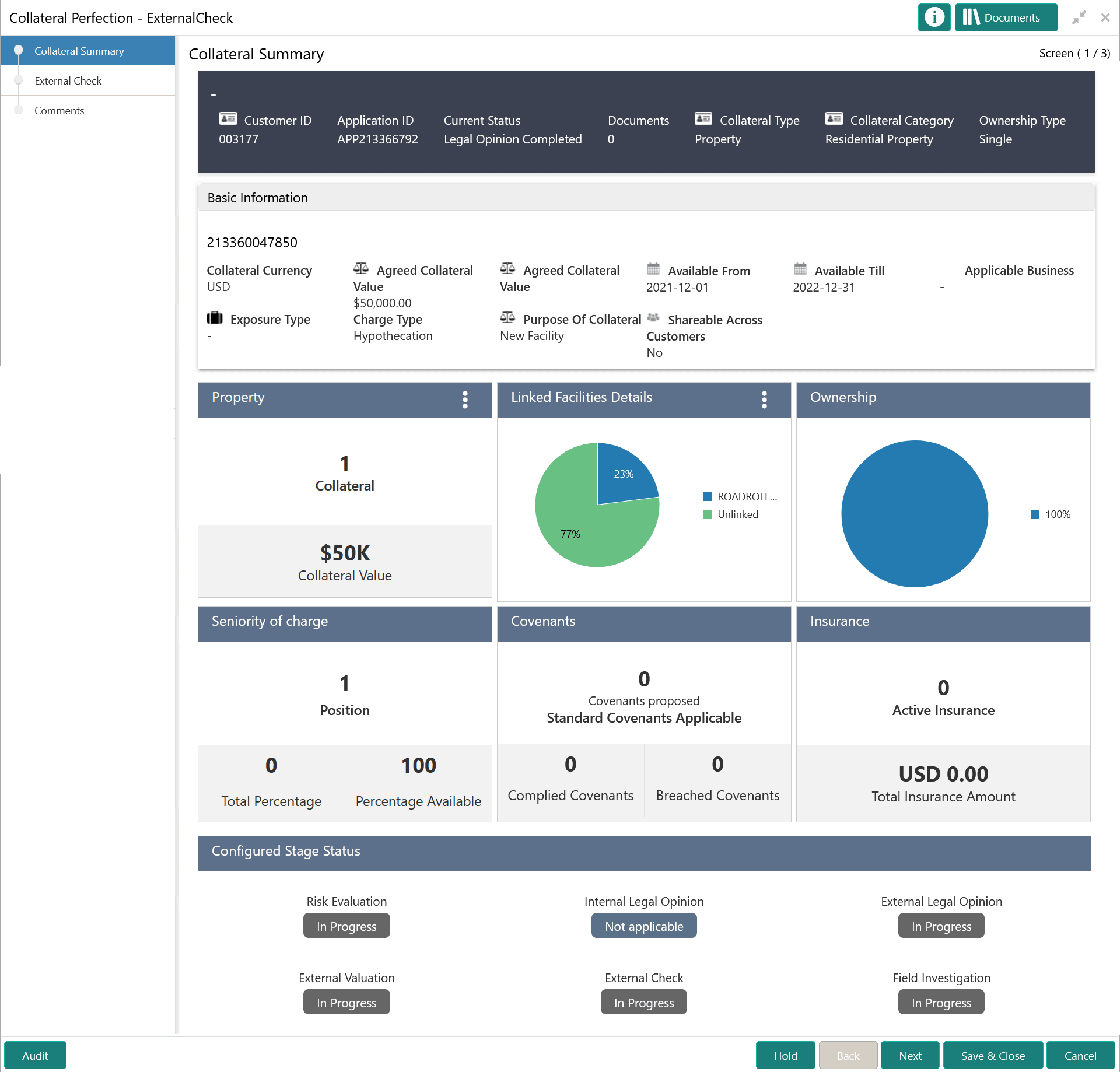
This topic provides systematic instrucions about the Collateral Summary data segment in External Check stage.
In the Collateral Summary data segment, the following collateral details captured
in the previous stages are displayed.
- Basic Information
- Collateral Type (Property) Details
- Linked Facilities Details
- Ownership
- Seniority of Details
- Covenants
- Insurance
- Configured Stage Status
Note:
The Configured Stage Status is updated based on the status of parallel tasks generated in the system.
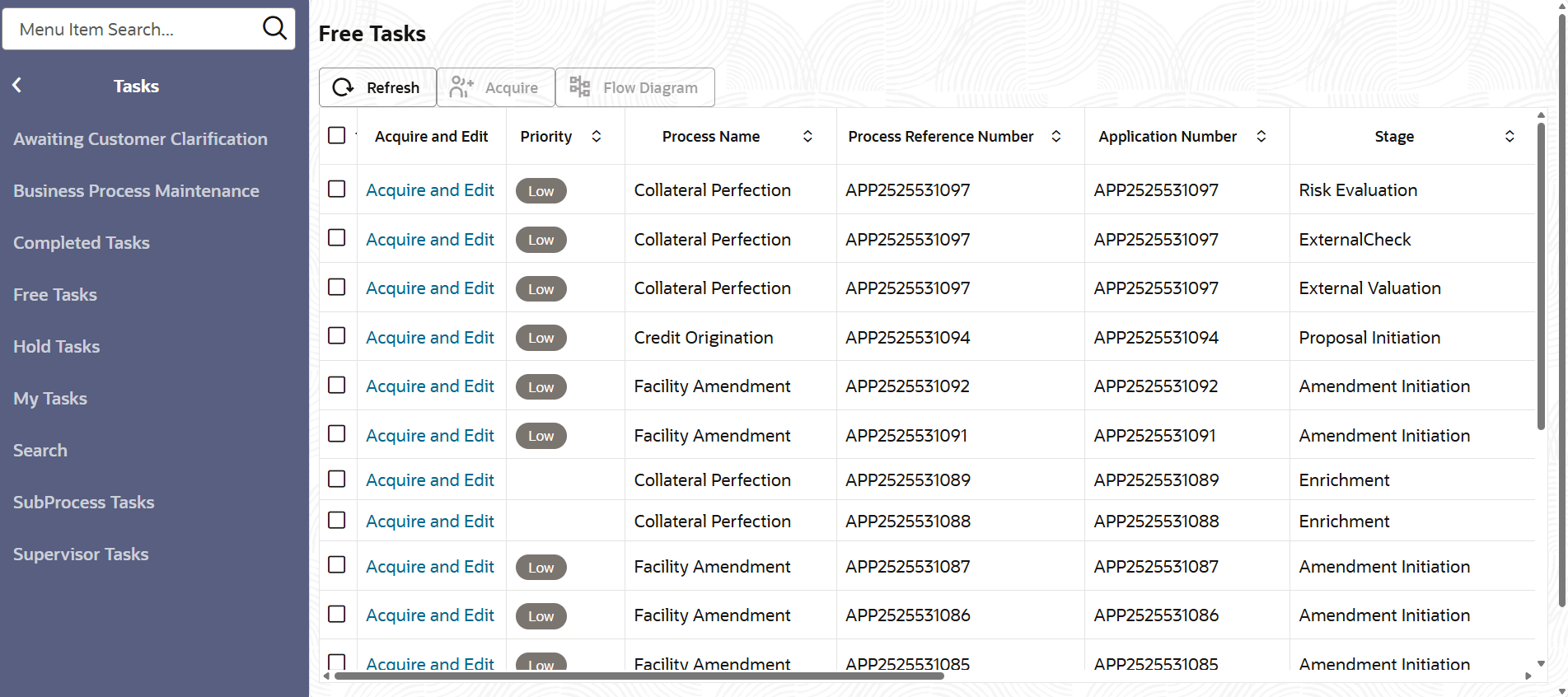
- From Home screen, click Tasks.
Under Tasks, click Free
Tasks.The Free Tasks screen is displayed.
- Click Acquire & Edit in the required External Check
task.The External Check - Collateral Summary screen is displayed.
Figure 9-2 External Check - Collateral Summary