3.19 Financial Analysis
This tile allows you to perform financial analysis and check the customer’s financial status for a particular year. For this, you must upload the following financial documents: ‘Balance Sheet’, ‘Profit & Loss Statement’ and ‘Cash Flow Statement’ to the system.
Refer Uploading Financial Documents chapter for information on uploading the financial documents.
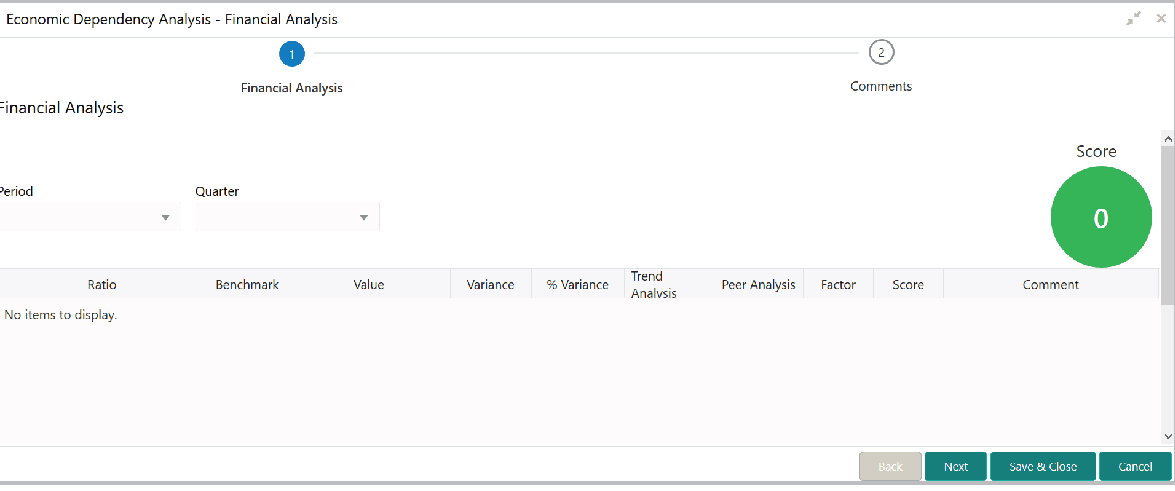
- Click Enrich in the Financial Analysis tile.The Financial Analysis screen is displayed.
- Select the Period and Quarter for which you want to view the
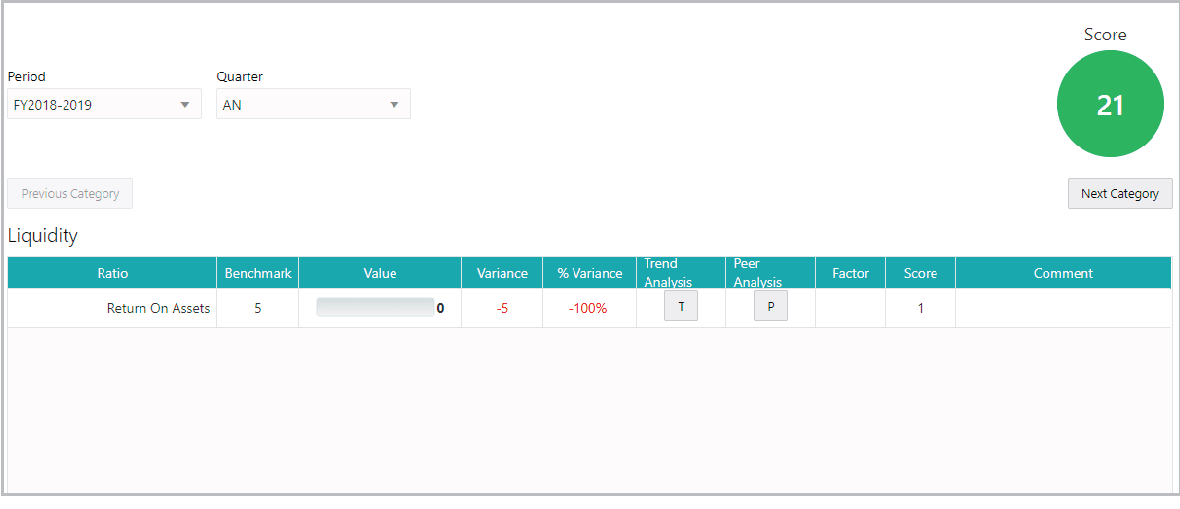
customer’s financial performance. The system displays the financial Value
derived from the customer’s financial documents along with the bank’s Ratio,
Benchmark and Variance for the following elements: Liquidity,
Efficiency, Solvency, and Profitability.
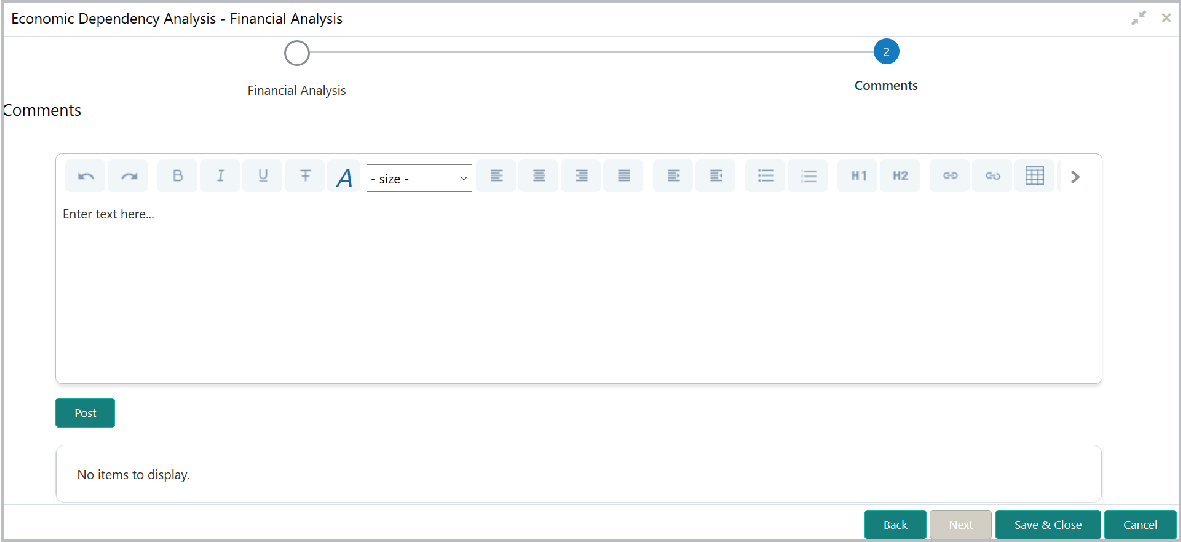
- After performing financial analysis, click Next.The Comments screen is displayed.
Parent topic: Enrich and Analyze