3.3 Loan Account Conduct
This topic provides systematic instructions about the customer’s loan accounts in your bank can be added and analyzed from this tile.
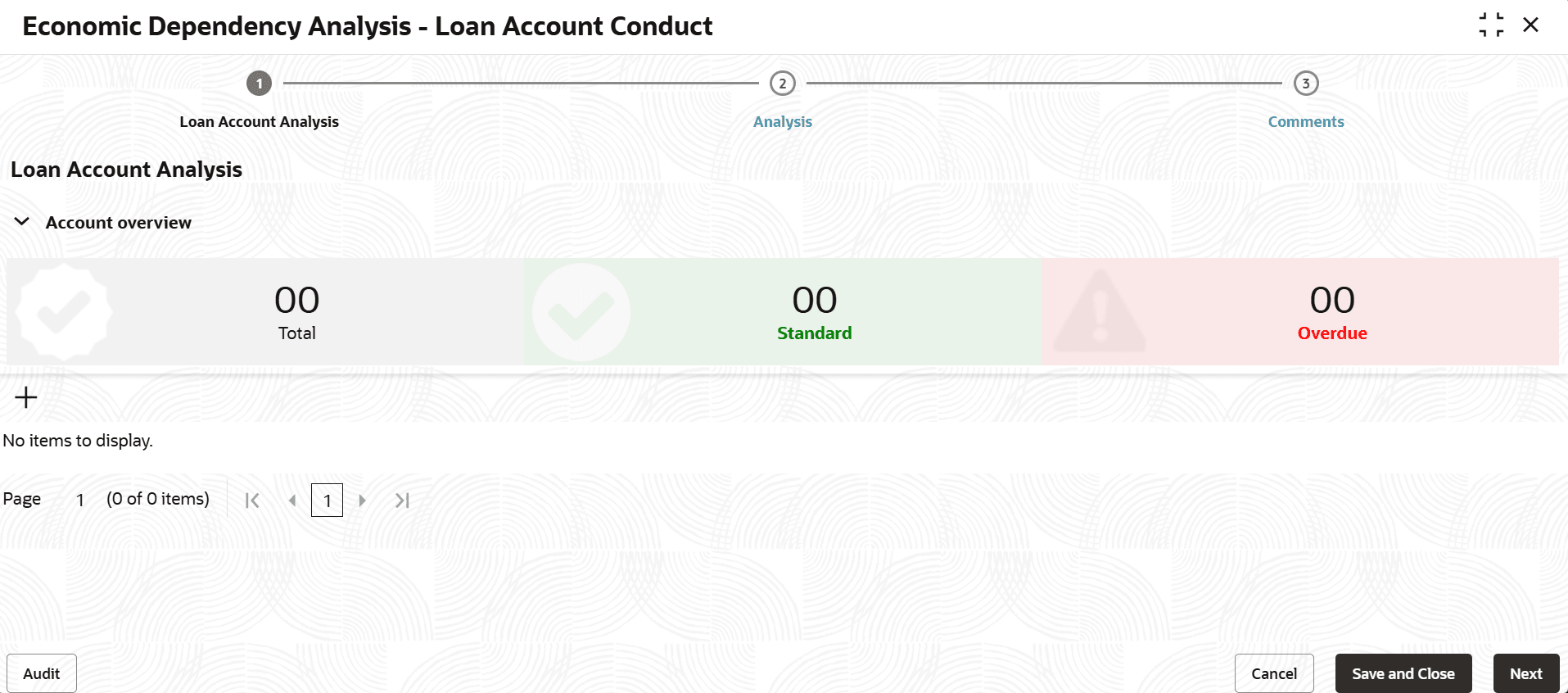
- Click Enrich in the Loan Account Conduct tile. The Loan Account Analysis screen is displayed.
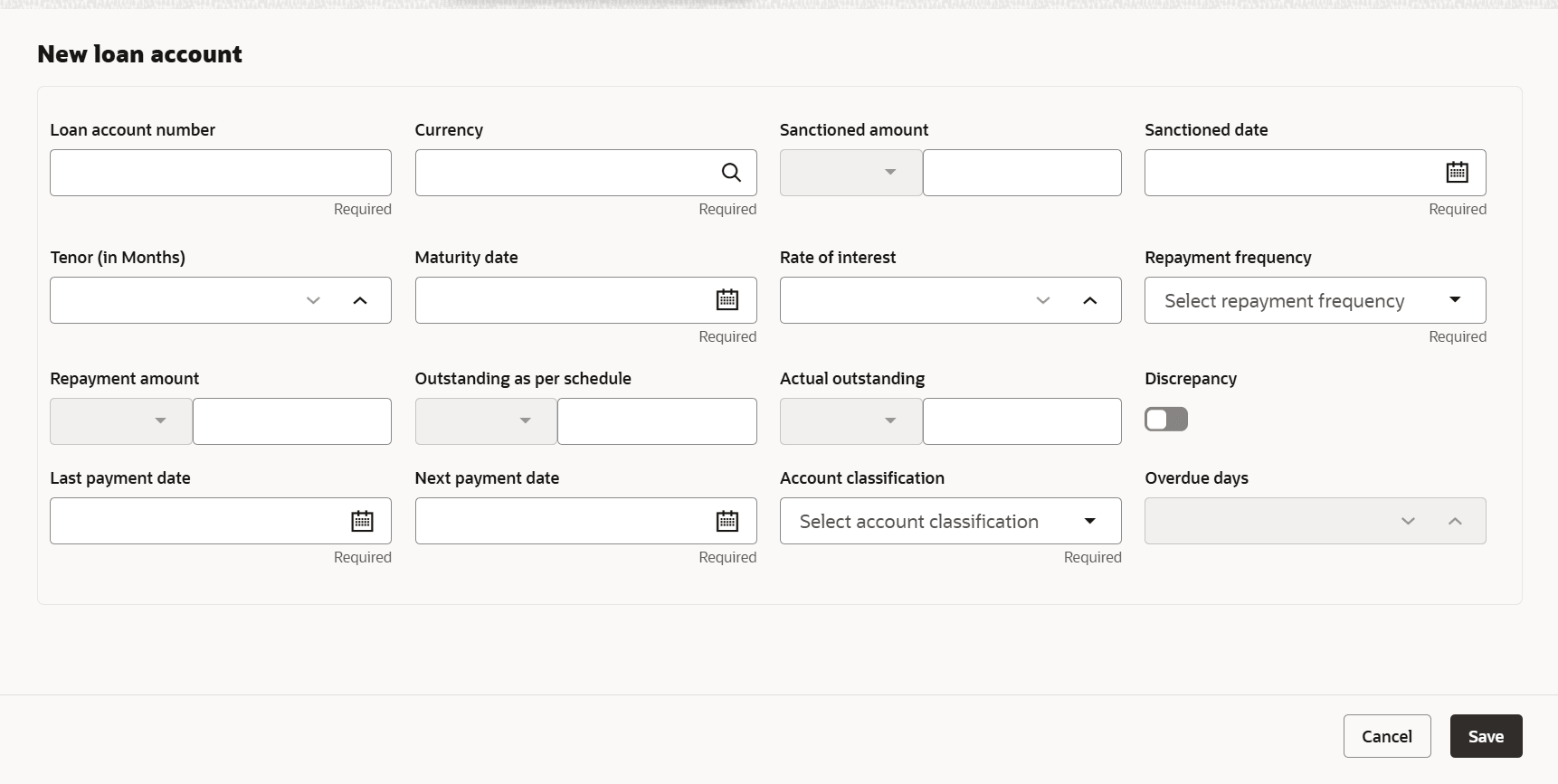
- Click the Add icon. The following window is displayed.For information on fields in the New Loan account screen, refer the below table.
Table 3-1 New loan account
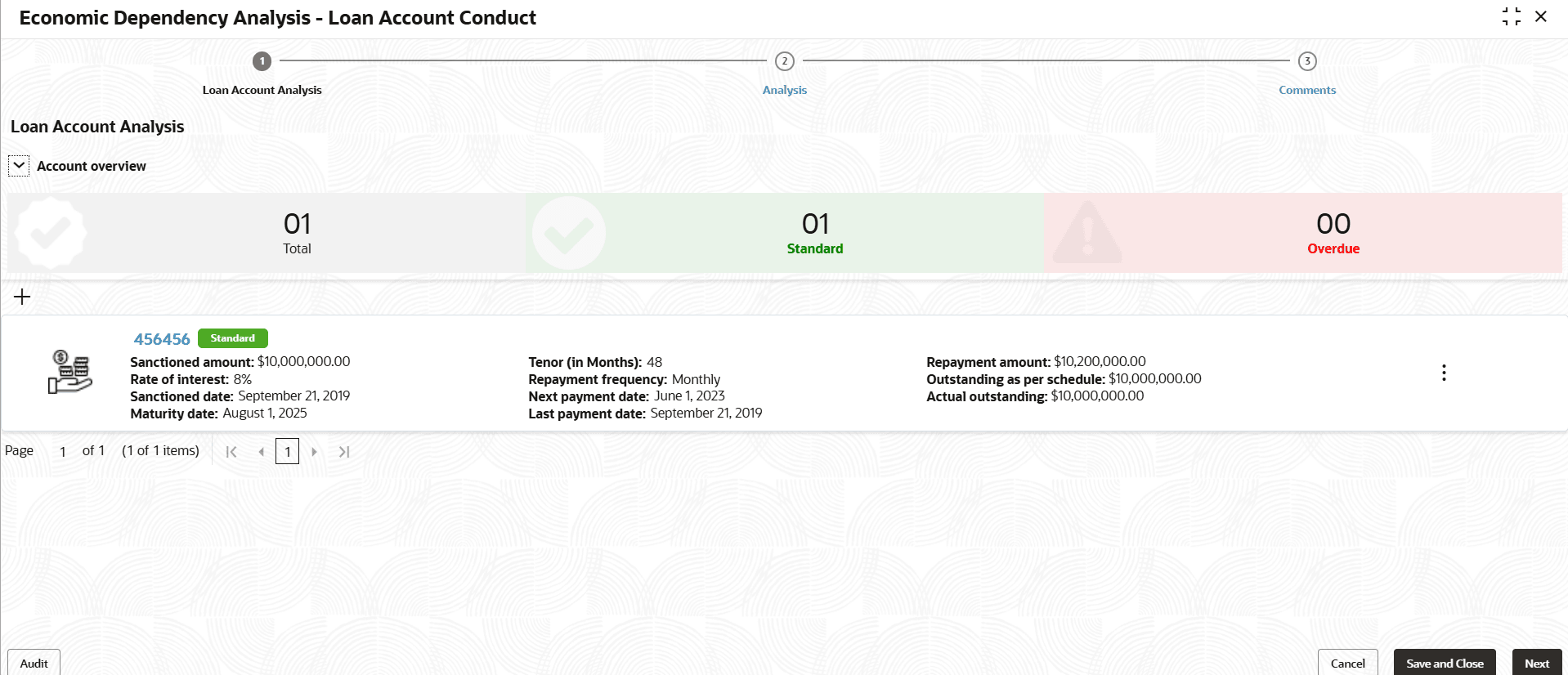
Fields/ Icons Description Loan account number Specify the Loan account number. Currency Search and select the Currency for sanctioned amount. Sanctioned amount Specify the Sanctioned amount as per loan account. Sanctioned date Click the calendar icon and select the loan Sanctioned date. Tenor (in Months) Specify the loan Tenor (in Months). Maturity date Click the calendar icon and select the loan Maturity date. Rate of interest Specify the Rate of interest at which the loan is offered. Repayment frequency Select the loan Repayment frequency from the drop down list. The options available are Monthly, Yearly, Half Yearly and Quarterly. Repayment amount Specify the loan Repayment amount paid by the customer. Outstanding as per schedule Specify the loan Outstanding as per schedule amount. Actual outstanding In Actual outstanding amount field, specify the total loan outstanding amount. Discrepancy If there is a discrepancy in interest rate, enable the Discrepancy flag. Last payment date and Next payment date Specify the last and next loan payment dates in the Last payment date and Next payment date fields, respectively. Account classification Select the Account classification from the drop down list. The options available are Overdue and Standard. Overdue days If Account classification is selected as Overdue, the Overdue days field is enabled. Specify the loan Overdue days. - Click Save. The details are added and displayed in the Loan Account
Analysis screen as shown below:
You can get the overview of loan account indicating the number of standard, overdue and total loan accounts by expanding the Account Overview section.
Analyzing Loan Account
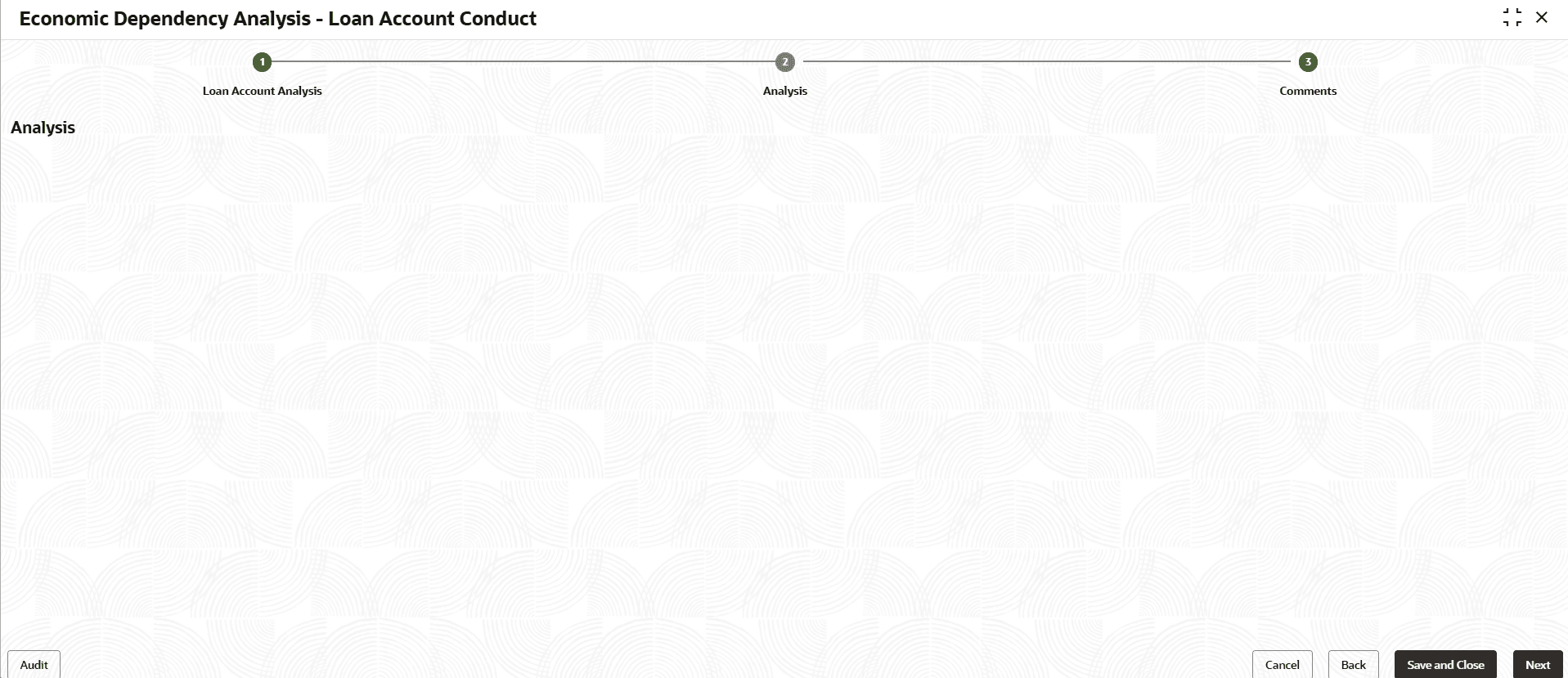
User can perform questionnaire-based analysis for determining the loan account conduct in the Analysis data segment.
Questionnaire maintained and linked to this process in Business Process maintenance appears here for analysis.
Figure 3-7 Analysis
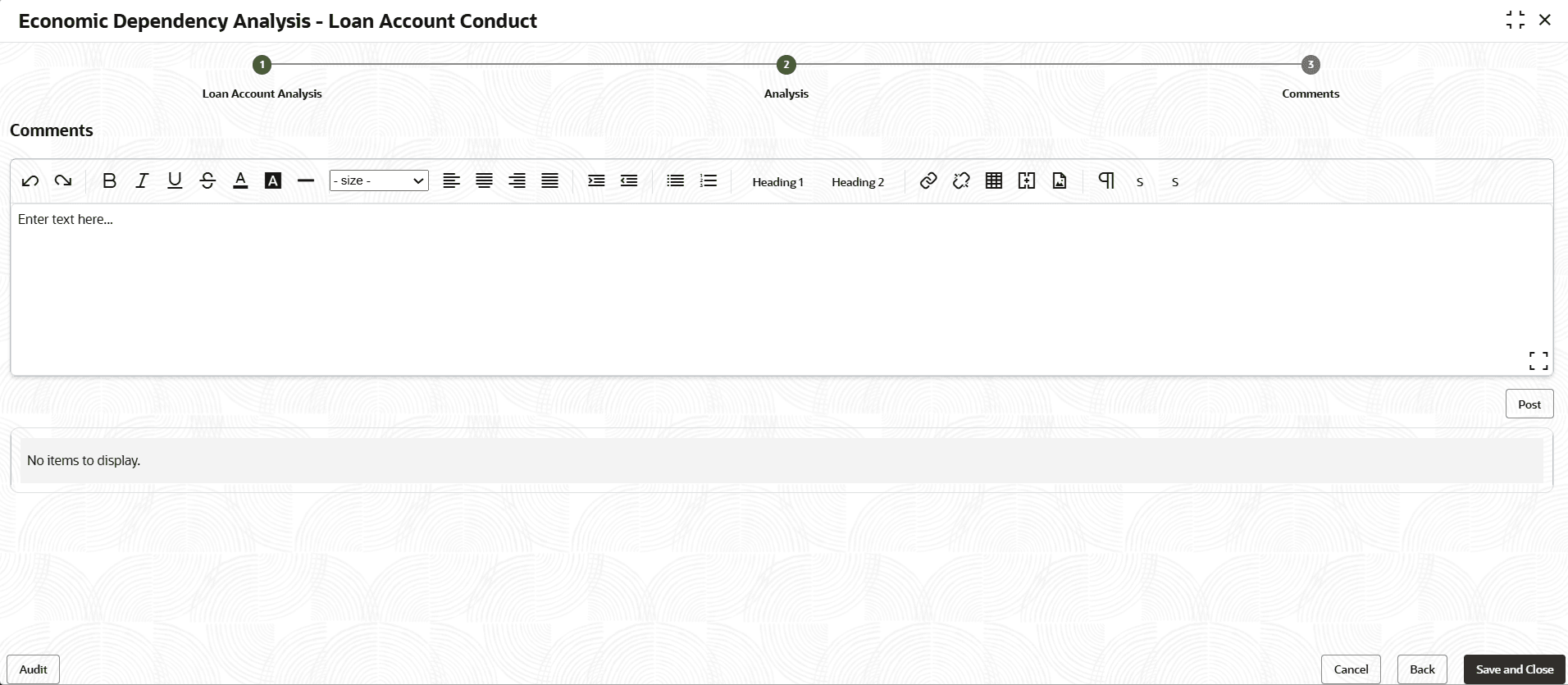
- Click Next.
- Click Save & Close to exit the analysis page.
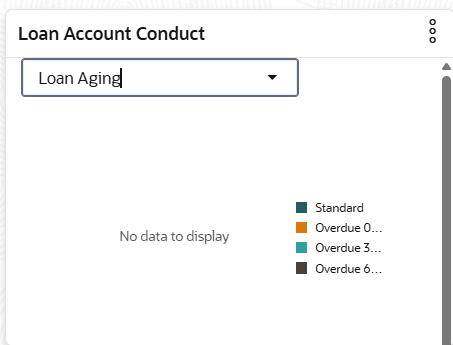
Once the loan account conduct is analyzed, the graphical representation of Loan Aging and the Loan Outstanding details are displayed in the Loan Account Conduct tile. Select the required option from the drop down list in the tile to view necessary information.
Parent topic: Enrich and Analyze