6 Draft Generation
Detailed information on the Draft Generation of the FI Credit Proposal Initiation.
In this stage, customer’s communication address can be configured and the draft document can be generated for customer acceptance.
To generate draft for the proposal, perform the following steps:
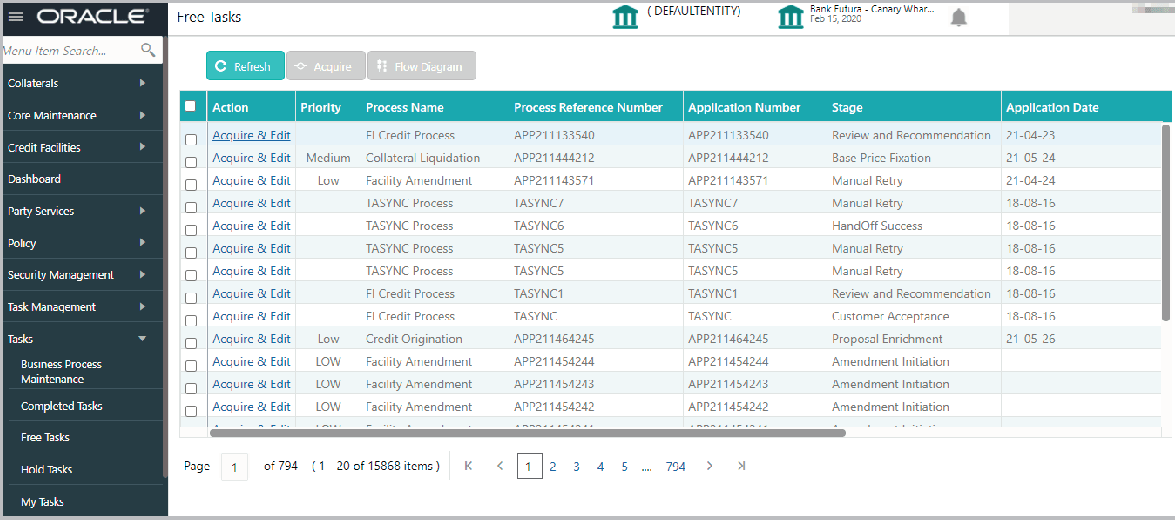
- Navigate to Tasks > Free Tasks. The Free Task screen is displayed.
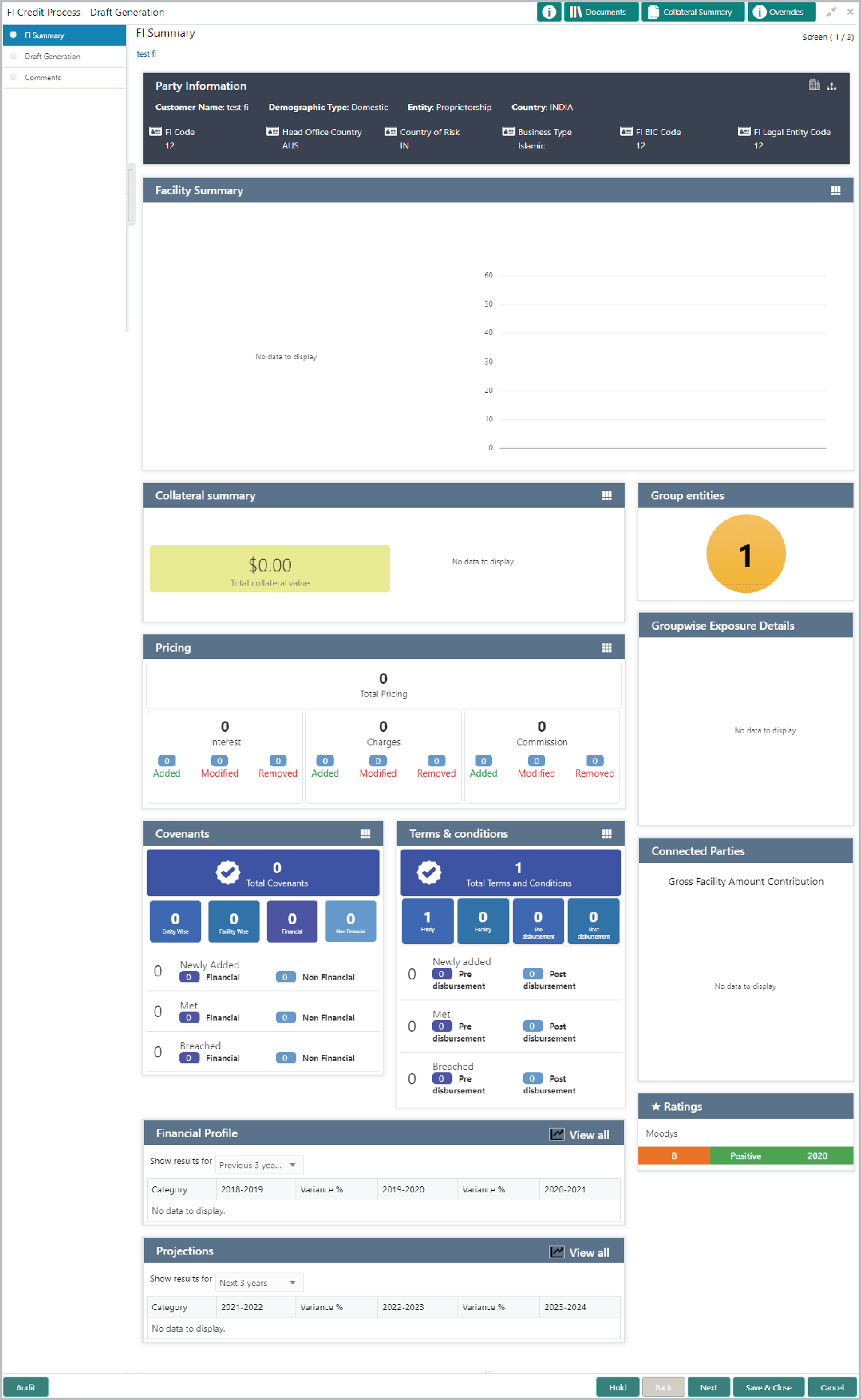
- Acquire & Edit the required draft generation task. The Draft
Generation - FI Summary page is displayed.
Note:
For information on actions that can be performed in the FI Summary page, refer Credit 360 User Manual. - After performing necessary actions in the FI Summary page, click Next.
The Draft Generation screen is displayed.
- Click Generate Document. The Draft Generation Details window is
displayed.
For information on fields in the Draft Generation Details Details screen, refer the below table.
Table 6-1 Facility Details
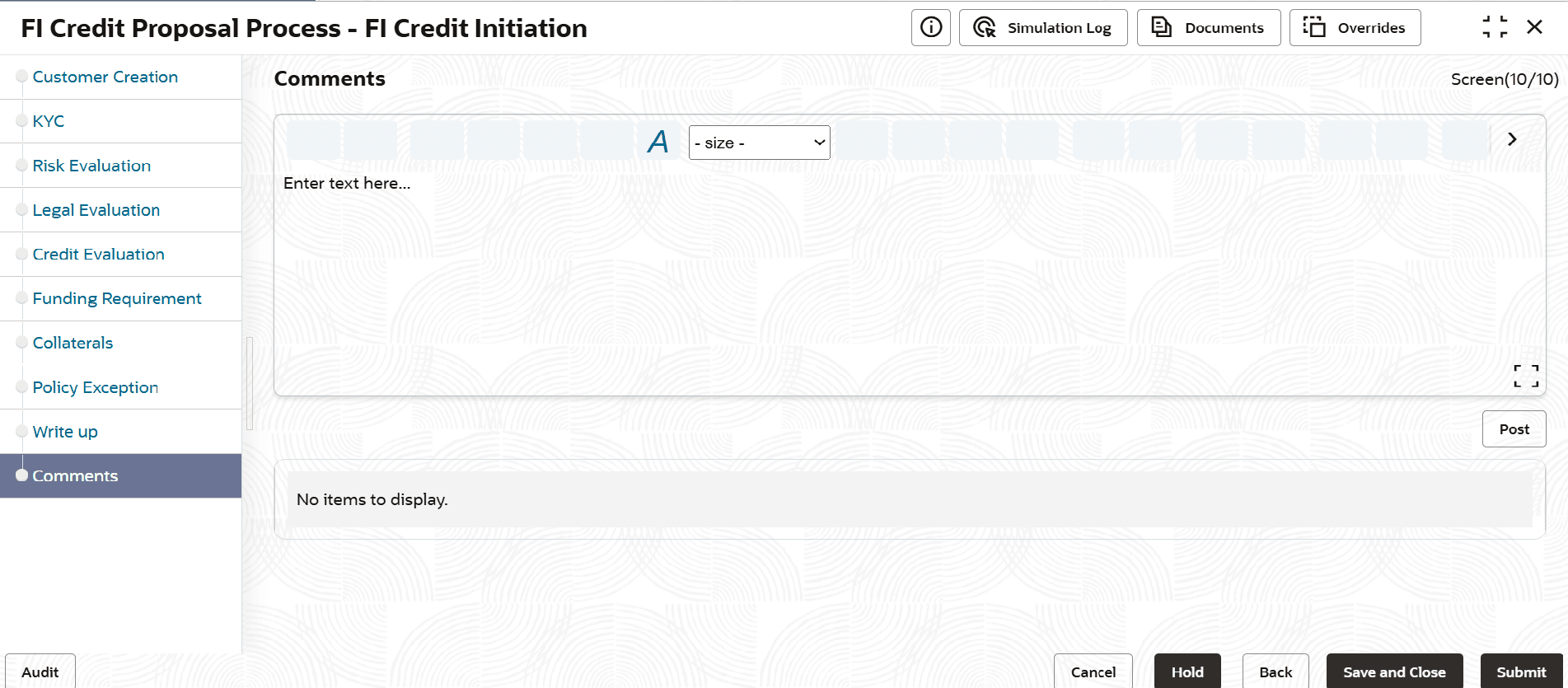
Fields/ Icons Description E-mail To In E-mail To field, type the E-mail address to which the proposal draft has to be sent. E-mail CC In E-mail CC field, type the E-mail address which has to be in CC of draft proposal mail. Subject In Subject field, type the mail subject. Generate Click Generate. Proposal draft configured in the system is sent to the mail ID mentioned in E-Mail To field. - After generating proposal draft, click Next.The Comments screen is displayed.
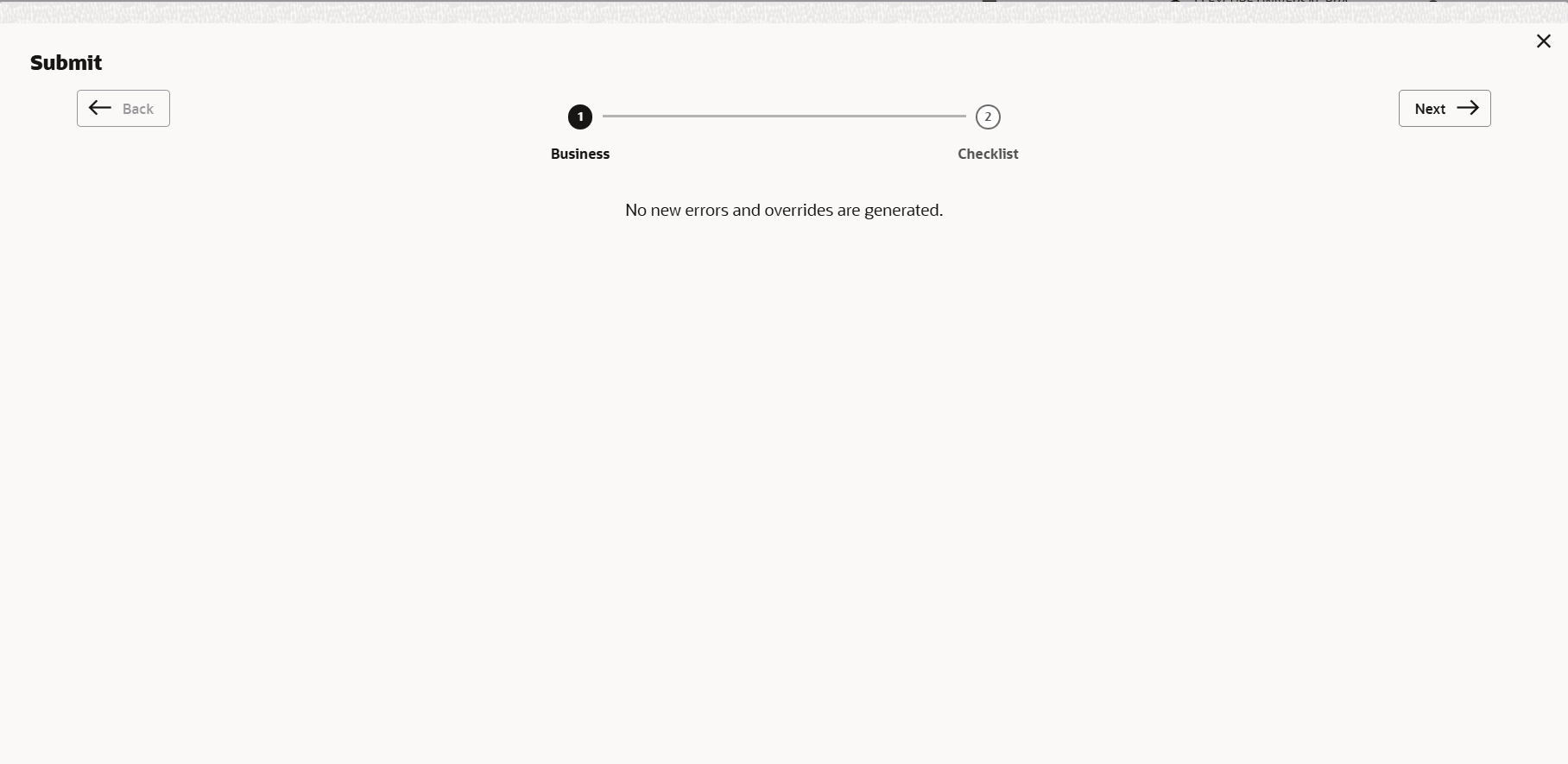
- Click Submit. The Policy exceptions screen is displayed.
By default, policy exceptions are displayed for both the party and its child party.
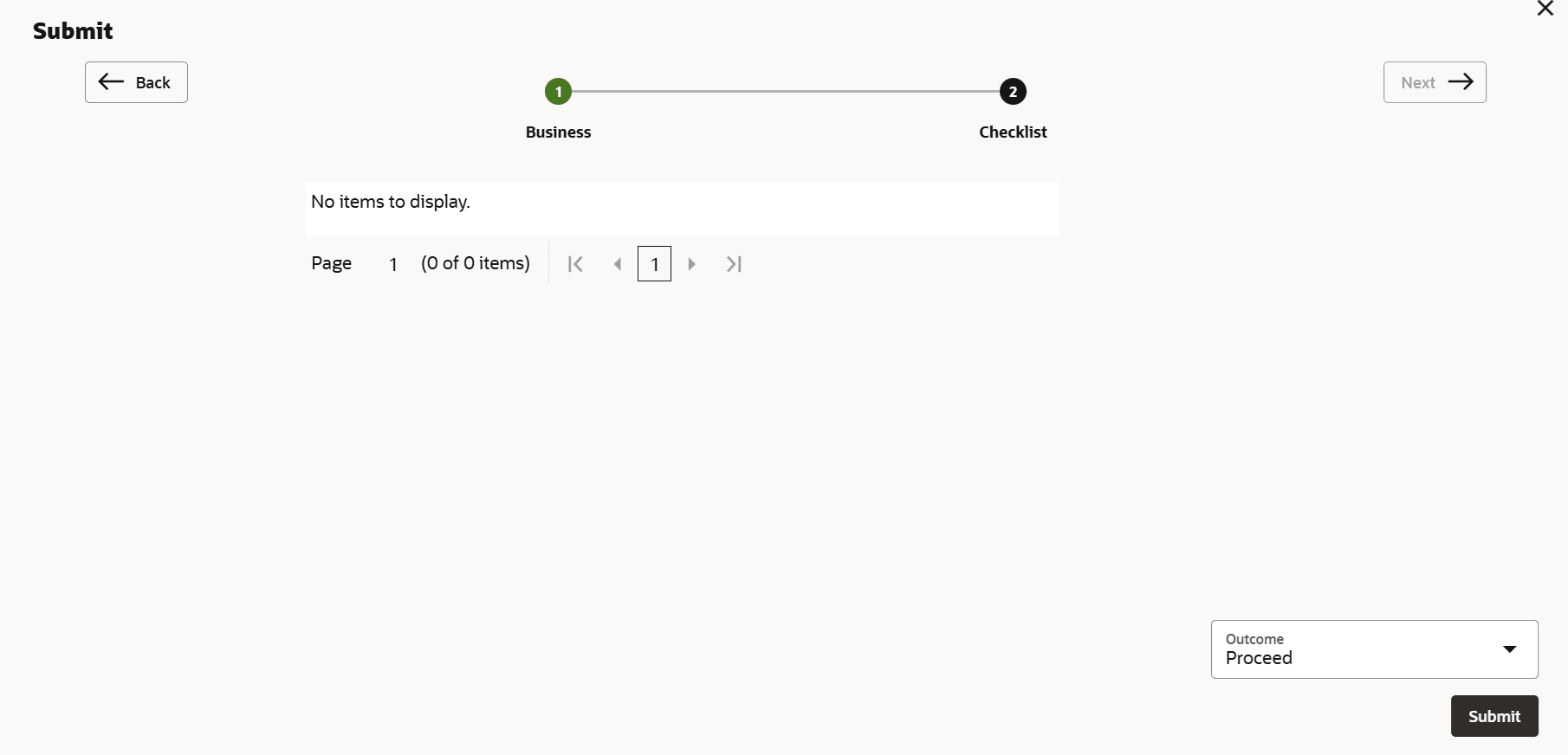
- Click the Checklist data segment.