3.2 Enrich Application
Detailed information on the Enriching Application of the FI Credit Proposal Initiation.
The system allows to enrich the already submitted application at any time or enrich the credit application to be submitted during the application creation process itself.
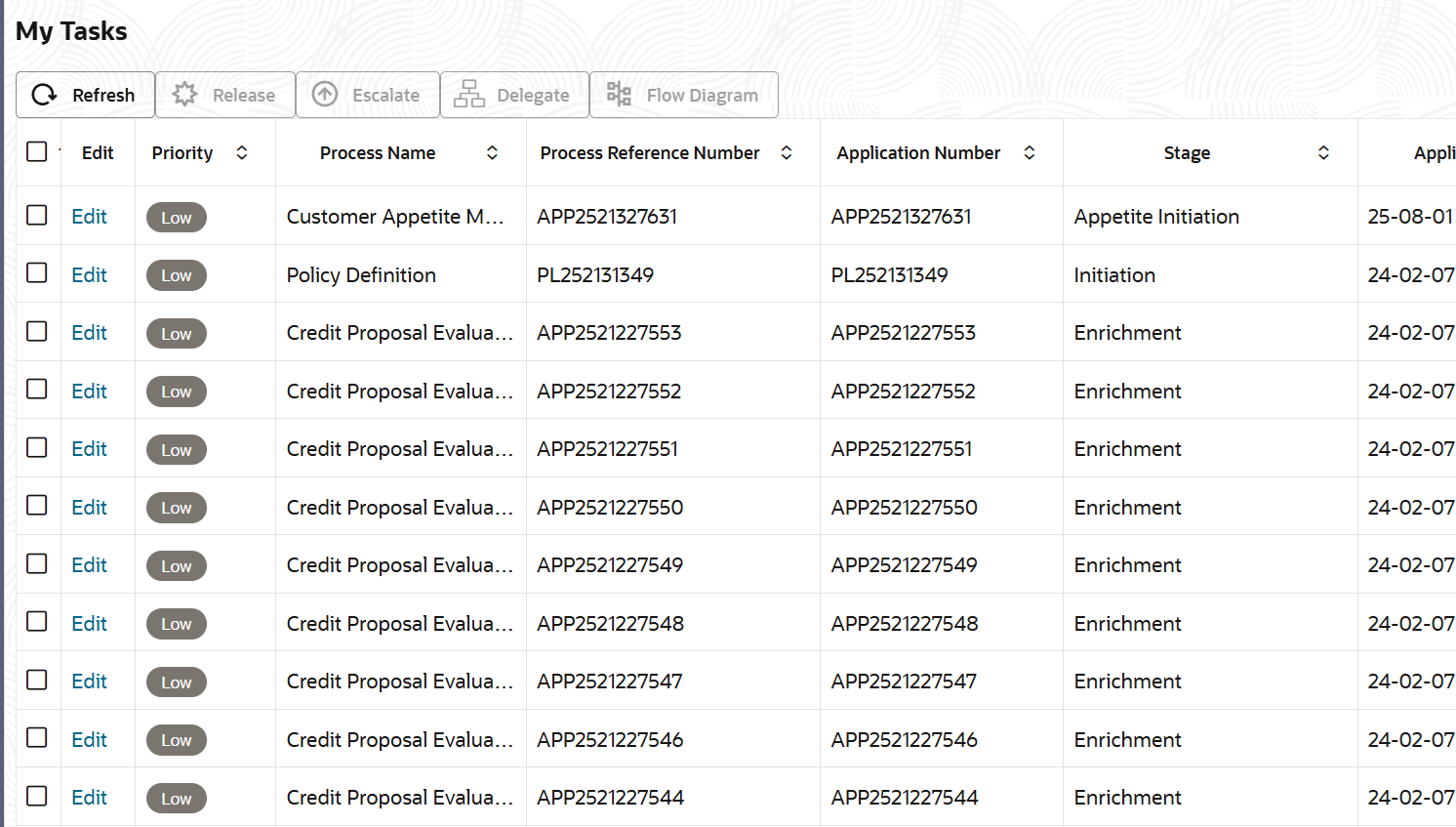
- To enrich the already created application, from Home
screen, click Tasks. Under Tasks, click Free
Tasks.The My Tasks screen is displayed.
Parent topic: Credit Initiation