4 Review and Recommendation
This topic provides systematic instructions about the Review and Recommendation of the FI Credit Proposal Initiation.
In this stage, the user configured for this stage must review the Credit Proposal application and provide their recommendations to reduce credit risk. Additionally, the details captured in the initiation stage can be managed or new record can be created based on the requirement.
- From Home screen, click Tasks.
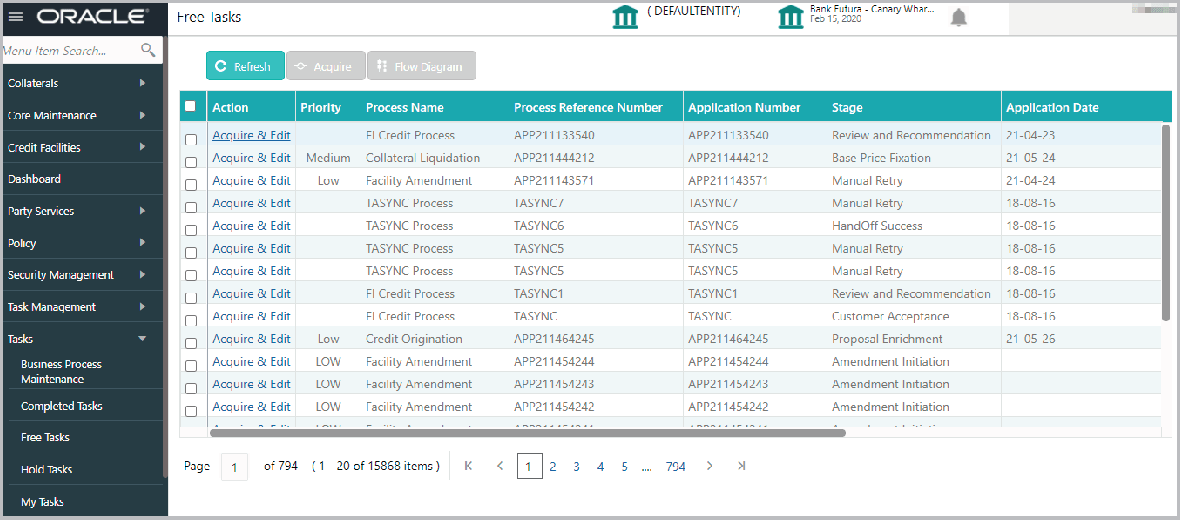
Under Tasks, click Free Tasks.The Free Tasks screen is displayed.
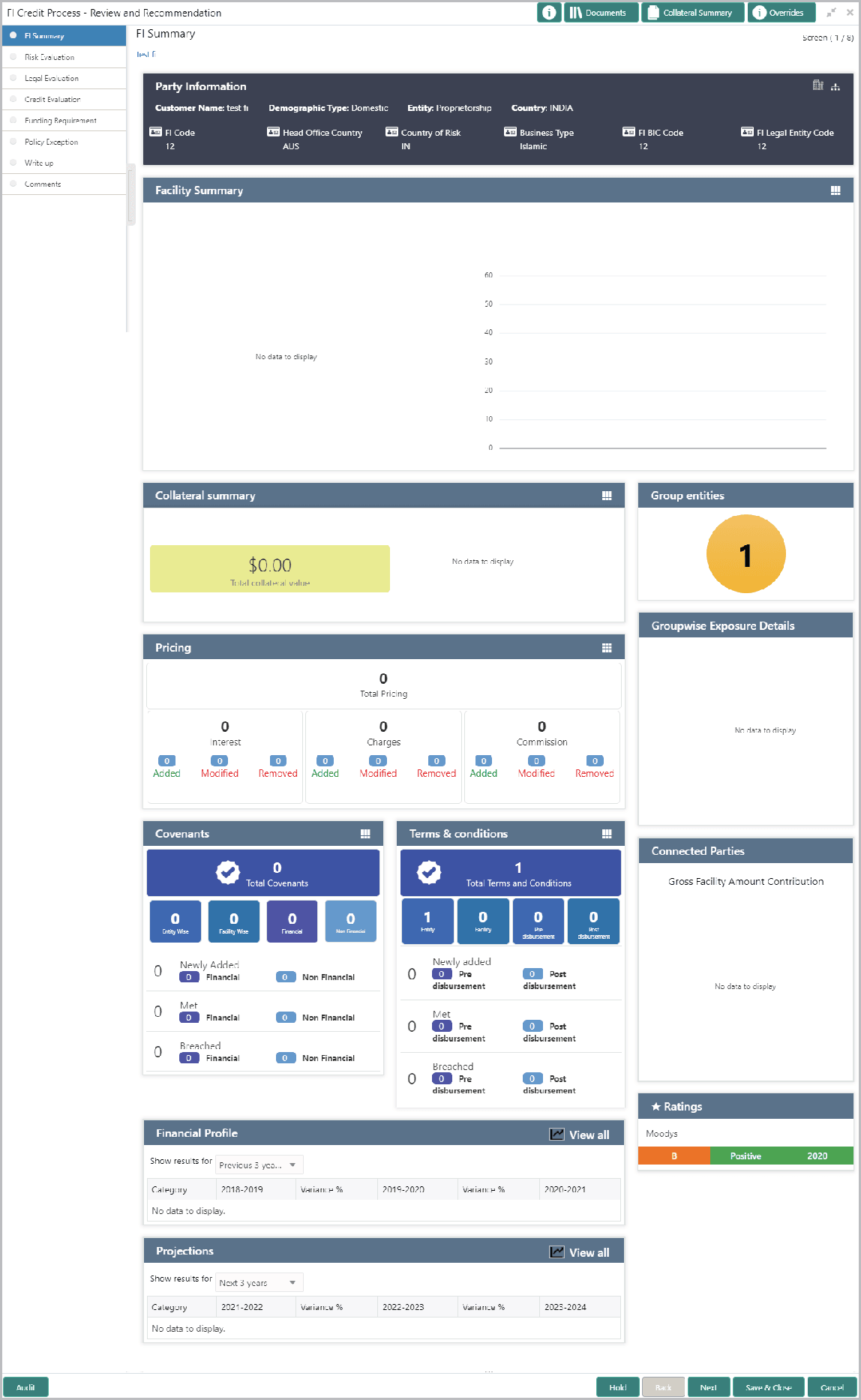
- Click Acquire & edit the required Review and Recommendation task. The Review and Recommendation - FI Summary screen is displayed.
Note:
For information on actions that can be performed in the FI Summary page, refer Credit 360 User Manual Chapter.Review and Recommendation stage is similar to the Initiation stage. Refer Initiation chapter for field level explanation.