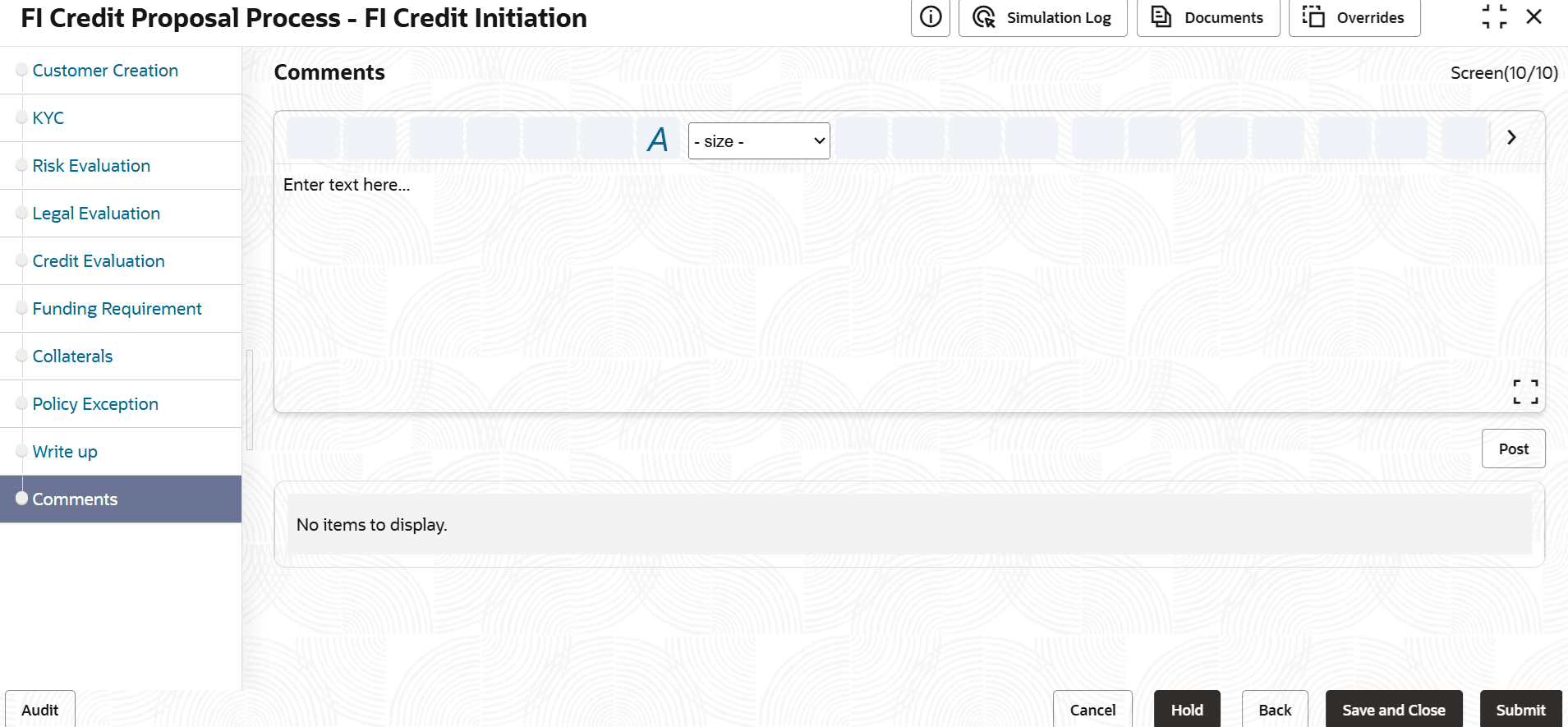
3.12 Comments
Detailed information on the Comments of the FI Credit Proposal Initiation.
This data segments allows you to post overall comments for the Initiation stage. Posting comments helps the user of next stage to better understand the application.
- To submit the application for review, click Submit. The Policy
Exception window is displayed.
Figure 3-81 Credit Initiation_Policy Exception
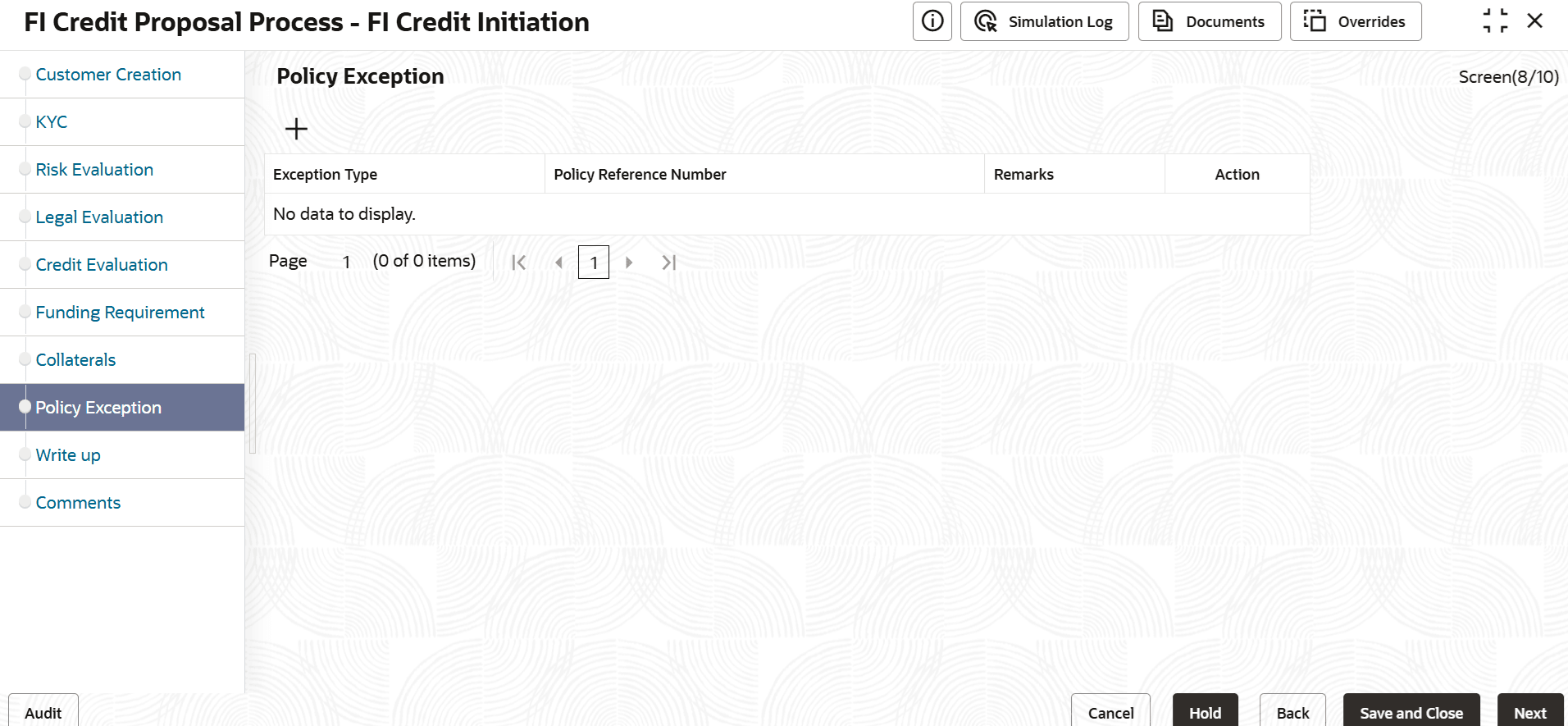
Description of "Figure 3-81 Credit Initiation_Policy Exception"By default, policy exceptions are displayed for both the party and its child party.
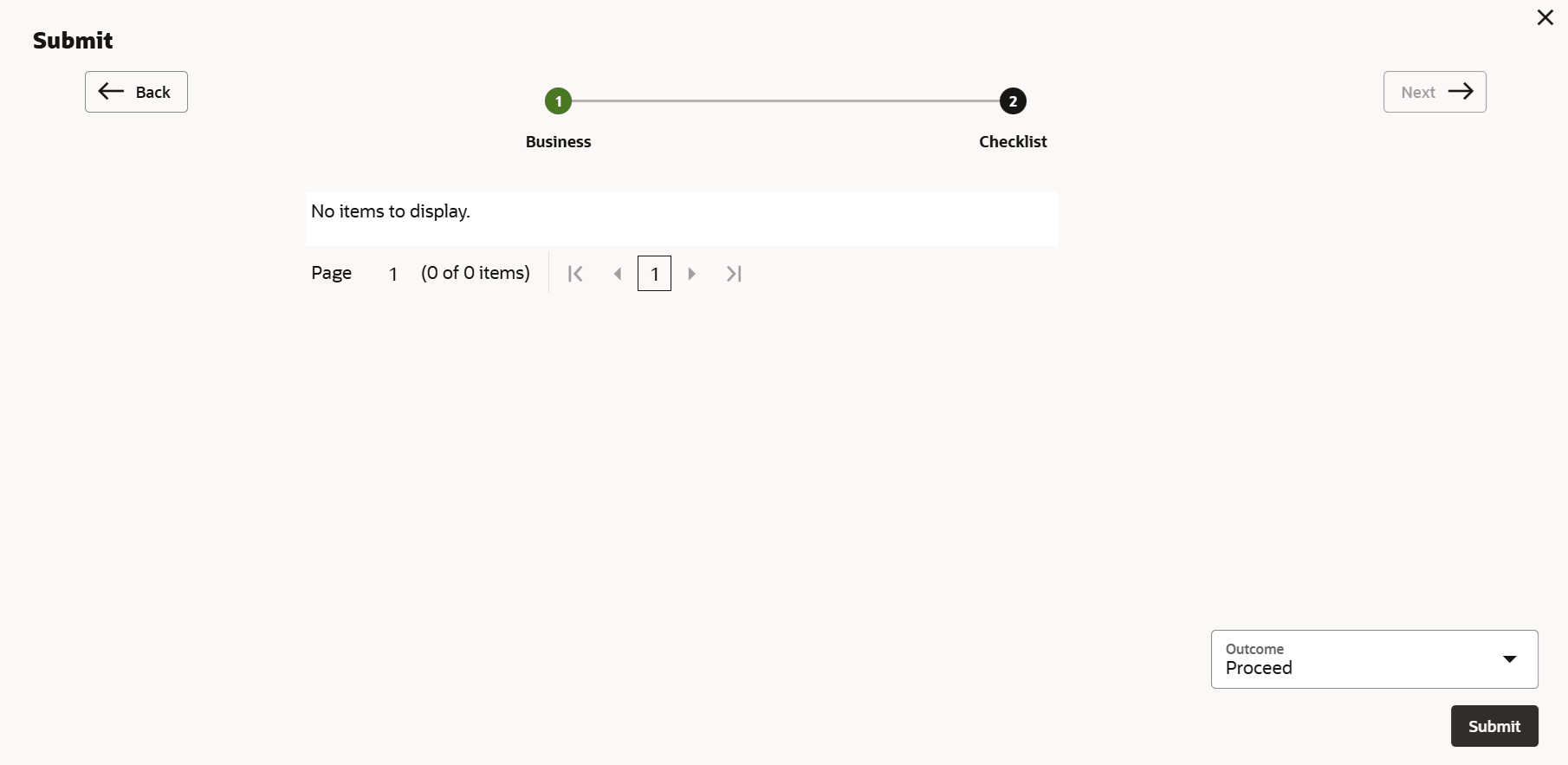
- Click the Checklist data segment.
Parent topic: Credit Initiation