14.7 Close Records (Event Mapping/ E-mail template/ E-Mail Configuration)
This topic provides systematic instructions about the procedure to close Event Mapping, E-mail template, and E-Mail Configuration records.
User can close the Event Mapping, E-mail template, and E-Mail Configuration
records that are no longer required. To perform this action, the record must be in an
authorized state. Unauthorized records can be closed only by the maker of the
record.
Note:
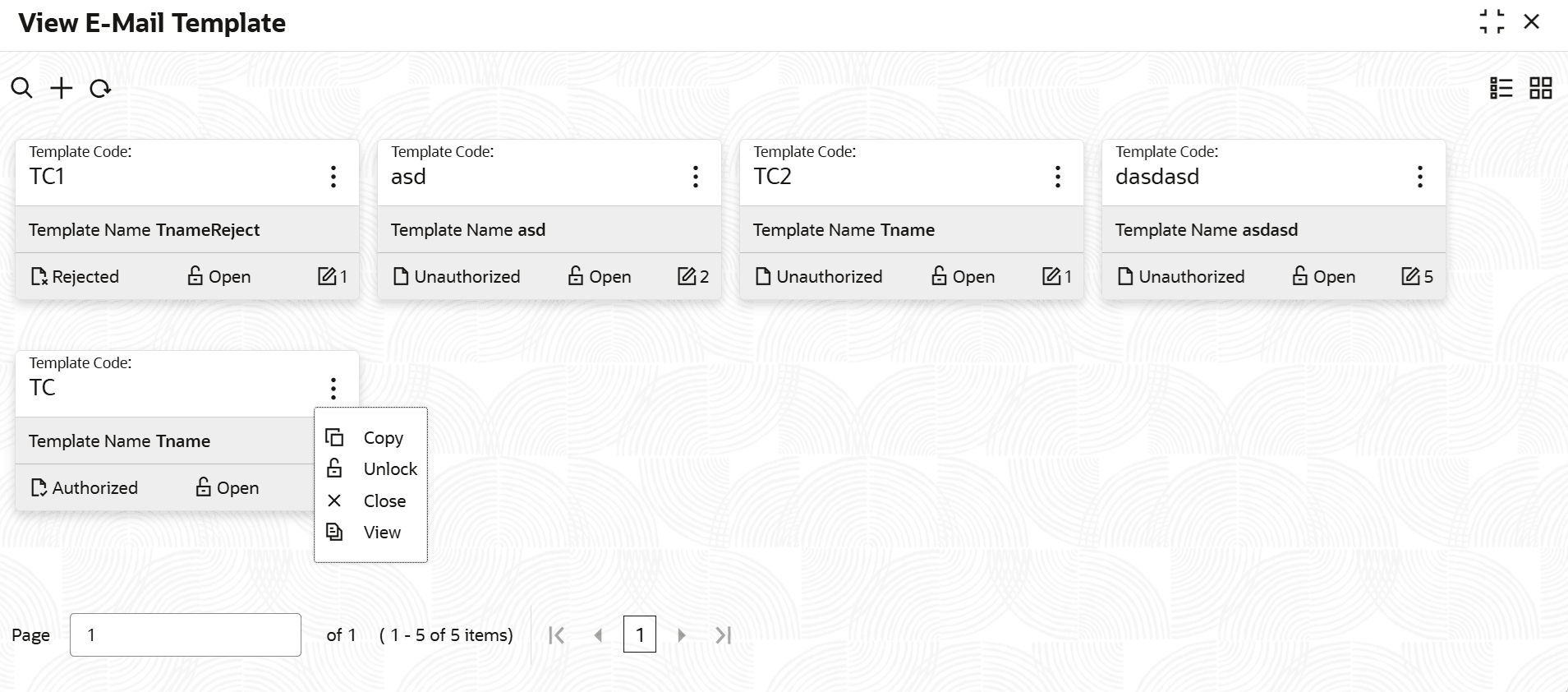
Authorization is required for closing the record.In the View Event Mapping or View E-Mail
Template or View E-Mail Configurations screen:
Figure 14-15 View Email template
Parent topic: Notifications