14.6 Modify E-Mail Configuration Record
This topic provides systematic instructions about the procedure to modify an E-mail configuration record.
To modify the E-mail configuration record, the record must be in an authorized
state. The unauthorized record can be modified only by the user who created the
record.
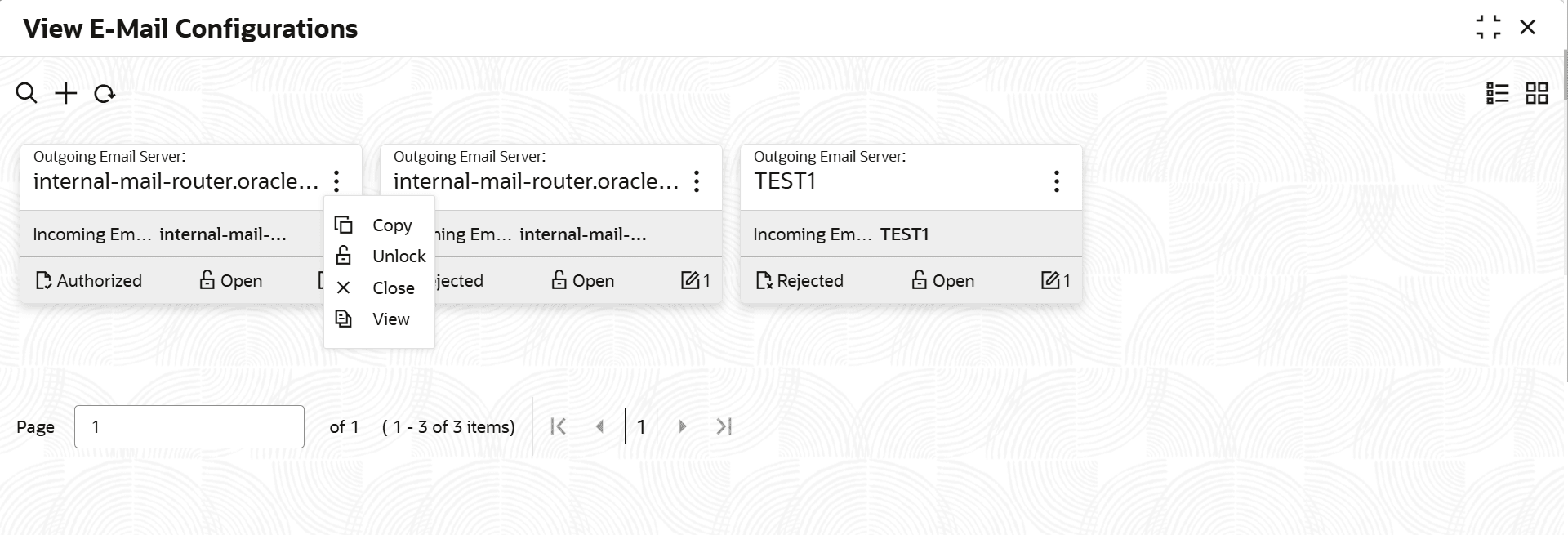
- Under Maintenance, select Notifications. Under
Notifications, select View E-Mail Configurations.The View E-Mail Configurations screen is displayed.
Parent topic: Notifications