5.1 Create Financial Document Template

This topic provides systematic instructions about the procedure to create a financial document template.

The Create Financial Document Template screen provides an option to define new template for the financial document.
  1. From Home screen, select Credit Facilities. Under Credit Facilities, select Maintenance.
  2. Under Maintenance, select Financial Document Template. Under Financial Document Template, select Create Financial Document Template.
    The Create Financial Document Template screen is displayed.

    Figure 5-1 Create Financial Document Template


  3. Select or provide financial document template details based on description in the following table.

    Table 5-1 Create Financial Document Template - Field Description

    Field Description
    Sector Code Select the Sector Code for associating with the template to be defined.
    Industry Code Select the Industry Code for associating with the template to be defined.
    Sub Industry Code Select the sub-industry code for associating with the template to be defined.
    Financial Year Select the Financial Year for which you want to define the template.
    Balance Sheet Size -From Specify the minimum balance sheet size for which the template is applicable.
    Balance Sheet Size -To Specify the maximum balance sheet size for which the template is applicable.
  4. Click Fetch.
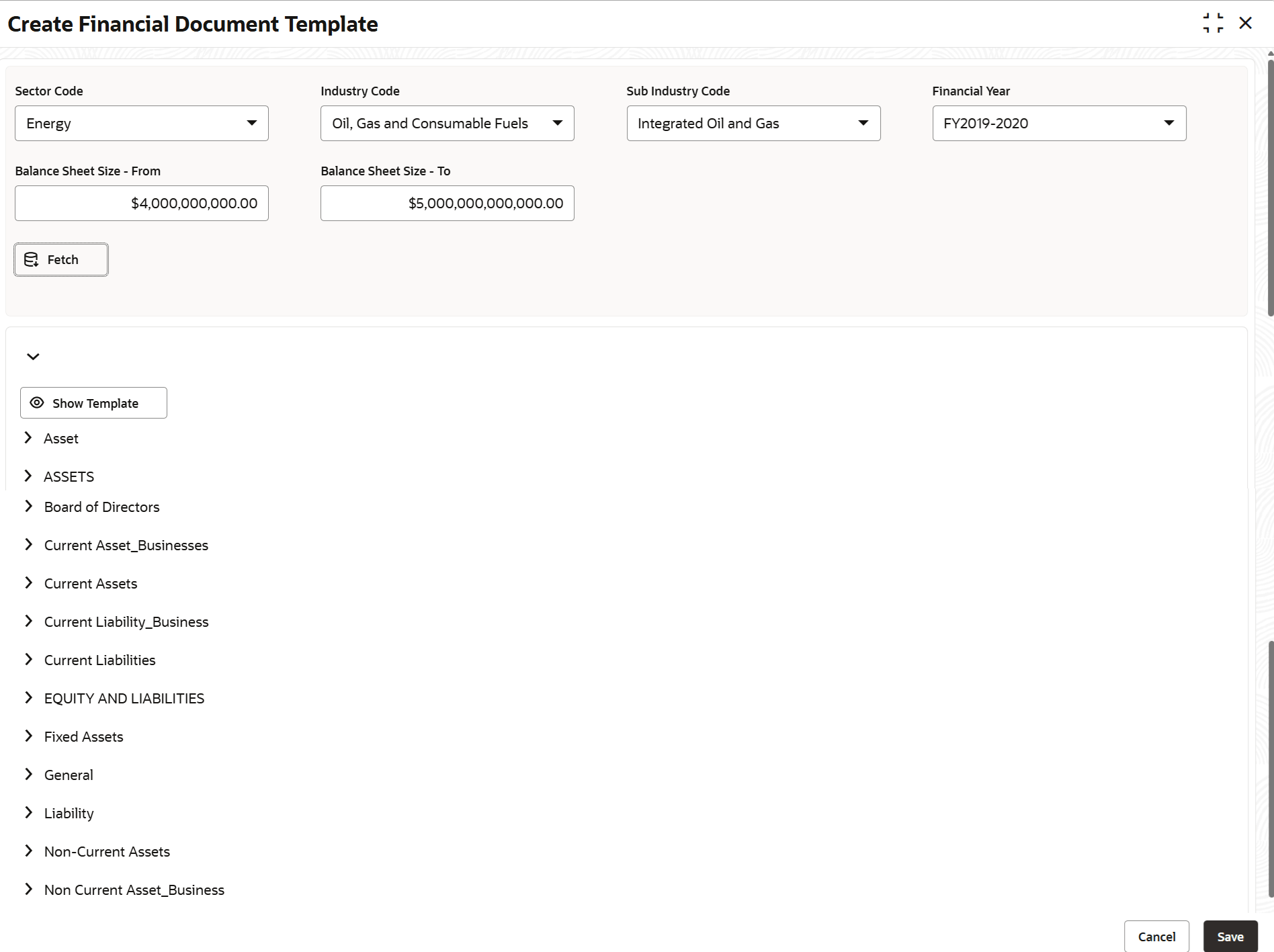
    All the financial categories maintained in Financial Category Maintenance screen are displayed as shown below.

    Figure 5-2 Create Financial Document Template - Financial Categories


  5. Click and expand the required financial category.
    Sub-categories of the financial categories maintained in Financial Code Maintenance screen are displayed.
  6. Click and expand the required sub-category.
    Financial codes are displayed as shown below.

    Figure 5-3 Create Financial Document Template - Sub-Category


  7. Remove the financial codes that are not required.
  8. After removing the financial codes from all the financial categories, click Show Template.
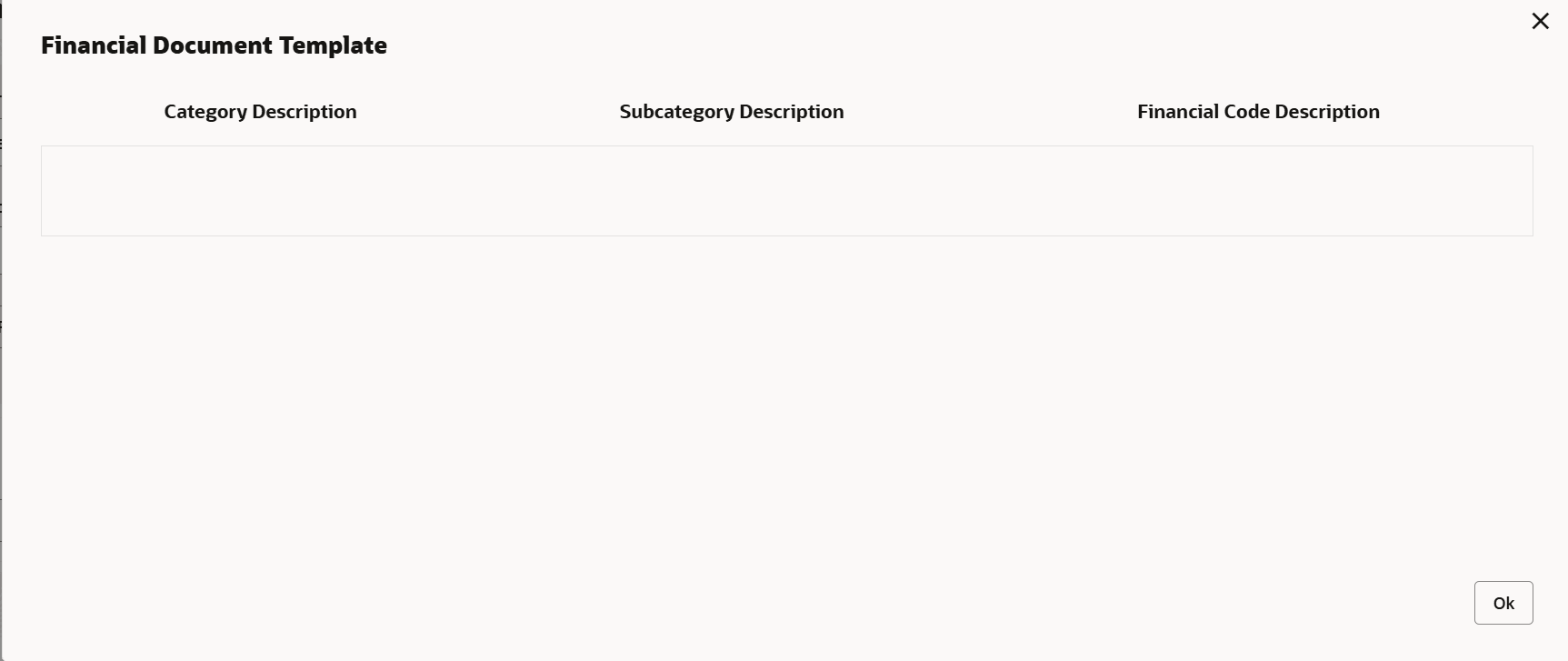
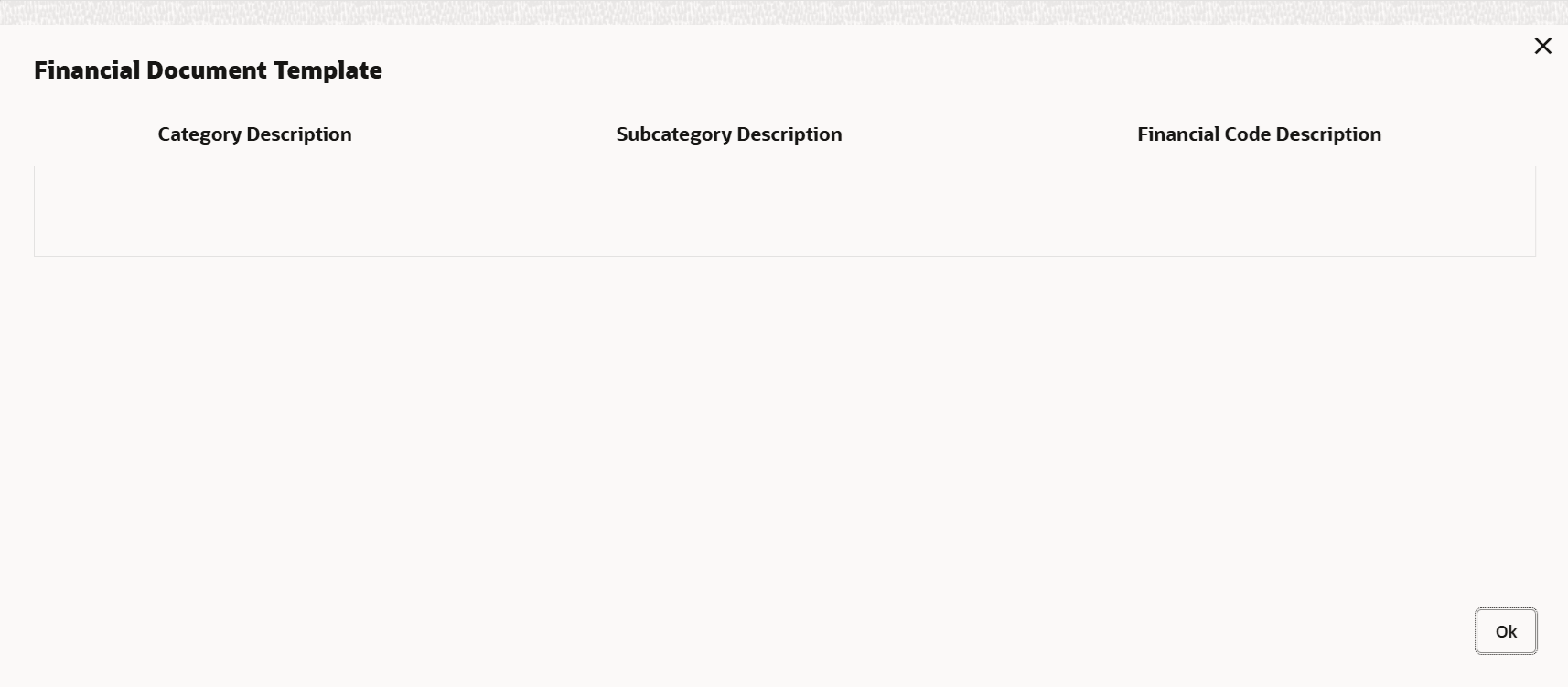
    The financial document template is displayed as shown below.
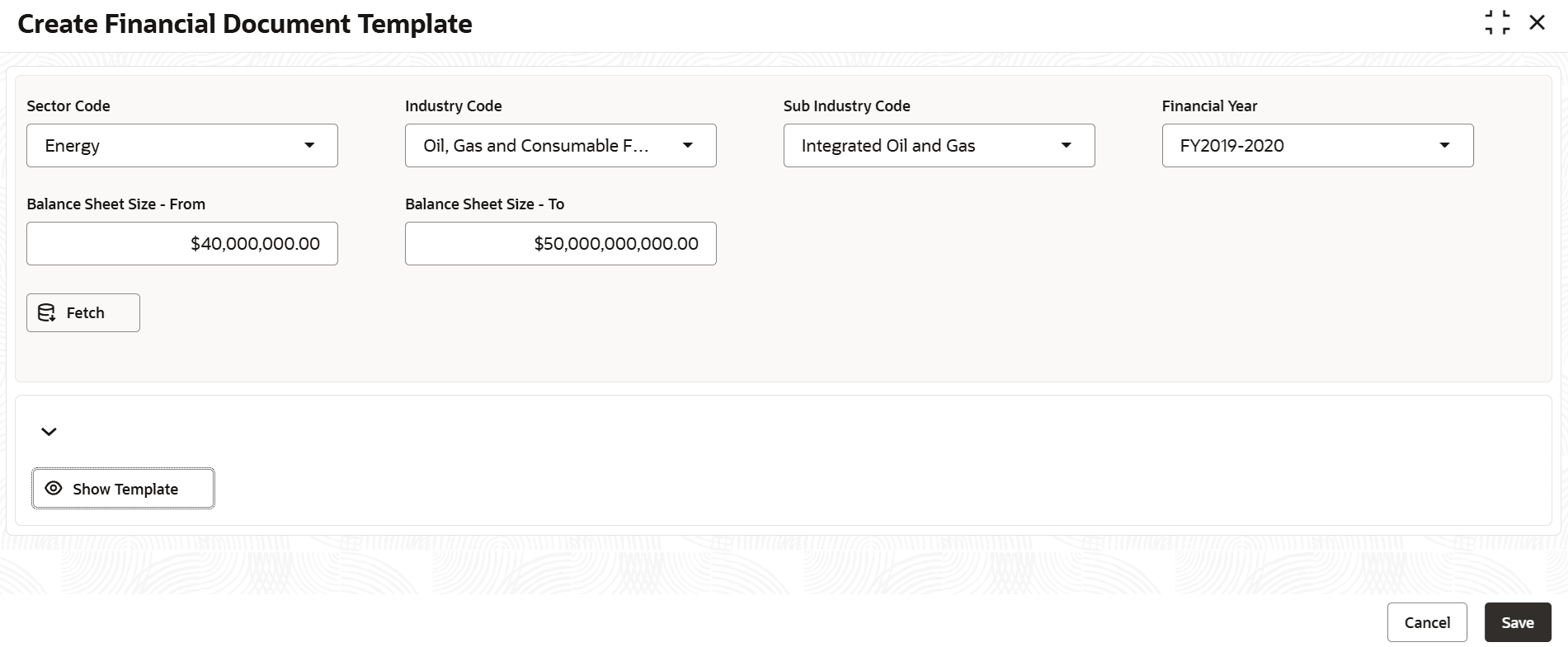
    Figure 5-4 Financial Document Template


  9. View the template and click OK.
    The template is closed.
  10. Click Save in the Create Financial Document Template screen.
    The template will be created upon authorization.