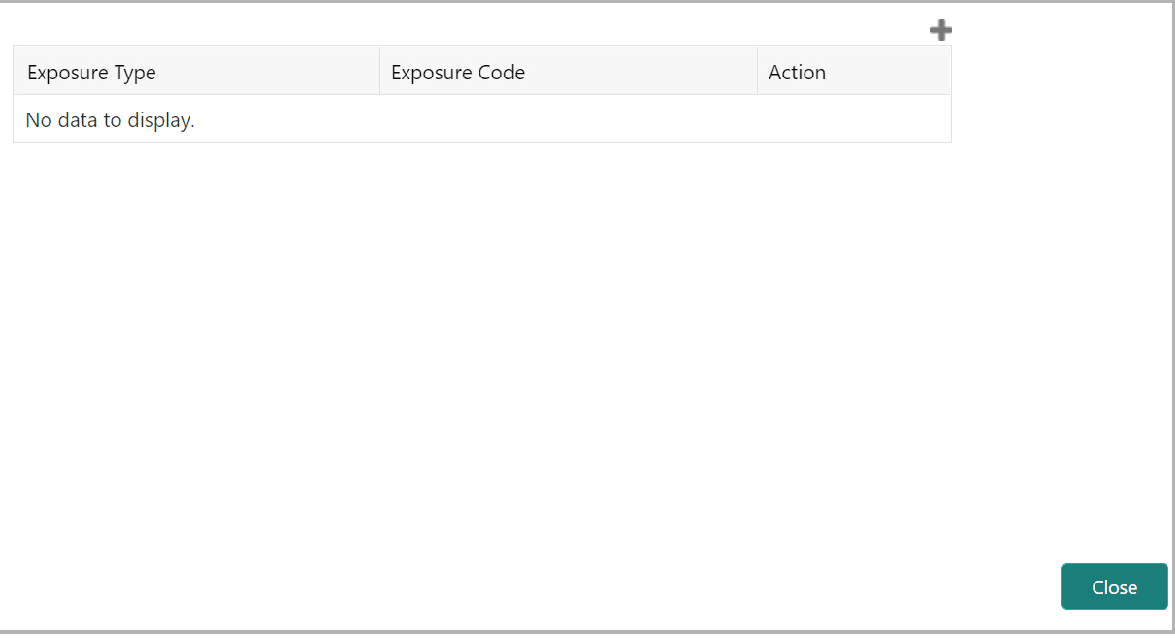
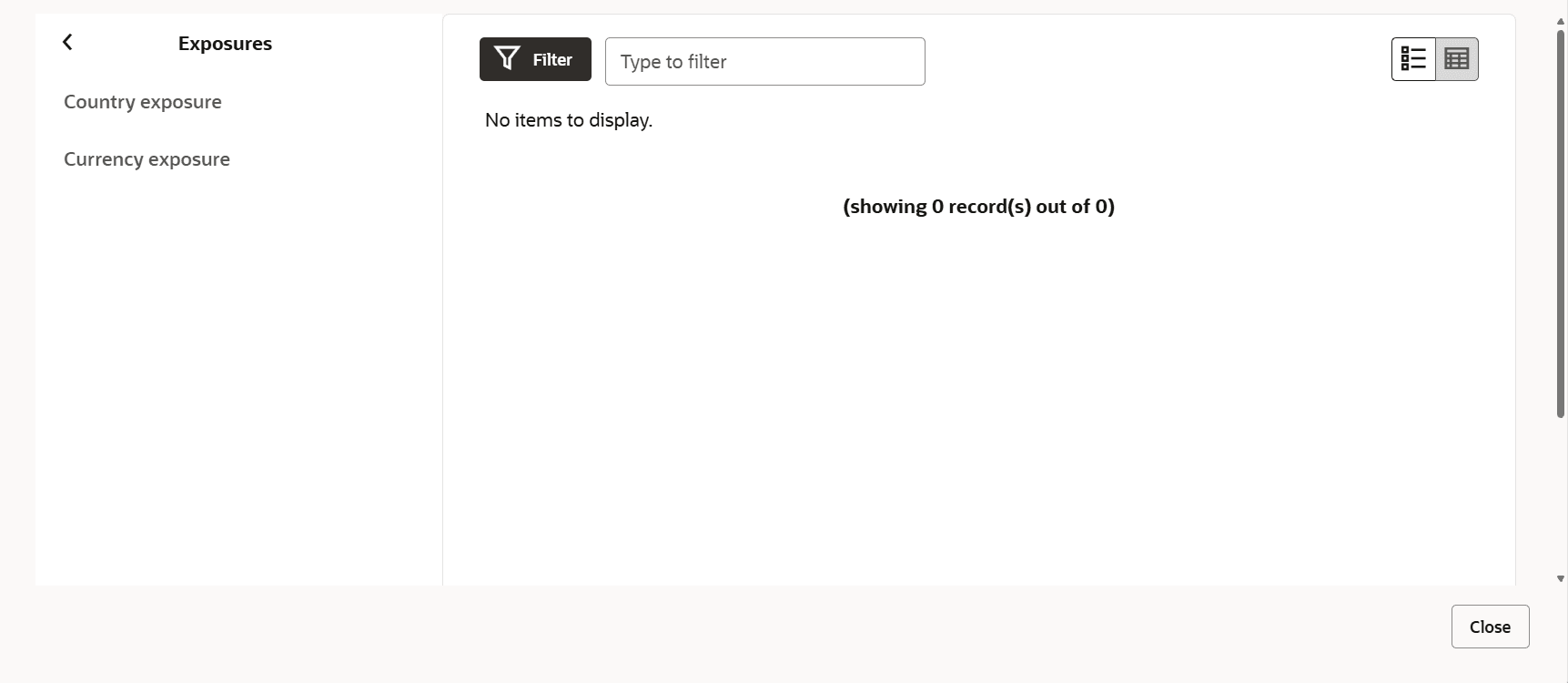
3.26 Adding Exposure Details Click Exposure from the left menu to capture exposure information. Figure 3-54 Adding Exposure DetailsDescription of "Figure 3-54 Adding Exposure Details" You can associate any exposure maintained in OBELCM to the facility for tracking purpose. Click the + (add) icon. A record is created for capturing the exposure details. Type the Exposure Type and Exposure Code for the facility. To add another exposure type and code, click the + (add) icon again. Figure 3-55 Adding Exposure Details Description of the illustration exposures.png To delete the exposure record, click the Delete icon in the Action column. Parent topic: Proposal Initiation